/
−−−−−<MODE MENU>−−−−−
07−06−13
13:47
MODEL:EL4121
T/P COMPEN.
RUN |SET |SYS |
MODE|MODE|MODE|
/
−−−<PASSWORD SET>−――−
Input Password !
0000
−−−−−−−<INPUT>−−−−−−−
CAN−| | |
CEL| | |ENTR
/
−−−<PASSWORD SET>−−――
Input Password !
PASS WORD INPUT ERROR
0000
−−−−−−−<INPUT>−−−−−−−
CAN−| | |
CEL| | |ENTR
/
−−−−−<MODE MENU>−−−−−
07−06−13
13:47
MODEL:EL4121
T/P COMPEN
RUN |SET |SYS |
MODE|MODE|MODE|
E-880TM-3-E
0
4.3.1 When Password Setting is ON
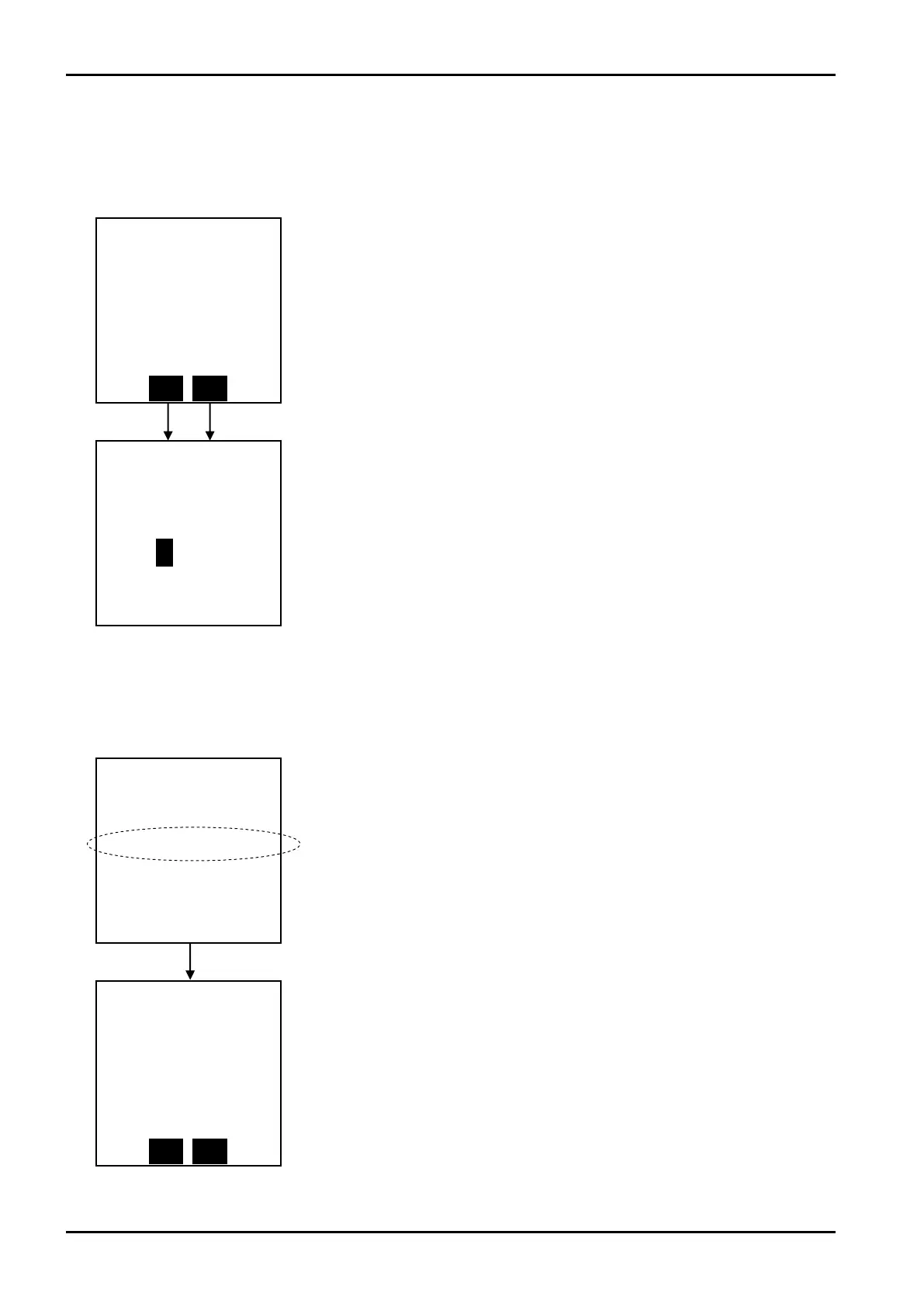
When the password setting is ON, some labels indicating the functions of function keys appear
highlighted. (About the password setting, see the section on PASSWORD SETTING for the SYS mode.)
If a new password that has just been entered proves to be unacceptable upon function key “ENTR”
depression, the following message will appear.
←Mode select menu screen
When the user attempts to switch to the SET mode or SYS mode from this status,
a screen asking the user for a password appears as shown below.
(Switching to the RUN mode does not raise this inquiry.)
←Password entry screen
Move the cursor with the left arrow and right arrow keys; increase or decrease the
numerical value with the up arrow and down arrow keys. When a desired
numerical value appears, establish it at the touch of the function key “ENTR”.
If the numerical value entered agrees with the value set in the SET mode,
switching to the mode desired takes place. If not, an error message appears as
shown below and the screen goes back to the mode select menu screen.
←Password entry error message
If the numerical value entered fails to agree with the value set in the SET mode, an
error message appears and the screen goes back to the mode select menu
screen.








 To Next Page