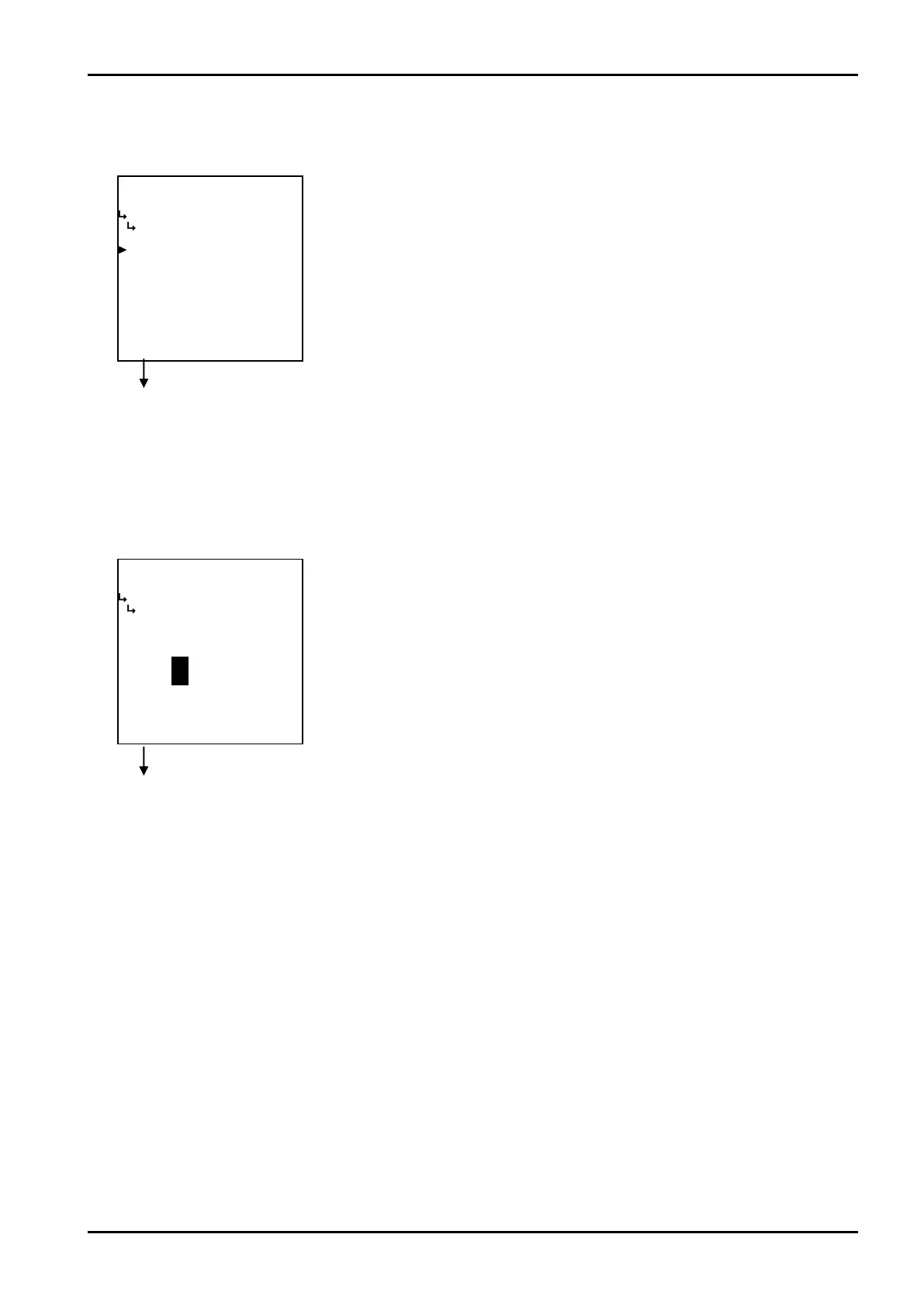
−−−−−<SYS MODE>−−−−−−
PASSWORD
LOCK
ON
1:ON
2:OFF
−−−−−−<SELECT>−−−−−−−
|CAN−| |
EXIT| CEL| |ENTR
−−−−−<SET MODE>−−−−−−
PASSWORD
PASSWORD SET
0000
0000
−−−−−−−<INPUT>−−−−−−−
|CAN−| |
EXIT| CEL|CLER|ENTR
E-880TM-3-E
11
① Password lock selection (LOCK)
To enable the password function or disable it is selected at this screen.
Password setup submenu screen p. 150
Password setup submenu screen p. 150
② Password numerical value setup (PASSWORD SET)
Password's numerical value is set up here. Acceptable password is a four-digit number using digits
0 to 9.
←Lock option select
For details of option setup. See “(2) Option select setup screen (SELECT)” on
page 46.
※ To minimize the risk of configuration modifications by inadvertent
operation, use the password to the fullest extent possible.
※ Depending on your option selected, different items will be shown on the
submenu.
←Numerical entry of password
For details of numerical value input setup, see “(1) Numerical value setup screen
(INPUT)” on page 43.
※ In the SYS mode, this item is not shown unless the password lock select
(① Password lock option setup (LOCK) on page 151) is set to “OFF”.
※ If you leave this setup procedure undone with password lock setup “ON”,
the setting will remain at “1111”.








 To Next Page