/
−−−−−<SET MODE>−−−−−−
TEMP. INPUT
BASE SCALE
−5.00000E+1
−5.00000
E+1
−−−−−−−<INPUT>−−−−−−−
|CAN−| |
EXIT| CEL|CLER|ENTR
/
−−−−−<SET MODE>−−−−−−
TEMP. INPUT
BASE SCALE
−5.00000E+1
−5.00000
E+1
−−−−−−−<INPUT>−−−−−−−
|CAN−| |
EXIT| CEL|CLER|ENTR
/
−−−−−<SET MODE>−−−−−−
TEMP. INPUT
BASE SCALE
−5.00000E+1
―5.00000
E+1
−−−−−−−<INPUT>−−−−−−−
|CAN−| |
EXIT| CEL|CLER|ENTR
/
−−−−−<SET MODE>−−−−−−
TEMP. INPUT
BASE SCALE
−5.00000E+1
−4.00000
E+1
−−−−−−−<INPUT>−−−−−−−
|CAN−| |
EXIT| CEL|CLER|ENTR
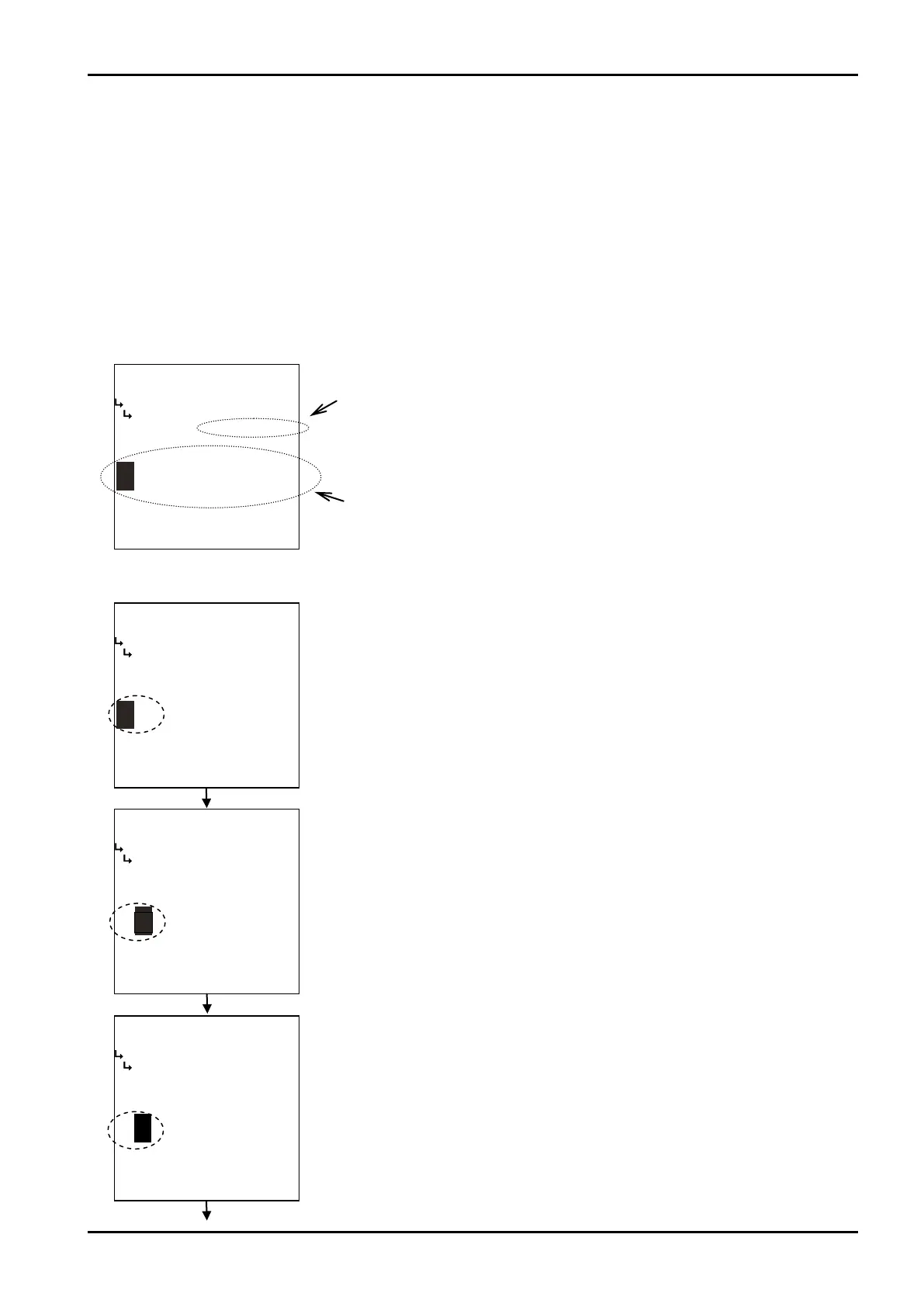
Example: Modifying the baseline of temperature input 1 from -50℃ to -30℃ .
E-880TM-3-E
3
(1)Numerical value setup screen (INPUT)
When an item of numerical value setup is chosen at a submenu, this screen appears.
The user enters a new setting of numerical value and establishes it on this screen.
First, the current value is changed in the numerical value edit field. To do this, move the cursor with the
left arrow and right arrow keys; increase or decrease the numerical value with the up arrow and down
arrow keys. (Signs “+”and “-”appear alternately at touch of the key.)
Pressing the function key “ENTR”establishes the new value indicated in the numerical value edit field.
Pressing the function key “EXIT”causes the screen to go back to the submenu screen and the baseline
setup for temperature input 1 is now complete.
Example: The baseline of temperature input 1
Current setting
Numerical value edit field
←A screen after an item selection
Selecting the baseline at the temperature input submenu brings up this screen.
←Numerical value edit
The current numerical value can be changed in the numerical value edit field.
Move the cursor to a desired value with the left arrow and right arrow keys;
increase or decrease the value with the up and down arrow keys.
←Numerical value edit
Increase or decrease the numerical value with the up and down arrow keys.








 To Next Page