/
−−−−−<SET MODE>−−−−−−
MEASURE. TYPE
COUNT
1:COUNT
2:PERIOD
−−−−−−<SELECT>−−−−−−−
|CAN−| |
EXIT| CEL| |ENTR
/
↑−−−−<SET MODE>−−−−−−
・MAX.PERIOD
+5.00000 E+1
・MEASURE.NUMBER.
+1.00000 E+0
・INTERPOLATION
OFF
・REF. OSCILLATOR
+0.00000 E+0
−−−−−<SUB MENU>−−−−−
MAIN| | |
MENU| | |ENTR
E-880TM-3-E
8
⑤ Instant flowrate measure. - max. period setup (MAX. PERIOD) p. 70
⑥ Instant flowrate measure. - number of measurement cycles setup
(MEASURE NUMBER) p. 70
⑦ Instant flowrate measure. - interpolation setup (INTERPOLATION) p. 70
⑧ Instant flowrate measurement - ref. oscillator correction factor setup
(OSCILLATOR) p. 71
Submenu item
Instant measurement type ※ COUNT PERIOD
Low cutoff frequency Displayed Displayed
Measurement count stop Displayed Displayed
Smoothing factor Displayed Displayed
Max. period setup Hidden Displayed
No. of meas. cycles setup Hidden Displayed
Measure. Interpolation setup Hidden Displayed
Ref. oscillator corr. factor Hidden Displayed
Conditions to show submenu items
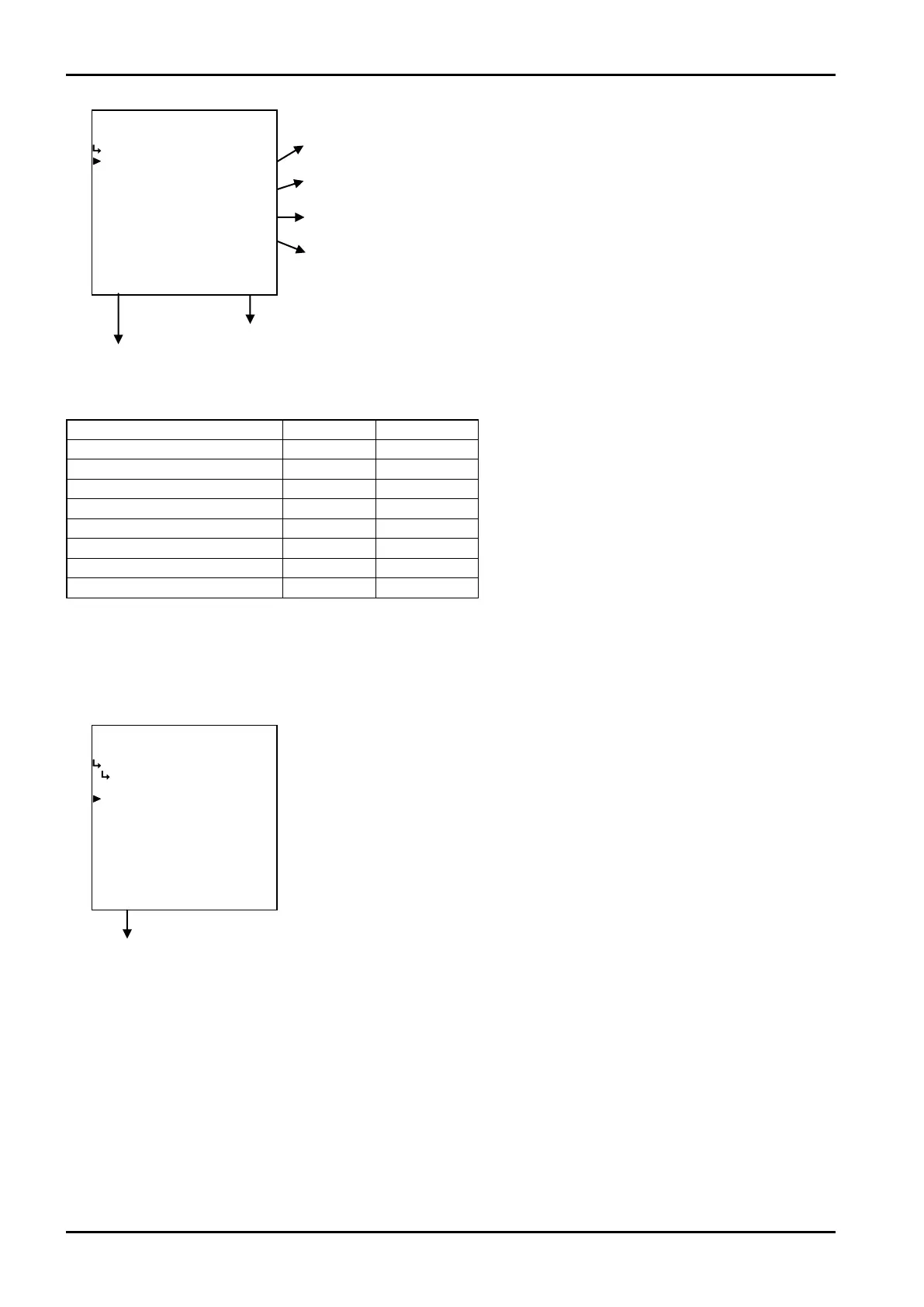
① Instant flowrate measurement - type setup (MEASURE. TYPE)
The instant flowrate measurement type is set up here.
※:Conditions for selecting on-screen information
Instant flowrate measurement submenu screen p. 67
To the setup screen pointed by the cursor
SET mode main menu screen ⇒ 6.2 SET mode main menu screen p. 36
←Measurement type option select
For details of options setup, see “(2) Option select setup screen (SELECT)” on
page 46.
Frequency measurement (COUNT) or period measurement (PERIOD) is selected.








 To Next Page