−−−−−<SYS MODE>−−−−−−
TOTAL COUNT RESET
COUNT RESET
TOTAL COUNT
0
TOTAL COUNT(C)
0
−−−−<COUNT RESET>−−−−
|CAN−| |
EXIT| CEL| |CLER
−−−−−<SYS MODE>−−−−−−
TOTAL COUNT RESET
POWER ON RESET
ON
1:ON
2:OFF
−−−−−−<SELECT>−−−−−−−
|CAN−| |
EXIT| CEL| |ENTR
−−−−−<SYS MODE>−−−−−−
TOTAL COUNT RESET
・POWER ON RESET
ON
・COUNT RESET
−−−−−<SUB MENU>−−−−−
MAIN| | |
MENU| | |ENTR
E-880TM-3-E
10
7.4.9 Total Count Reset Setup (TOTAL COUNT RESET)
Whether to enable power-on reset for total counter reading or not is set up here.
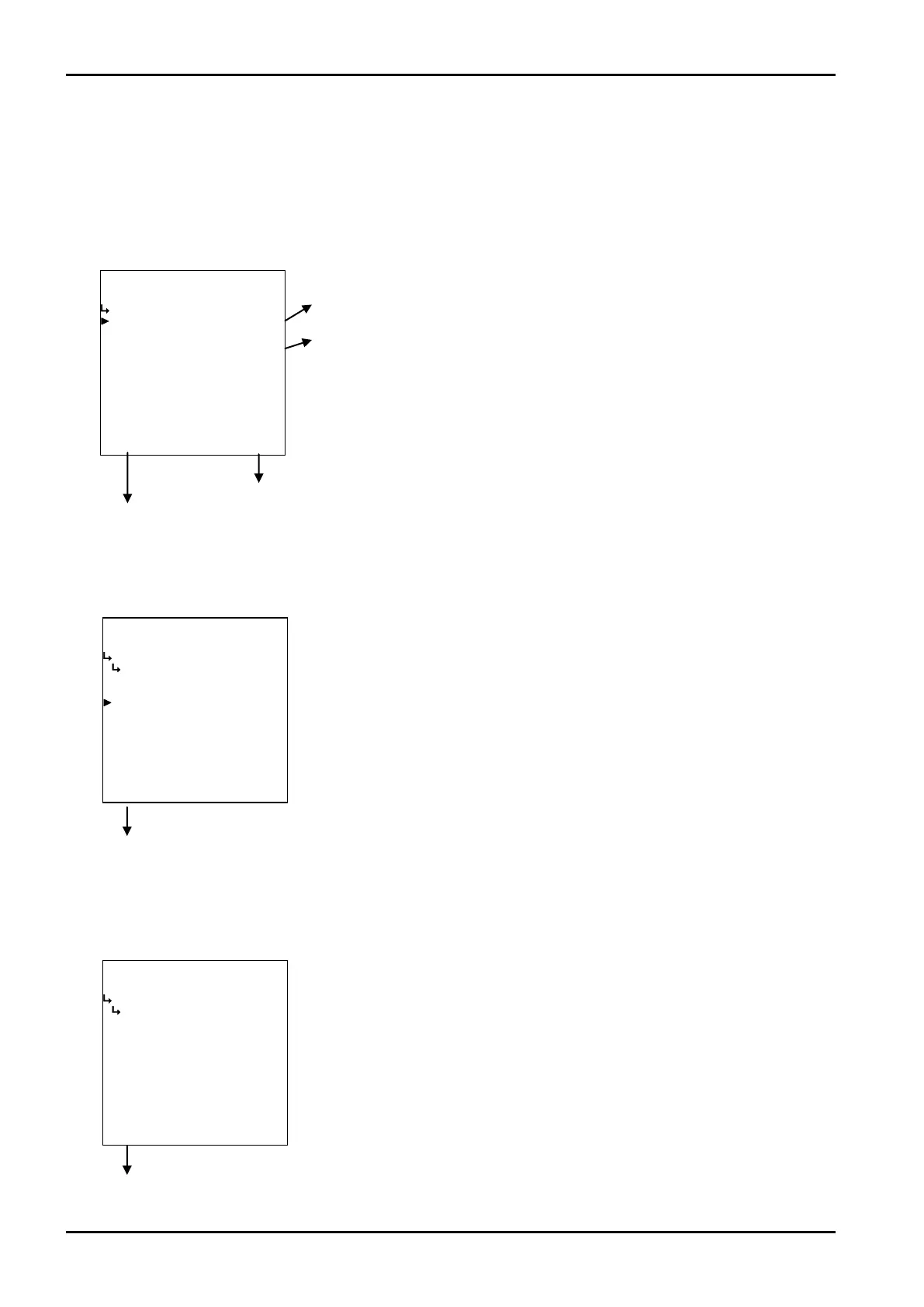
(1)Total count reset submenu screen
At the submenu, move the cursor to the desired setup item with the up and down arrow keys.
At the touch of ( function key “ENTR”, the screen switches to the desired setup screen.
① Total count reset - power on reset select (POWER ON RESET) p. 160
② Total count reset (COUNT RESET) p. 160
Total count reset submenu screen p. 160
To the setup screen pointed by the cursor
7.1.1 SYS mode main menu screen p. 142
① Total count reset - power on reset select (POWER ON RESET)
Whether to enable power-on reset for total counter reading or not is set up here.
Total count reset submenu screen p. 160
② Total count reset (COUNT RESET)
Total count can be reset at this menu screen.
←Reset option select
For details of option setup, see “(2) Option select setup screen (SELECT)” on
page 46.
←Total count reset select
Pressing function key “CLER” resets total count readings to “ 0 ”.
Close the screen at the touch of function key “EXIT”.
※ By pressing function key “CANCEL”, you can cancel the reset that has
just been made (restoring your previous setting) and terminate this
procedure.








 To Next Page