/
−−−−−<SET MODE>−−−−−−
LOW−CUT FRQ.
+0.00000 E+0
+0.00000
E+0
−−−−−−−<INPUT>−−−−−−−
|CAN−| |
EXIT| CEL| |ENTR
/
−−−−−<SET MODE>−−−−−−
COUNT STOP
OFF
1:ON
2:OFF
−−−−−−<SELECT>−−−−−−−
|CAN−| |
EXIT| CEL| |ENTR
/
−−−−−<SET MODE>−−−−−−
SMOOTHING COEF.
+5.00000 E+1
+5.00000
E−1
−−−−−−−<INPUT>−−−−−−−
|CAN−| |
EXIT| CEL| |ENTR
/
−−−−−<SET MODE>−−−−−−
LOW−CUT FRQ.
+0.00000 E+0
+0.00000
E+0
−−−−−−−<INPUT>−−−−−−−
|CAN−| |
EXIT| CEL| |ENTR
/
−−−−−<SET MODE>−−−−−−
COUNT STOP
OFF
1:ON
2:OFF
−−−−−−<SELECT>−−−−−−−
|CAN−| |
EXIT| CEL| |ENTR
/
−−−−−<SET MODE>−−−−−−
SMOOTHING COEF.
+5.00000 E+1
+5.00000
E−1
−−−−−−−<INPUT>−−−−−−−
|CAN−| |
EXIT| CEL| |ENTR
E-880TM-3-E
④
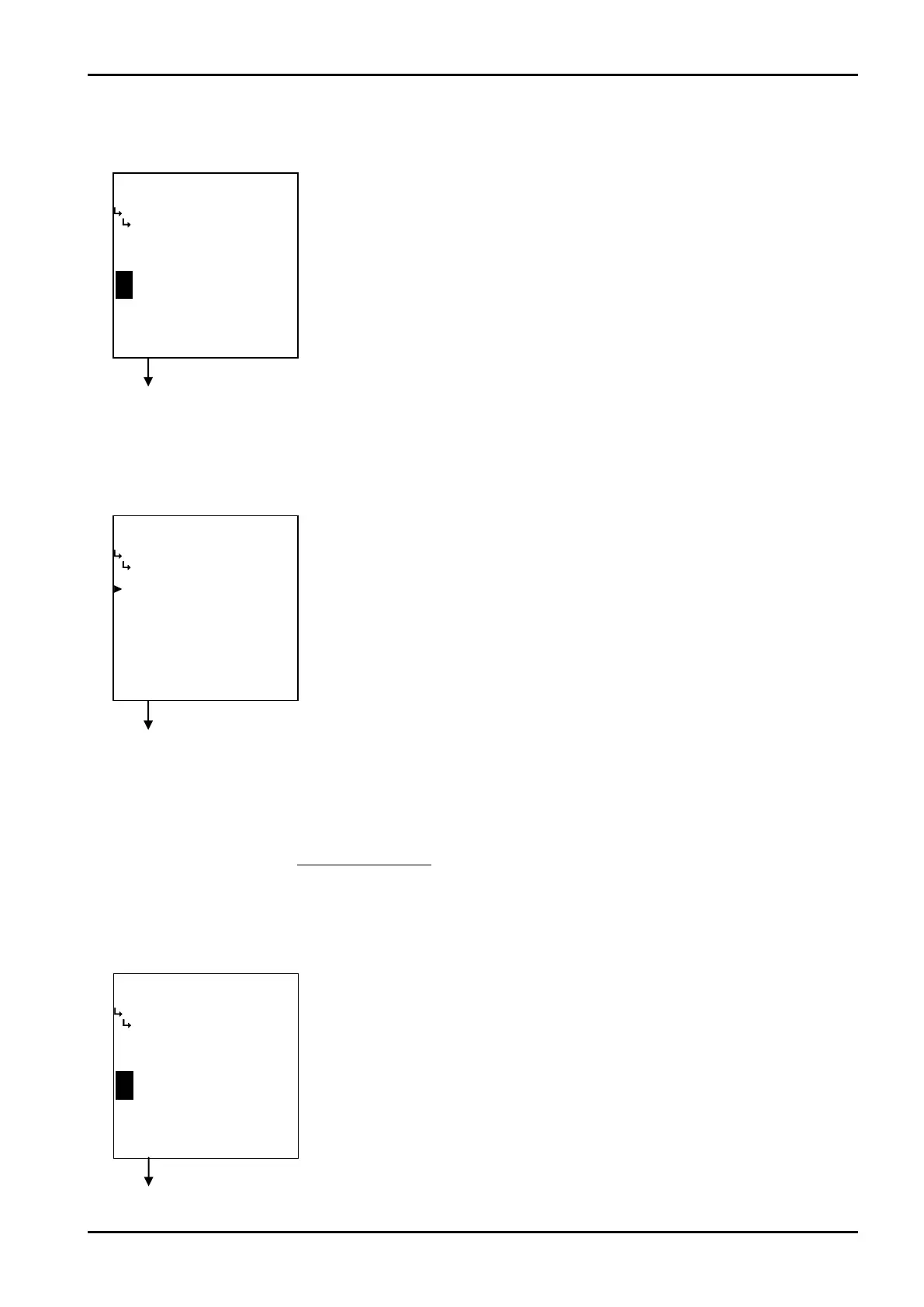
Instant flowrate measurement - smoothing factor setup (SMOOTHING COEF.)
The smoothing factor is set up here.
Smoothing factor K=1-
② Instant flowrate measurement - low cutoff frequency (LOW-CUT FRQ.)
The count stop in instant flowrate measurement is set up here.
Instant flowrate measurement submenu screen p. 67
③ Instant flowrate measurement - count stop setup (COUNT STOP)
The count stop in instant flowrate measurement is set up here.
Instant flowrate measurement submenu screen p. 67
1
Time constant(s)
※ Time constant is the time required for the indicated reading to reach 63% of the final level;
it reaches 86% after in twice the time duration of time constant and 95% in three times the
time duration of time constant.
←Numerical value input setup
For details of numerical value input setup, see “(1) Numerical value input setup
screen (SELECT)” on page 43.
※ The unit to be set up here is “Hz”. Make sure of the unit before you set up.
←Count stop option selection setup
For details of selecting options setup, see “(2) Option select setup screen
(SELECT)” on page 46.
Count interruption (ON) or count uninterrupted (OFF) is selected.
With this setting in the “ON”, counting is interrupted whenever the frequency of
incoming pulse input falls below the low cutoff frequency.
Instant flowrate measurement submenu screen p. 67
←Numerical value input setup
For details of numerical value input setup, see “(1) Numerical value setup screen
(INPUT)” on page 43.
※ Do not enter a negative value in the integer part of setting, or it will cause
erratic operation.








 To Next Page