−−−−−<SYS MODE>−−−−−−
SIMULATE
ANA.OUT1
+0.00000 E+0
(V)
+0.00000
E+0
−−−−−−<INPUTT>−−−−−−−
| | |
EXIT|CLER|ENTR| mA
−−−−−<SYS MODE>−−−−−−
SIMULATE
・ANA.OUT1
+0.00000 E+0
−−−−−<SUB MENU>−−−−−
MAIN| | |
MENU| | |ENTR
E-880TM-3-E
13
7.4.3 Simulated Analog Output (SIMULATE)
A simulated analog output is set up here.
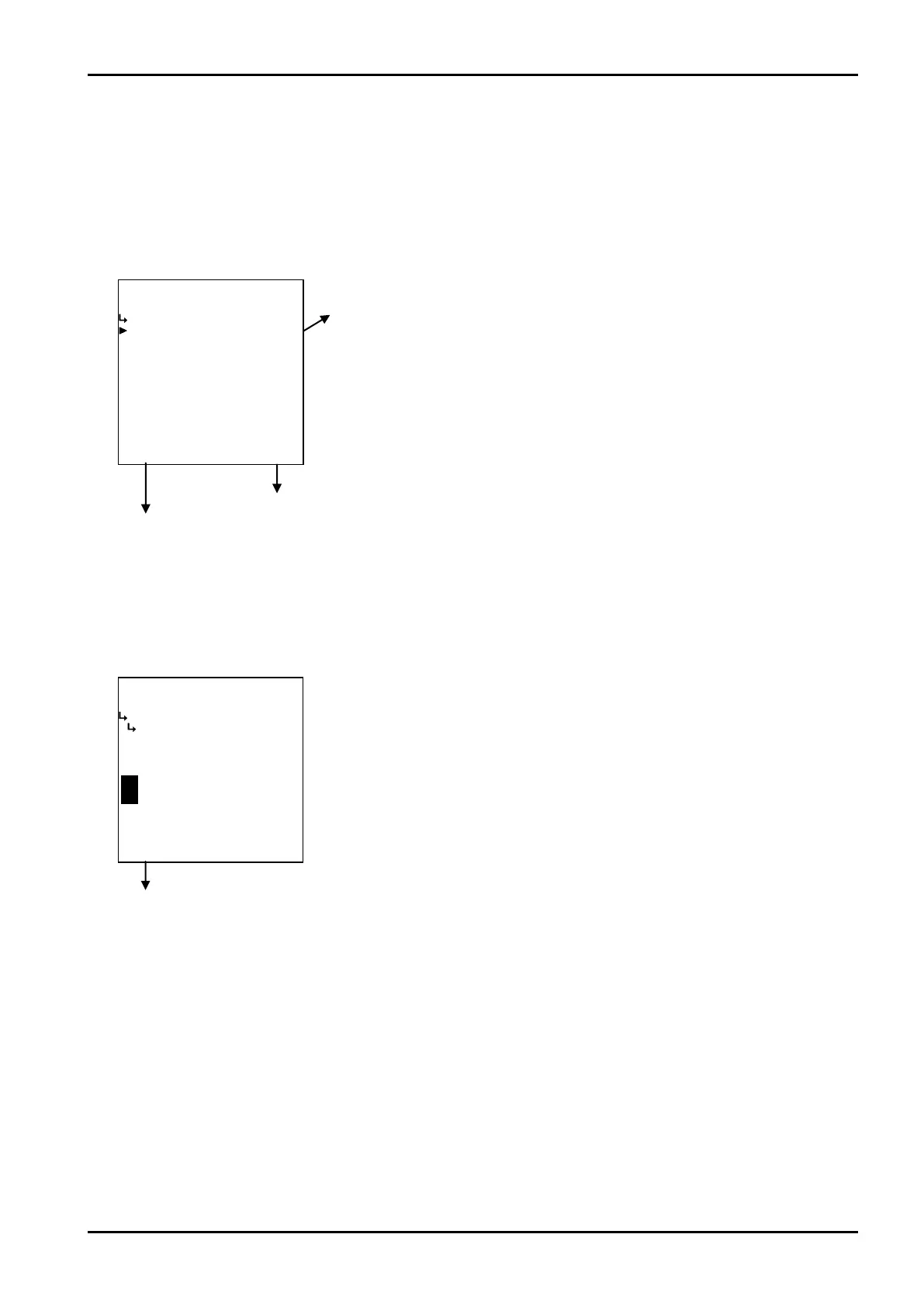
(1)Simulated analog output submenu screen
At the submenu, move the cursor to the desired item with the up and down arrow keys.
At the touch of function key “ENTR”, the screen switches to the desired setup screen.
① Analog output (ANA. OUT) p. 153
Simulated analog output
submenu screen p. 153
To the setup screen pointed by the cursor
77.1.1 SYS mode main menu screen p. 142
① Analog output 1 (ANA. OUT 1)
A simulated analog output level is set up here.
※ The acceptable settings range from 3.5 to 22mA. If your setting exceeds this range, an
inaccurate or erratic output may result.
←Numerical value setup
Pressing function key labeled “mA” while it appears enables you to set up values
of current magnitude (mA). Pressing function key “V” while it appears enables you
set up values of voltage magnitude (V). (The screen at left shows the voltage
setup screen.)
Move the cursor to the desired figure place in the numerical value edit field (4x
size characters) with the left and right arrow keys; increase or decrease the value
with the left and right arrow keys until the desired setting is obtained.
At the touch of function key “ENTR”, the current setting indicated is replaced by
the new setting desired for the output.
For details of numerical value input setup, see “(1) Numerical value setup screen
(INPUT)” on page 43.
By so doing, analog output is provided in proportion to the setting.








 To Next Page