/
−−−−−<PARA SET>−−−−−−
DENSITY
・UNIT
g/cm3
・DENSITY
+1.00000 E+3
−−−−−<SUB MENU>−−−−−
MAIN| | |
MENU| | |ENTR
/
−−−−−<PARA SET>−−−−−−
DENSITY
・UNIT
g/cm3
・DENSITY
+1.00000 E+3
SETTING OVERFLOW
−−−−−<SUB MENU>−−−−−
MAIN|CAN−| |
MENU| CEL| |ENTR
−−−−−<PARA SET>−−−−−−
OILKIND
TYPE
CRUDE
1:CRUDE
2:FUEL
3:LUBE
−−−−−−<SELECT>−−−−−−−
|CAN−| |
EXIT| CEL| |ENTR
E-880TM-3-E
18
(1)Range check at density and viscosity setup
Run a range check before setting up the density and viscosity at the PARA SET mode screen. If found
out of range, a prompter message appears; you cannot close the parameter setup screen unless the
setting entered falls within the acceptable range. If such is the case, by setting an acceptable value or
pressing CANCEL, you can close the screen without changes, leaving your previous setting unchanged.
Density and viscosity setting ranges are set up in the SET mode.
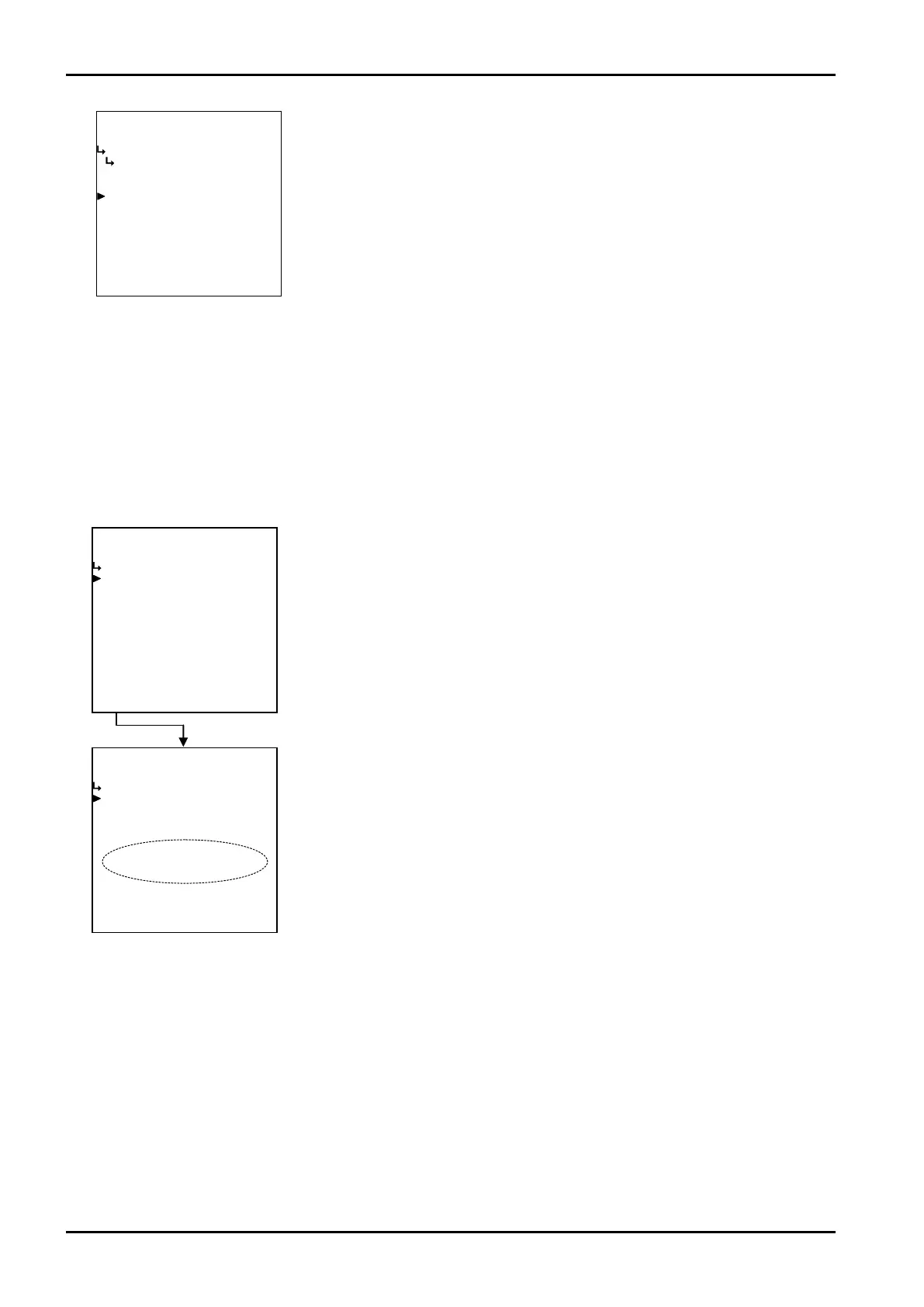
←Oil kind submenu screen
←Density setup submenu screen
Upon completion of numerical or measuring unit setup, a range check is done
while returning to the main menu.
←Density setup submenu screen
If found out of range, an error message appears. The information the message
conveys are:
Viscosity set exceeds the high limit of range. : “SETTING OVERFLOW”
Viscosity set falls below the low limit of range. : “SETTING UNDERFLOW”
Density set exceeds the high limit of range. : “SETTING OVERFLOW”
Density set falls below the low limit of range. : “SETTING UNDERFLOW”








 To Next Page