/
−−−−−<SET MODE>−−−−−−
PULSE INPUT
METER FACTOR
+1.00000 E+0
+1.00000
E+0
−−−−−−−<INPUT>−−−−−−−
|CAN−| |
EXIT| CEL| |ENTR
/
−−−−−<SET MODE>−−−−−−
PULSE INPUT
MAX.FREQUENCY
+2.00000 E+2
+2.00000
E+2
−−−−−−−<INPUT>−−−−−−−
|CAN−| |
EXIT| CEL| |ENTR
/
−−−−−<SET MODE>−−−−−−
PULSE INPUT
・METER FACTOR
+1.00000 E+0
・MAX. FREQUENCY
+2.00000 E+2
−−−−−<SUB MENU>−−−−−
MAIN| | |
MENU| | |ENTR
E-880TM-3-E
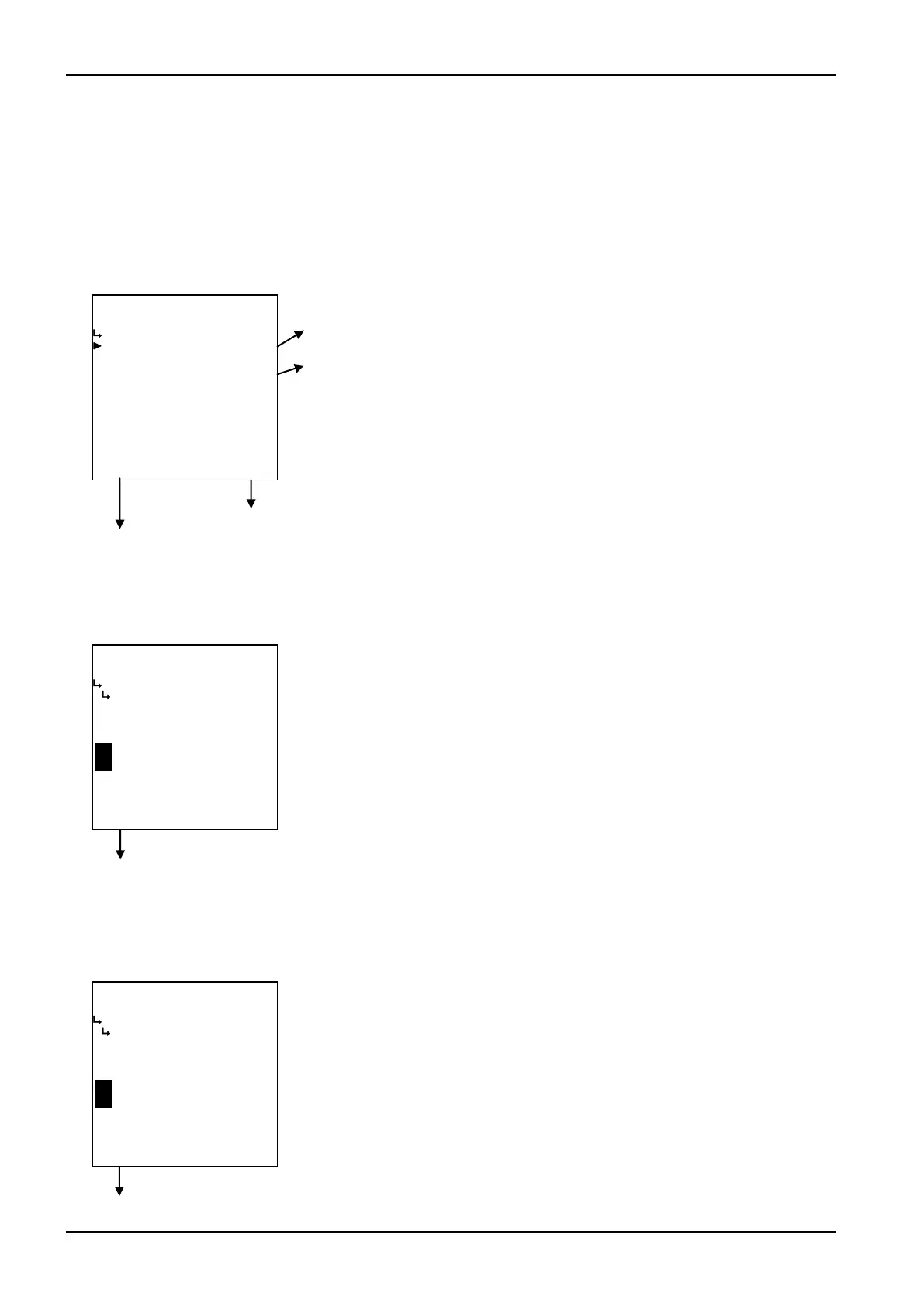
6.4.4 Pulse Input Setup (PULSE INPUT)
As the parameter associated with pulses, the meter factor (the weight of input pulses) and the maximum
frequency of input pulses are set up here.
(1)Pulse input submenu item screen
At the submenu, move the cursor to the desired setup item with the up arrow and down arrow keys.
At the touch of function key “ENTR”, the screen switches to the item desired for reconfiguration.
① Pulse input meter factor setup (METER FACTOR) p. 66
② Pulse input maximum frequency setup (FREQUENCY) p. 66
To the setup screen pointed by the cursor
SET mode main menu screen ⇒ 6.2 SET mode main menu screen p. 36
① Pulse input meter factor setup (METER FACTOR)
The meter factor of pulse input is set up here.
Pulse input submenu screen p. 66
② Max. pulse frequency input setup (MAX. FREQUENCY)
The maximum frequency of pulse input is set up here.
←Numerical value input setup
For details of numerical value input setup, see “(1) Numerical value setup screen
(INPUT)” on page 43.
On Models EL4301 and EL4311, the unit to be set up here is “kg/p”.
On models other than above, the unit to be set here is “l/p”.
※ Do not enter a negative value in the integer part of setting, or it will cause
erratic operation.
←Numerical value input setup
For details of numerical value input setup, see “(1) Numerical value setup screen
(INPUT)” on page 43.
The unit to be set up here for reconfiguration is “Hz”.
※ Do not enter a negative value in the integer part of setting, or it will cause
erratic operation.
Pulse input submenu screen p. 66








 To Next Page