/
−−−−−<SET MODE>−−−−−−
TOTAL COUNT
UNIT
kl
1:kl
2:l
3:m3
4:kl(nor)
5:l(nor)
6:m3(nor)
−−−−−−<SELECT>−−−−−−−
|CAN−| |
EXIT| CEL| |ENTR
/
−−−−−<SET MODE>−−−−−−
TOTAL COUNT
・UNIT
kl
−−−−−<SUB MENU>−−−−−
MAIN| | |
MENU| | |ENTR
E-880TM-3-E
6.4.7 Total Count Setup (TOTAL COUNT)
Total count related items are set up here.
※ The settings to be made here influence the total counter reading in the RUN mode and the
scaling (frequency division) factor of pulse output. Use extra care about the pulse output scale
factor when you attempt to alter modify these settings.
(1)Total count submenu screen
At the submenu, move the cursor to the desired setup item with the up and down arrow keys.
At the touch of the function key “ENTR”, the screen switches to the desired setup screen.
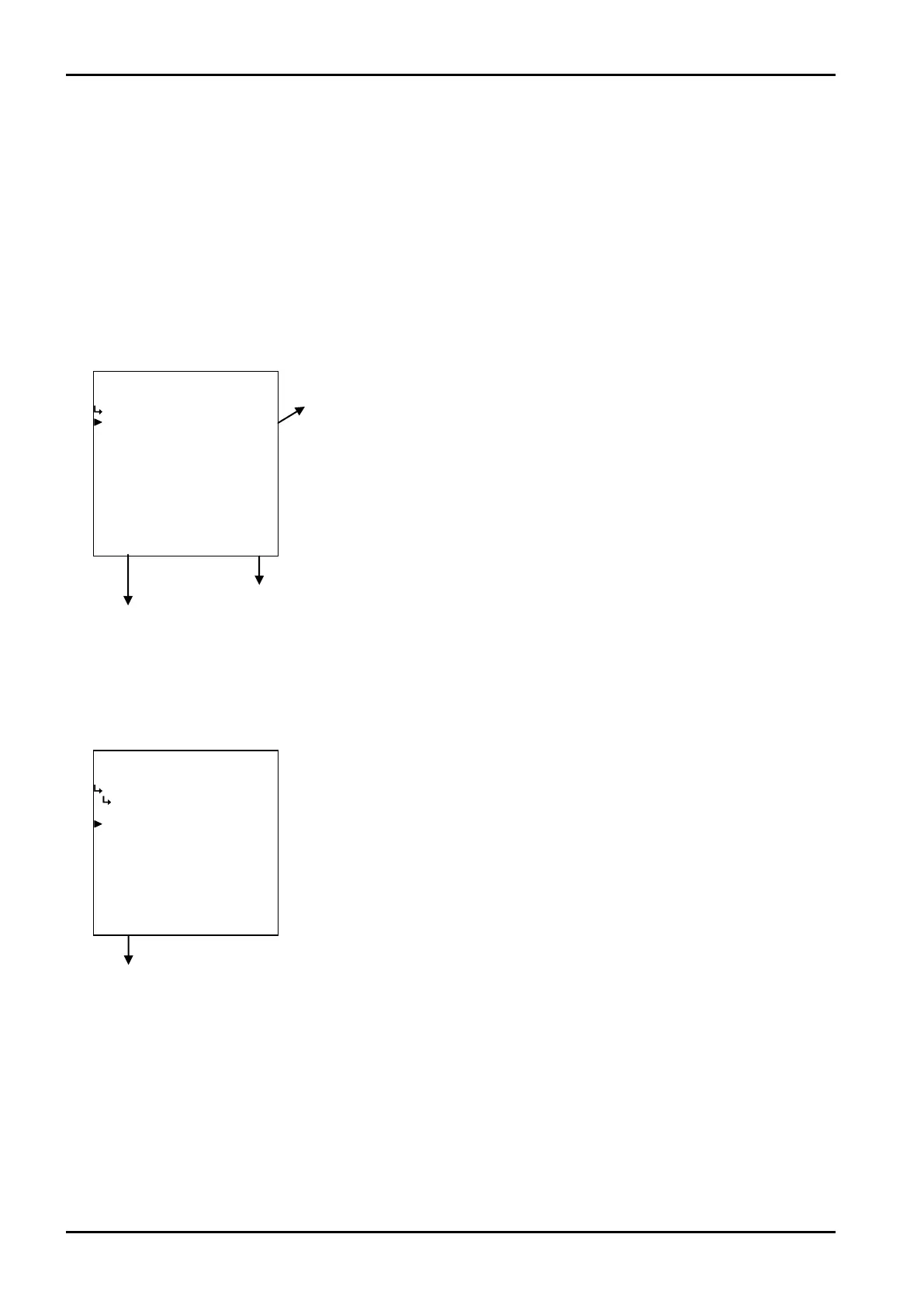
① Total count unit setup (UNIT)
To the setup screen pointed by the cursor
SET mode main menu screen ⇒ 6.2 SET mode main menu screen p. 36
① Total count unit setup (UNIT)
The unit of on-screen total count (RUN mode) is selected here.
Total count submenu screen p. 74
←Unit option select
For details of selecting options setup, see “(2) Option select setup screen
(SELECT)” on page 46.
※ The unit to be set here is that of total count in the RUN mode and (that) of
the total count (reading) to be set at the scaling setup menu.








 To Next Page