/
−−−−−<SET MODE>−−−−−−
PULSE OUT DIVIDE
・P.OUT1 10^(−3)*
・P.OUT2 10^(−1)
−−−−−<SUB MENU>−−−−−
DATA|CAN−|MAIN|
WRTE| CEL|MENU|ENTR
/
−−−−−<SET MODE>−−−−−−
PULSE OUT DIVIDE
P.OUT1 10^(−3)
10
−2=<n=<+4
−−−−−<PULSE SET>−−−−−
|CAN−| |
EXIT| CEL|CLER|ENTR
/
−−−−−<SET MODE>−−−−−−
PULSE OUT DIVIDE
・P.OUT1 10^(−3)*
・P.OUT2 10^(−1)
Please set
a correct value
within the range.
−−−−−<SUB MENU>−−−−−
DATA|CAN−|MAIN|
WRTE| CEL|MENU|ENTR
E-880TM-3-E
11
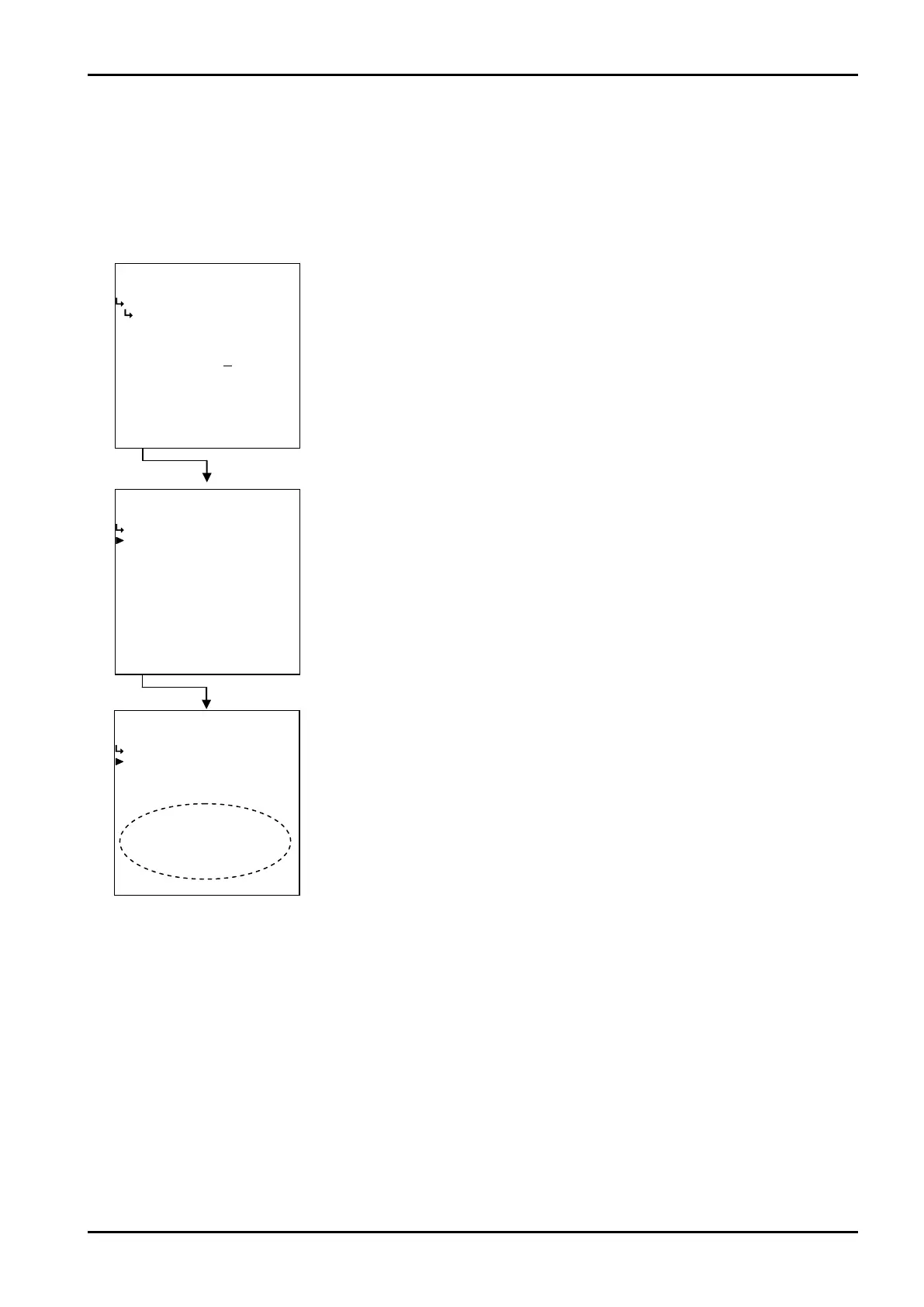
(4)When the scale factor is out of range
If the scale factor selected is out of acceptable range, an asterisk“*”will appear at right of your setting
on the submenu screen. “If you press function key “DATA WRTE” to end the setup process while“*”
staying on, you are prompted by the message to set an acceptable factor within the range while the scale
factor setup submenu screen staying on.”
←Numerical data entry
←Submenu item select
←Submenu item select








 To Next Page