/
−−−−−<SET MODE>−−−−−−
*TEMP. INPUT
*PRESS. INPUT
*PULSE INPUT
*FLOW RATE SETTING
*TOTAL COUNT
*TOTAL COUNT(C)
*ANALOG OUTPUT
*3α COMPEN.
*T/P COMPEN.
*METER ERROR
↓−−−−<MAIN MENU>−−−−−
PLSE|CAN−| |
SET| CEL| |ENTR
/ CD
−−−−−<MODE MENU>−−−−−
07−06−13
13:47
MODEL:EL4121
T/P COMPEN.
RUN |SET |SYS |PRM
MODE|MODE|MODE|CARD
E-880TM-3-E
3
6. SET MODE
The SET mode is a mode to set up parameters, such as the parameters required for calculation, input/
output base/full scale, and measurement units. SET mode related processes are carried out while
executing the calculation process.
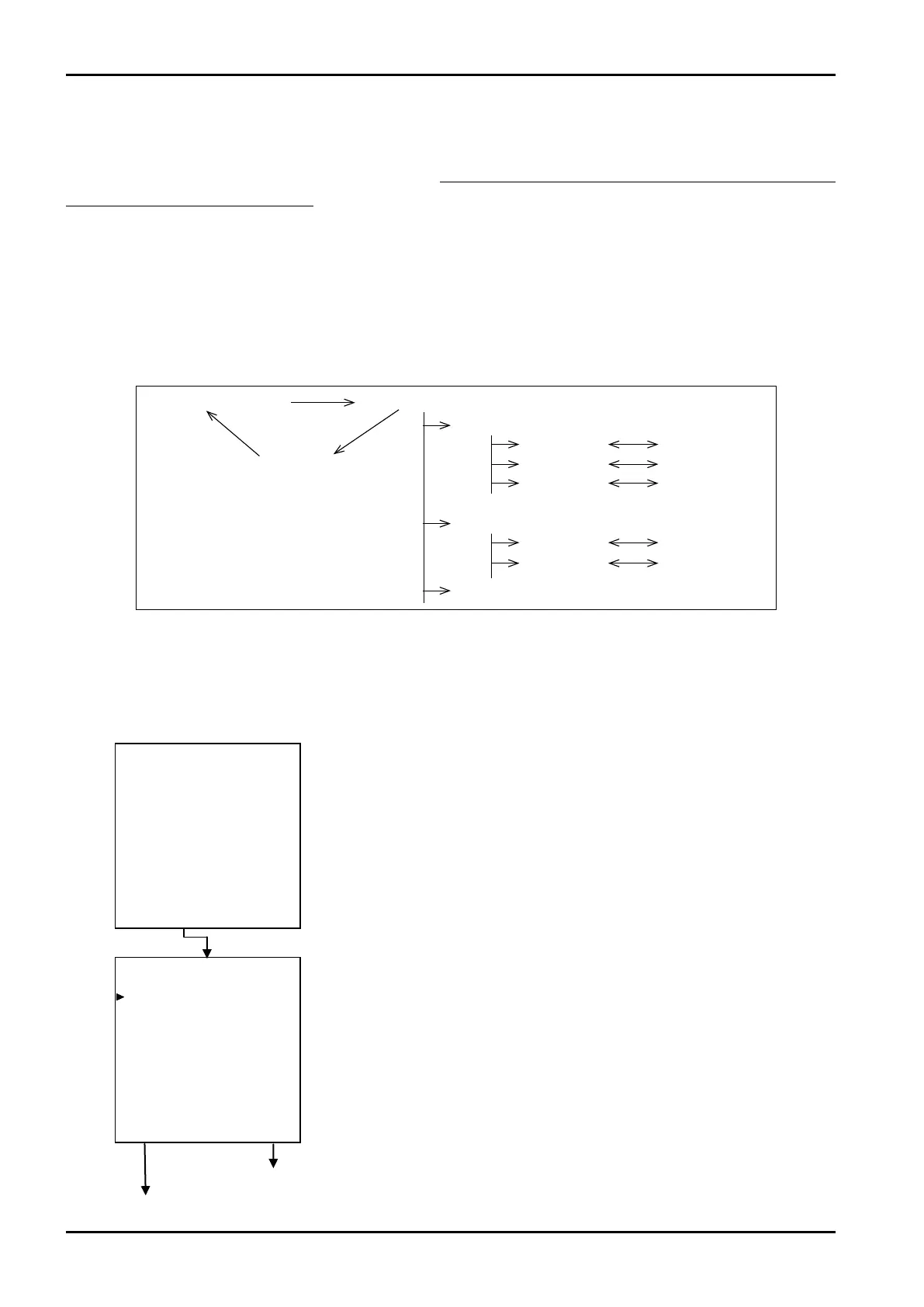
6.1 SET Mode Menu Tree
The SET mode consists of the following four levels:
1. Main menu
2. Submenu
3. Setup screen (numerical value setup or option select screen)
4. Pulse output scale factor setup screen
6.2 SET Mode Main Menu Screen
At the mode select menu, switching to the SET mode brings up this SET mode main menu screen.
From this menu screen, the user selects his option of menu item.
Example
Mode select menu
SET mode main menu
Pulse output scaling
Setup screen
←Mode select menu screen
Pulse output scaling set screen ⇒ See 6.4.27 Pulse output scaling setup (PULSE OUT DIVIDE) p. 138.
Temp. input submenu screen
Main menu item 1
Main menu item
Main menu item 3
Submenu 1
Submenu
Submenu 3
Submenu 1
Submenu
Setup screen 1
Setup screen
Setup screen 3
Setup screen 1
Setup screen
←SET mode main menu screen








 To Next Page