Chapter 9: Video Module, Rev. 1.2
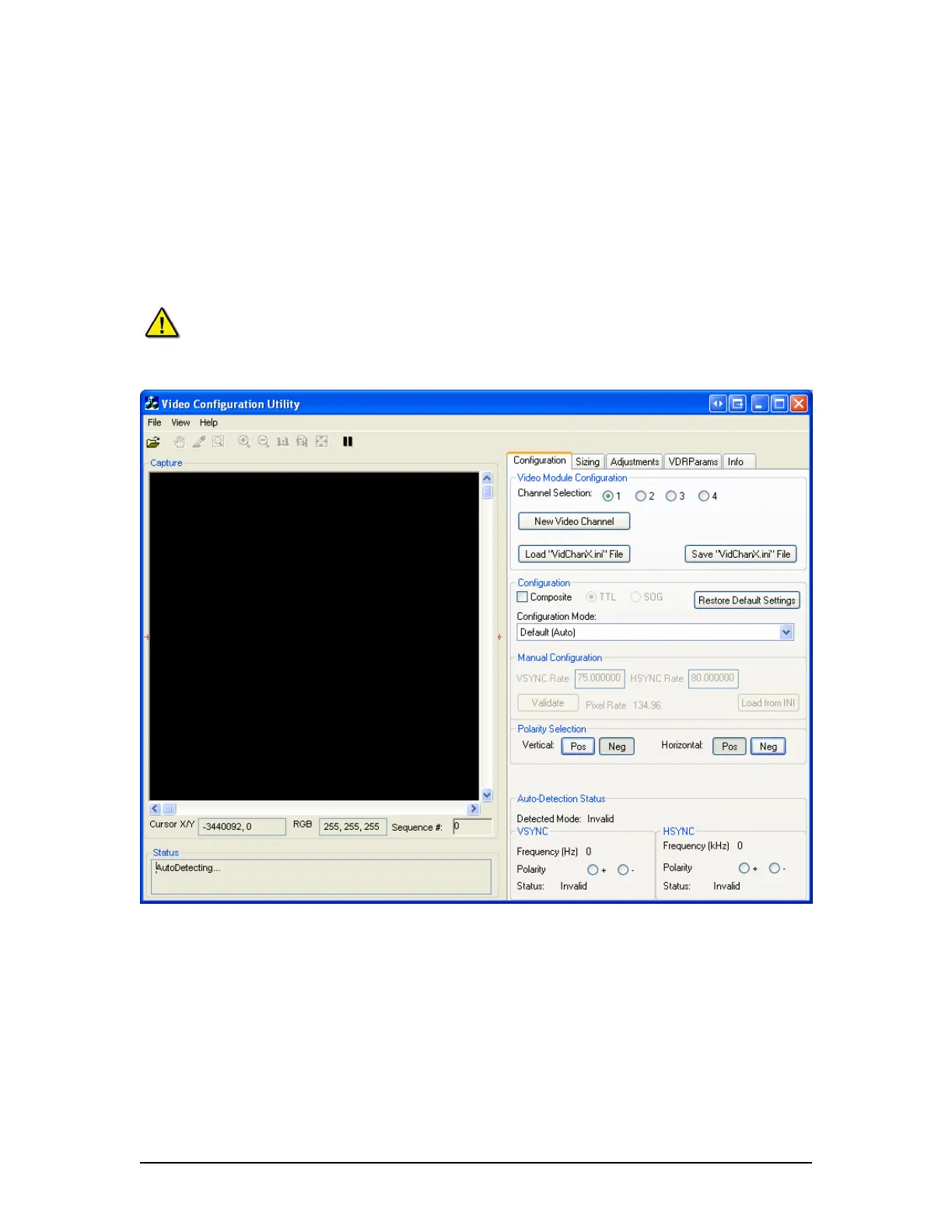
9.5.2 Video Configuration Suite (VCS2) Application
The Video Configuration Suite (VCS2) application is used to detect and adjust images to be
captured by the Video Module. It has a built-in AutoDetection routine which detects many of the
necessary parameters for the <VidChanX.ini> files. Existing <VidChanX.ini> files can also be
directly modified within this application.
The executable file is located in both C:\VDRApps directory and on D:\drive and should be set to
run on the DMM’s D:\drive to avoid virtual memory problems. Select the VCS2.exe icon available
in the following path on the DMM: Start>All Programs>Utilities to open the application.
Note! Prior to starting the VCS2 application, the VDR_Record application MUST
BE STOPPED and CLOSED.
Figure 9-4 - Video Configuration Utility User Interface
Additional information:
Maximum image height is 4095 pixels and maximum width is 2047 pixels.
Maximum image size is 2062500 samples, which can accommodate images up to
1650x1250.
VDR-100G3/G3S Installation Manual 06/10/2008
9-7



 To Next Page