Chapter 12: Final Recording Medium Setup, Rev. 1.5
To complete the installation of the FRM Download Application, complete the steps listed below:
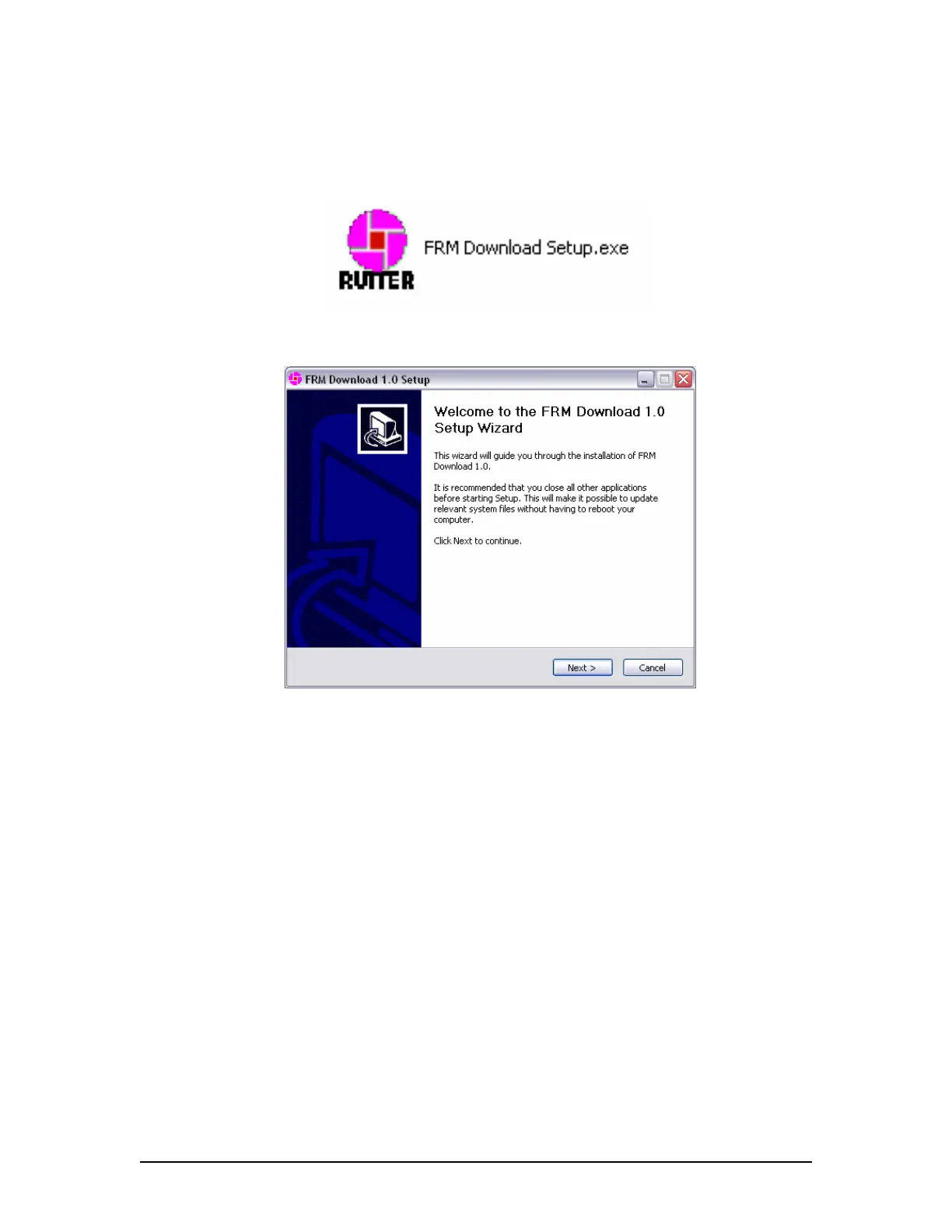
1. Copy the FRM Download Application installer (FRM Download Setup.exe) from the VDR
Data Recovery CD supplied by Rutter Technologies Inc. to the desktop of the Client PC.
2. Once copied, locate the file entitled ‘FRM Download Setup.exe’ and double-click it.
Figure 12–32 – Installation Executable File
3. Read the information on the welcome page of the setup wizard and click ‘next’.
Figure 12–33 – Setup Wizard Welcome Page
4. At the ”Choose Components” window ensure ”Windows Services for Unix” is checked if
the FRM Download Application will be used with a Rutter Fixed Capsule;
VDR-100G3/G3S Installation Manual 10/12/2008
12 - 44



 To Next Page