Appendix 5: Playback Software, Rev. 1.1
A5.19 Fire Doors Tab
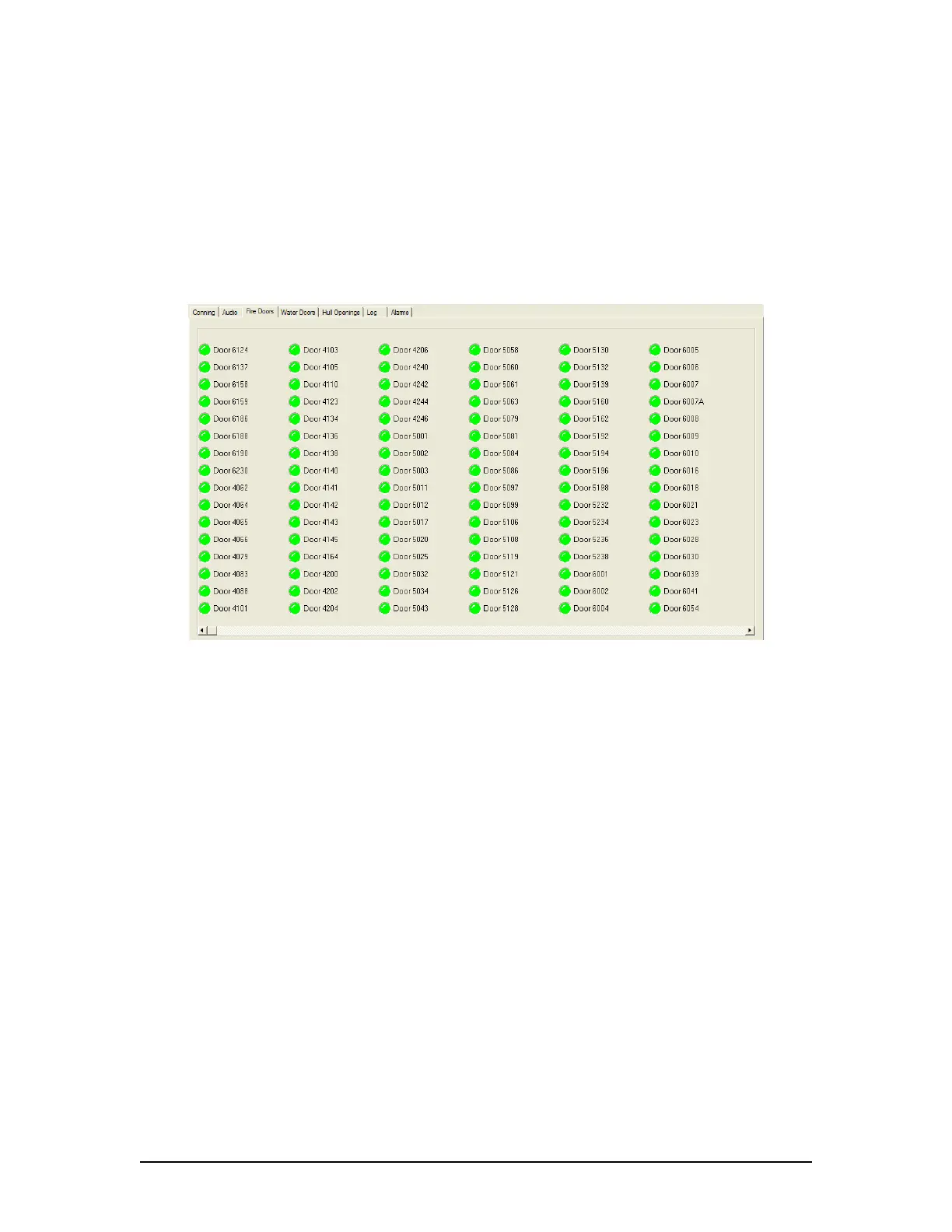
The Fire Doors Tab Screen displays information regarding the status of the ship’s fire doors. The
colour of the light adjacent to the door name, dependant upon the configuration, indicates an
active (often indicated with the colour red) or non-active (often indicated with the colour green)
door or opening.
Should the number of fire doors exceed the initial screen space, a scroll bar will become visible
allowing a user to view all available.
Figure 34 - Fire Doors Tab
VDR-100G3/G3S Installation Manual 06/10/2008
21



 To Next Page