Chapter 11: OPERATION and ALARM UNIT TEST and USER GUIDE
VDR-100G3/G3S Installation Manual 06/10/2008
11-8
11.12 Viewing Recorded Data on the DMM Internal Hard
Drive
The VDR-100G3 stores all data on the internal hard drive in 3 different locations:
Current Data: 12 hours of the most recently recorded data,
Secured Data: There may be several secured data sets in the overwrite-protected
memory space, see 11.1., and
Archived Data: Up to 30 days of data, archived by up to 60 sets of 12 hours each.
Note: Unlike the FRM, which may contain only the data required by IMO regulations, the internal
storage locations typically contain a much larger and more detailed data set. This data set
includes all AIS/NMEA, and all audio and video data channels collected by the VDR-100G3. If the
VDR records more than the minimum data required by IMO, the timeframe recorded may be
shorter than the times listed above.
To view a list of recorded data on the OAU display by date and time (To copy selected data sets
to a removable USB storage device, see Section 11.13 - Copying Data to a USB Memory Stick
(or optional RSM)) proceed as follows:
Important! If you do not intend to copy data, do not press “Enter
” when date/time
indications of data sets are displayed, otherwise you will immediately initiate a copy
process and you may overwrite data on the connected removable storage device,
subject to its status, see below!
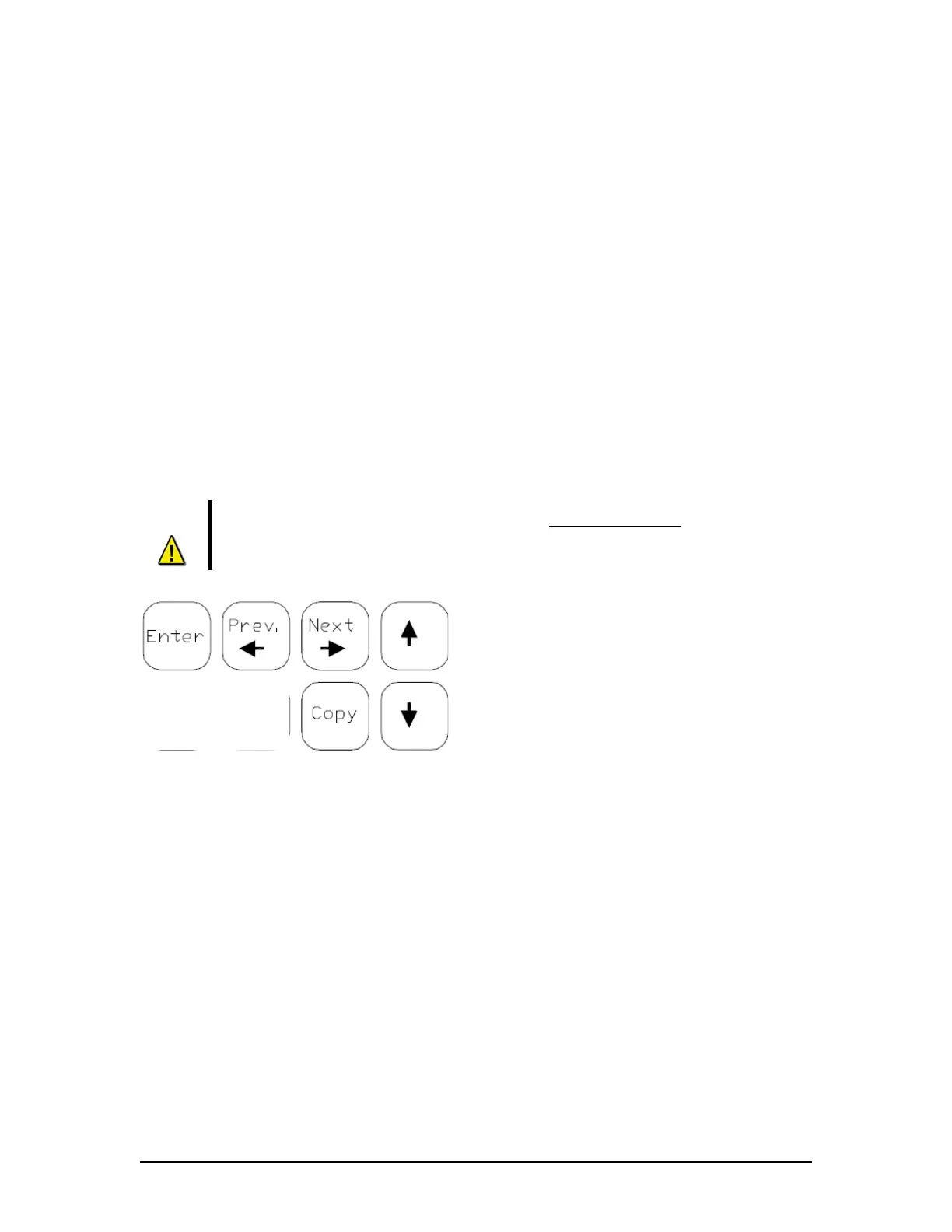
1. Press the “Copy” button on the OAU
keypad. To leave the “View Data” function
press “Cancel”.
2. To use the view data function press the
“
↓↑” keys to move the OAU cursor to
“Copy Data”, “Copy Secured”, or “Copy
Archived”, then press the “Enter” button on
the OAU keypad.
3. When “Copy Data” is selected the OAU
LCD displays:
“Copy Current Data” (the current 12 h data
set), or
“Copy All Data” (the current 12 h of the
most recently recorded data, all secured
data sets, and all archived data sets).
4. When “Secured Data” is selected the OAU will display secured data sets of 2 per page.
a. Use the ← → keys to navigate through the data sets by pages, or the “
↓↑”
keys to navigate through the data sets one at a time.
b. Data sets appear from oldest to newest and are recorded with the following time
format: yyyy-mm-dd-hh-mm (where yyyy=year, mm=month, dd=day, hh=hour,
and mm=minute).



 To Next Page