Appendix 2: System Configuration File, Rev. 1.1
A2.8 Navigation
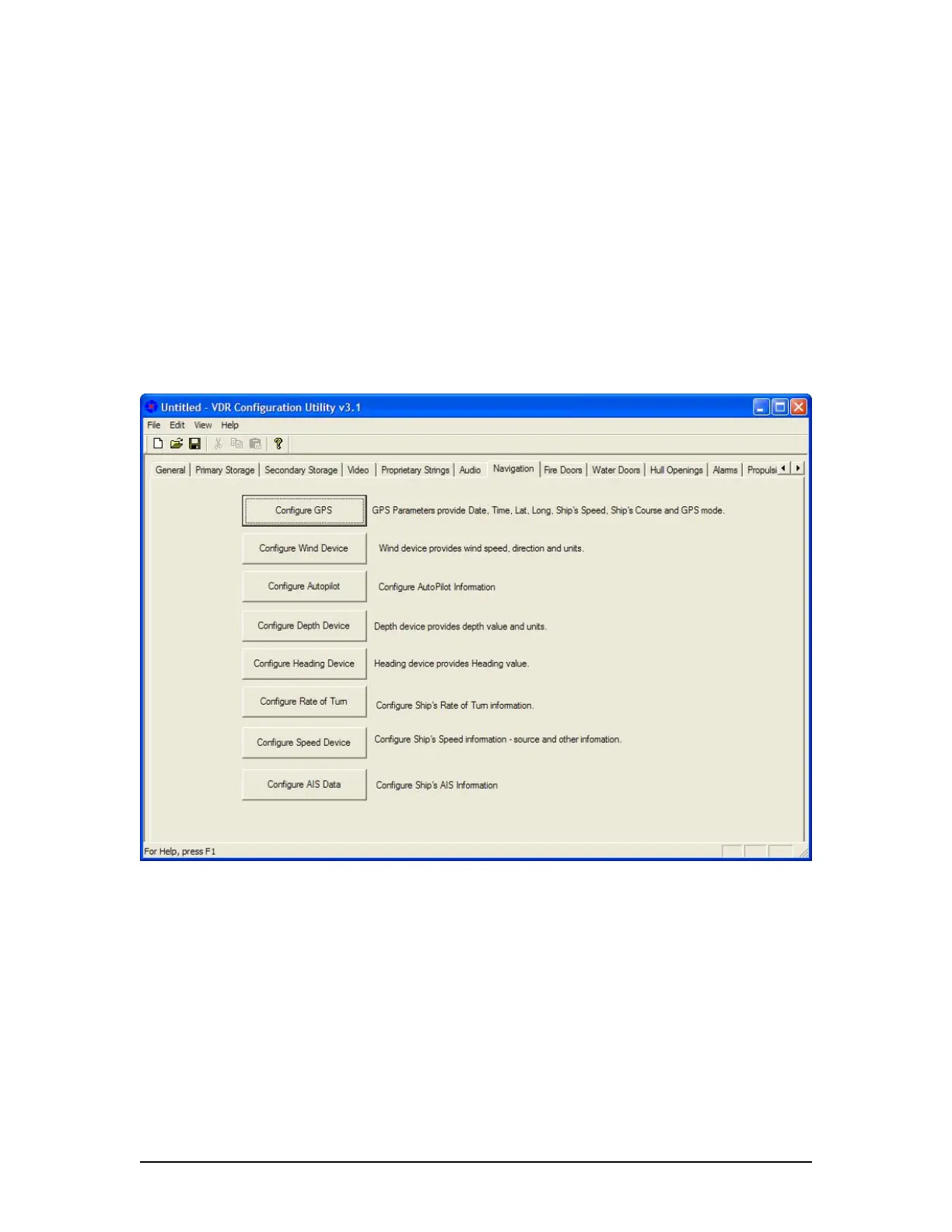
The Navigation tab requires the input of configuration information for the following:
D/GPS,
Wind,
Autopilot,
Depth,
Heading,
Rate of Turn,
Speed, and
AIS.
Each device has its own tab/button (see Figure A2- 14 – Navigation below). To enter
configuration information, the user must press the appropriate tab to open a data entry window.
Figure A2- 14 – Navigation
A2.8.1 Configure GPS Device
Clicking the Configure GPS tab opens the Configure GPS Device data entry window (see Figure
A2- 15 - Configure GPS Device below). This window requires the input of GPS parameters
including date, time, latitude, longitude, ship’s course, GPS mode and datum.
A2.8.1.1 GPS Manufacturer
Enter the name of the manufacturer of the configured GPS device.
A2.8.1.2 GPS Model
Enter the model name/number of the configured GPS device.
VDR-100G3/G3S Installation Manual 06/10/2008
15



 To Next Page