Appendix 2: System Configuration File, Rev. 1.1
A2.8.7.2.2. Sample String
Enter a sample of the speed string. See example RMC, VBW, VDR, VHW, and VTG string
formats provided in Speed String provided above.
A2.8.7.3 Speed Log
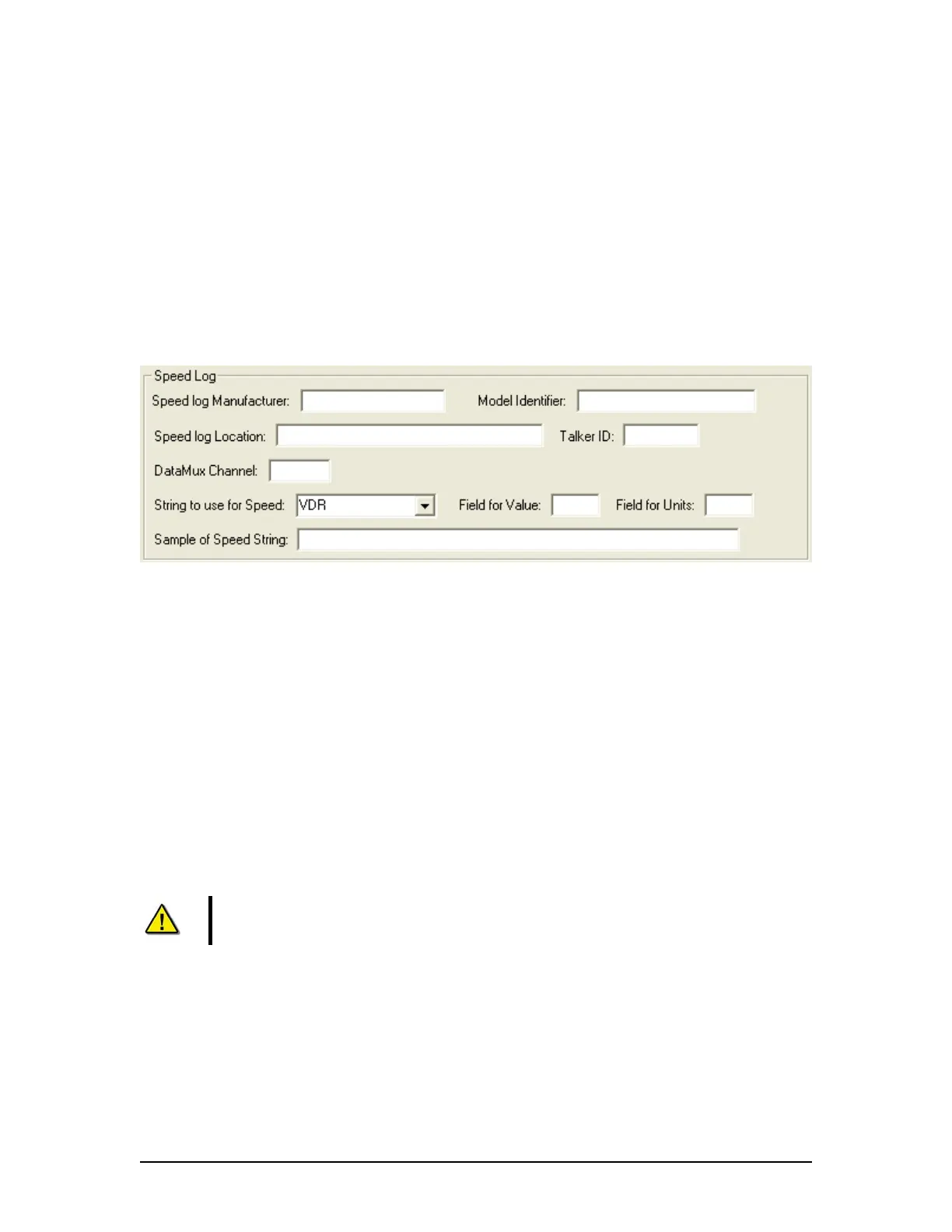
If Speed Log is chosen from the ‘Speed Source’ drop-down menu, a Speed Log data entry
window opens in the Configure Speed Source data entry window (see Figure A2- 22 - Speed Log
below).
Figure A2- 22 - Speed Log
The following information must be entered in the Speed Log data entry window:
A2.8.7.4 Speed Log Manufacturer
Enter the name of the speed log manufacturer.
A2.8.7.5 Model
Enter the model of the speed log device.
A2.8.7.6 Speed Log Location
Enter the ship location of the speed log device.
A2.8.7.7 Talker ID
The first two alphanumeric characters of the NMEA sentence ‘Address Field' identify the
Talker.
Note! When entering the Talker ID for a speed log device, these two letters will
typically be “VD”, “VM”, “VW”, or “VR”.
A2.8.7.8 DataMux Channel
Enter the DataMux channel to which the speed log device is connected.
A2.8.7.9 String to Use for Speed
From the drop down menu select the string from which speed log information is collected.
Options available for selection are VDR, VTG, VBW, VHW, or RMC (See A2.8.7.2.1: Speed
String above for format information on each of these strings).
VDR-100G3/G3S Installation Manual 06/10/2008
24



 To Next Page