Chapter 12: Final Recording Medium Setup, Rev. 1.5
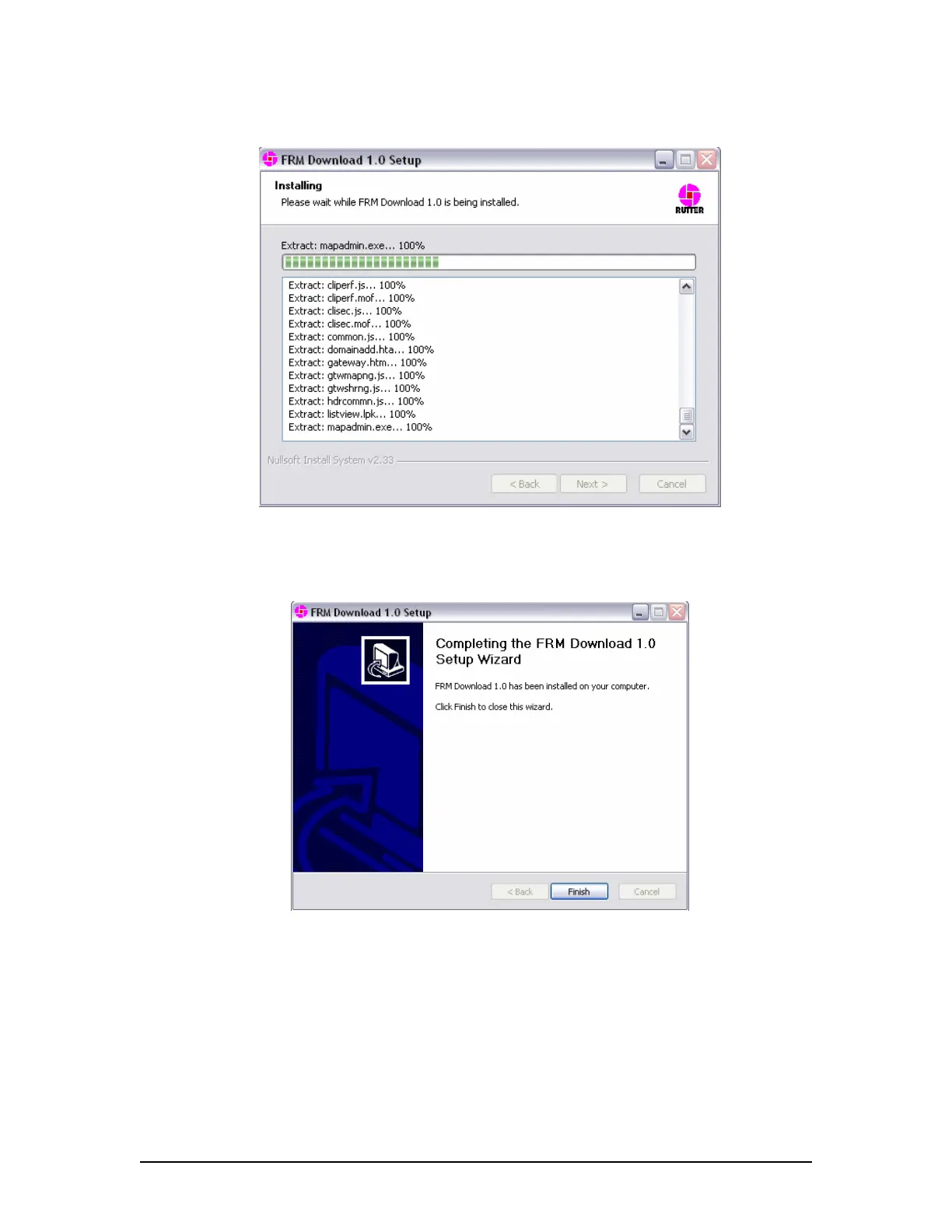
6. Installation will proceed until the process is completed
Figure 12–36 – Installing the Application Files
7. Once the FRM Download Application setup wizard has completed, click ‘Finish’ to
complete the installation process.
Figure 12–37 – Setup Completed
12.5.2.8 Copy
vdrparams.ini
Copy the <vdrparams.ini>file to the ‘C:\WINDOWS’ folder from the VDR Data Recovery Software
CD supplied by Rutter Technologies Inc.
VDR-100G3/G3S Installation Manual 10/12/2008
12 - 46



 To Next Page