Appendix 2: System Configuration File, Rev. 1.1
For example, a user may enter “Firedoor #1” as a value description.
A2.9.2.5 Onscreen Name
Enter an onscreen name for the field being configured. For example, a user may enter
“Firedoor #1” as an onscreen name. This name will be used for the door in the playback
software and is limited to 15 characters.
A2.9.2.6 Type of Control
From the drop down box select the type of control associated with the appropriate field.
Options available for selection are:
1. ON/OFF (ON=0), ON/OFF (ON=1),
2. Open/Closed (Open=0), or Open/Closed (Open=1).
Once all necessary information has been entered press the ‘OK’ button to save and close
the Configure Device window.
Note! To add and configure more than one device, select the appropriate device
radio button and press the “Configure Device x” (where ‘x’ represents the device
number) that becomes visible. Repeat the steps provided above to configure the
device.
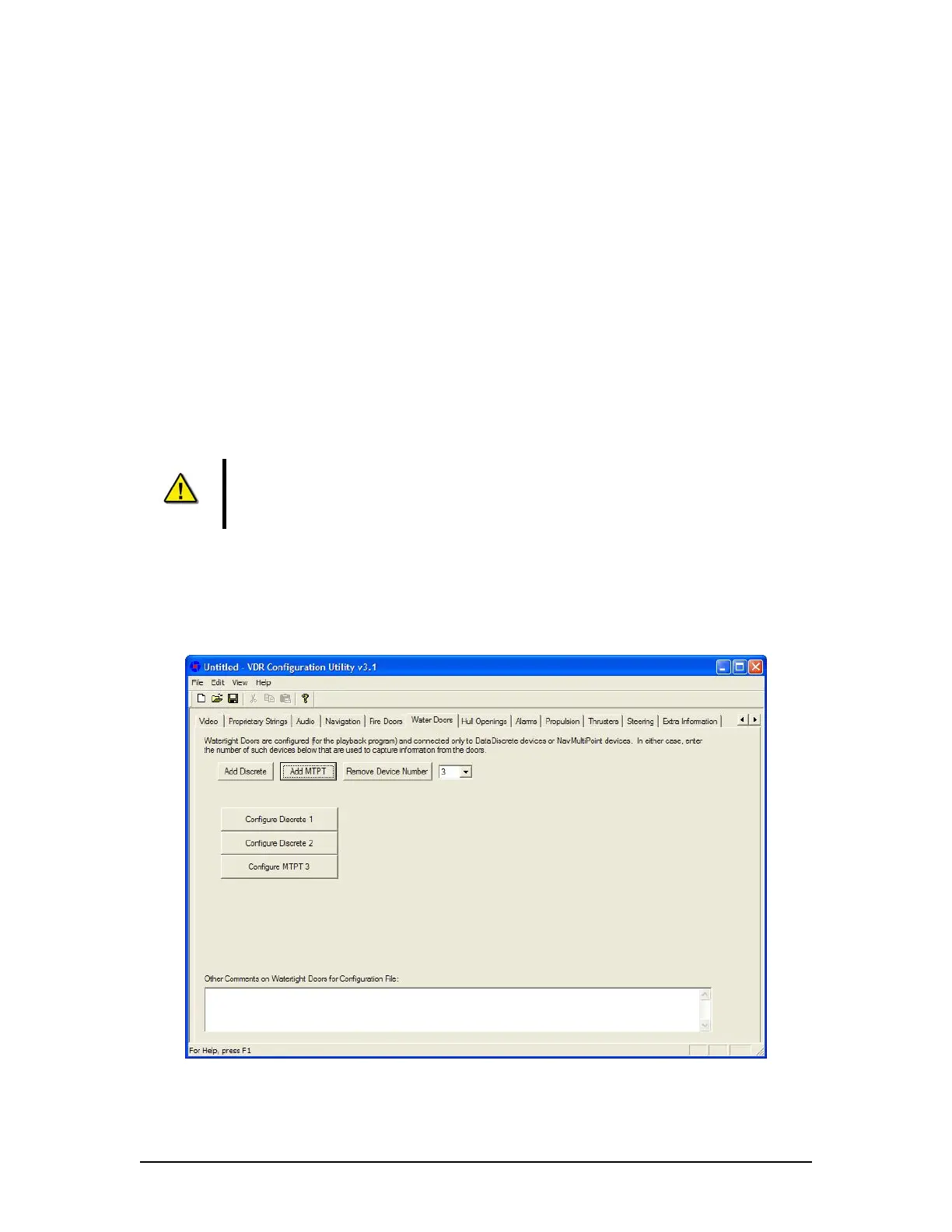
A2.10 Water Doors
The Water Doors tab requires configuration information for the ship’s Watertight Doors (See
Figure A2- 26 - Water Doors below).
Figure A2- 26 - Water Doors
VDR-100G3/G3S Installation Manual 06/10/2008
28



 To Next Page