Chapter 9: Video Module, Rev. 1.2
9.5.4 Adjustments Tab
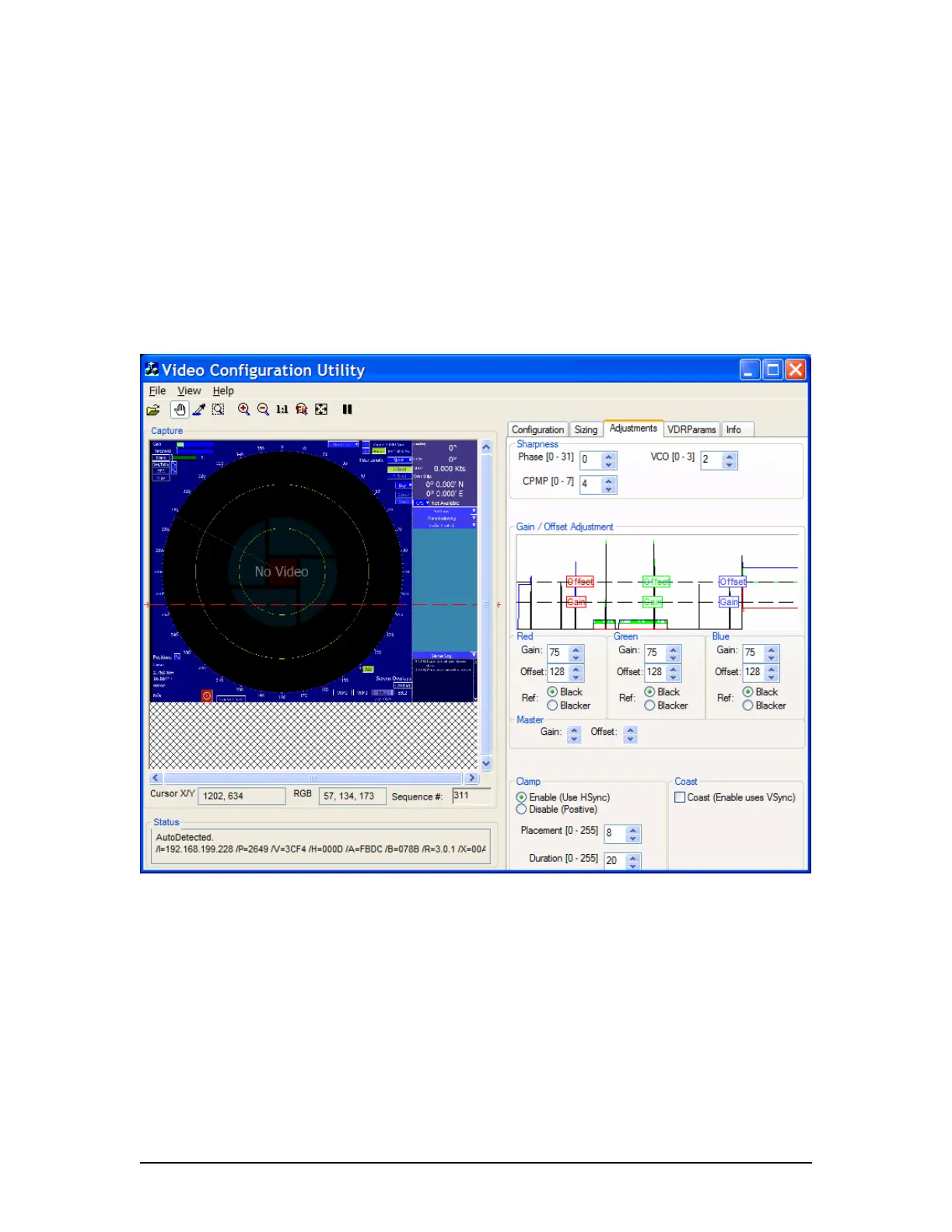
To adjust the image quality, click the Adjustments tab to open the Adjustments page. This
page includes 4 sections including
1. Sharpness;
2. Gain / Offset Adjustment;
3. Clamp; and
4. Coast.
In these for sections the installer will find all the controls needed to adjust the image values as
described below.
Figure 9-22 - Adjustment Page
VDR-100G3/G3S Installation Manual 06/10/2008
9-21



 To Next Page