VDR Installation & Commissioning Checklist, Rev 1.2
1 Installation
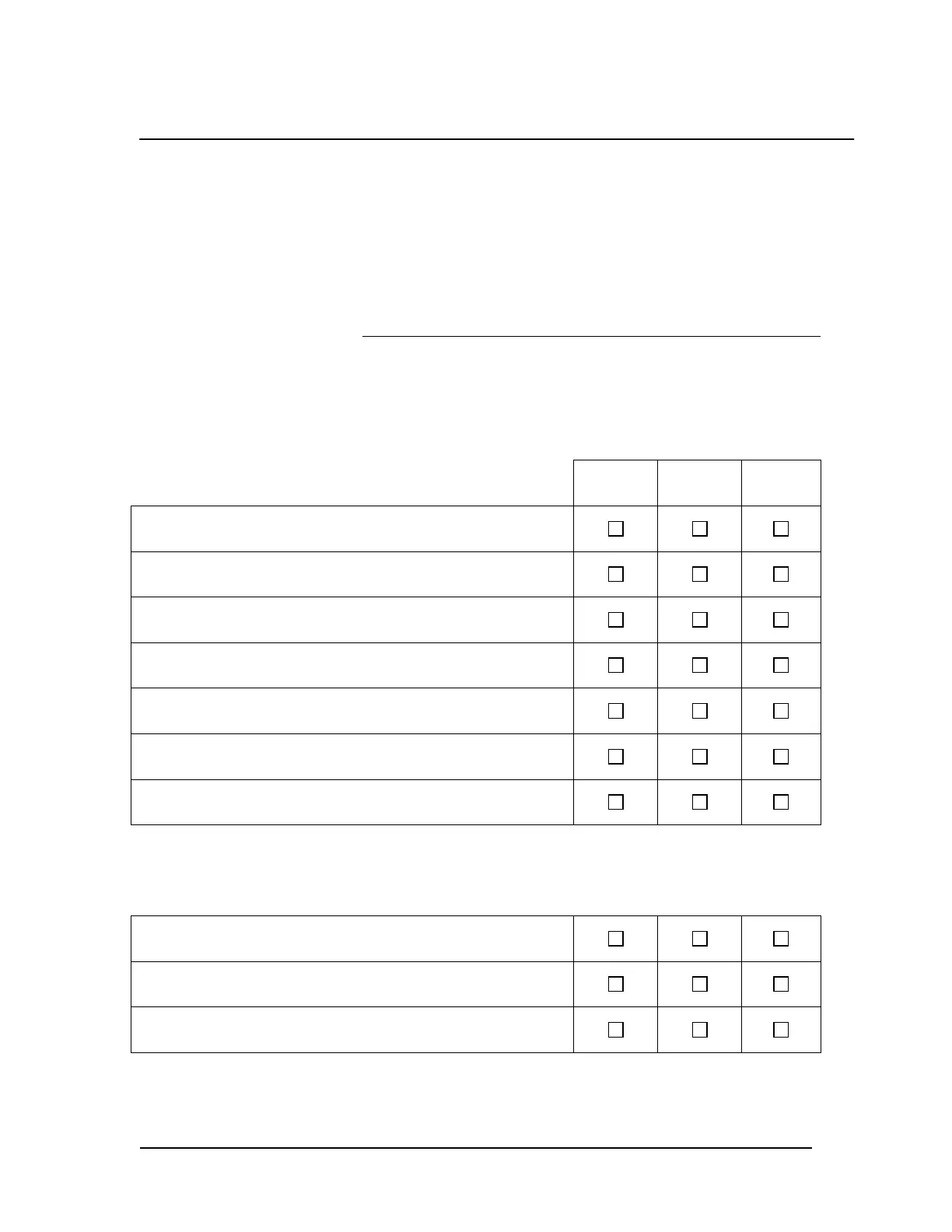
It is required that the technician implementing this procedure mark the boxes located to the right of the items to indicate
acceptance of the item.
If the item has been completed the technician must mark the YES column in order to indicate compliance with associated
item (non-compliance should be indicated by marking the NO column).
Once all items in each section have been checked, the technician should then initial and date his/her findings directly
below the items.
The ship can be dockside for this procedure.
Please print technician name:
Test Conditions
None Applicable
1a. VDR & Component Mounting
YES NO N/A
All bolts are tightened.
There is easy access to cable entries and hatches.
There is space from all sides of the DPU (as outlined in Rutter Technologies
VDR-100G3/G3S Installation & Maintenance Manual).
There is space from all sides of the DAU if applicable (as outlined in Rutter
Technologies VDR-100G3/G3S Installation & Maintenance Manual).
OAU is mounted correctly in an easily accessible position at the bridge.
VDR Data Port is mounted in proximity to a computer workspace.
Microphones are oriented to provide best audio coverage of all work spaces.
Technician Initialed: ______________________ Date: __________
1b. Mounting of FRM Capsule
Capsule is installed in accordance with IEC requirements.
All bolts are tightened.
Cables are connected securely and are watertight.
Technician Initialed: ______________________ Date: __________
1c. Cable Installation
VDR Installation Manual 06/10/2008
1



 To Next Page