Chapter 7: VDR Record Operating Instructions, Rev. 1.1
VDR-100G3/G3S Installation Manual 06/10/2008
7-8
3. Log Window – Selects the Log Window as the active window.
7.9 Help Menu
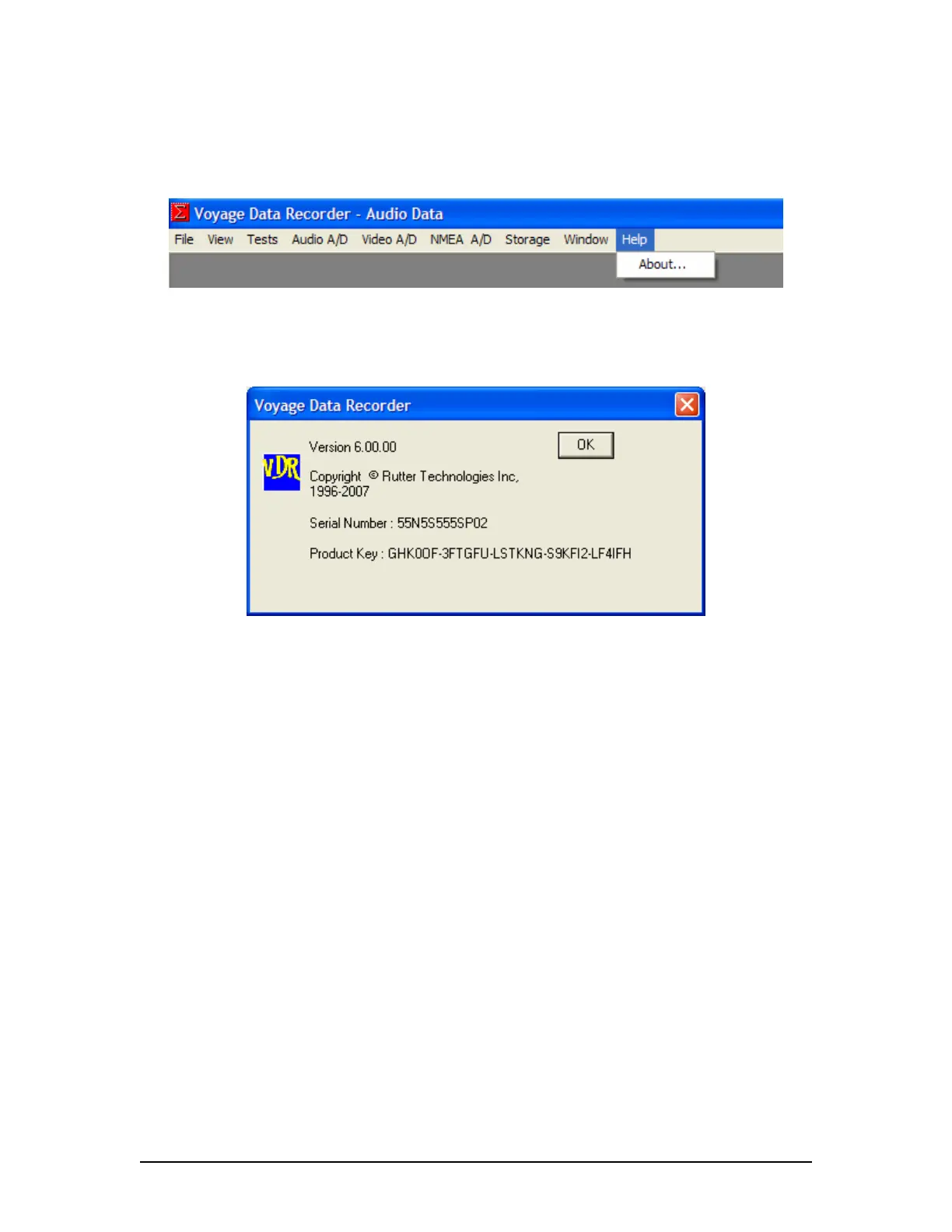
Figure 7-13 - Help Menu
About – Display the Version number, Serial Number, and Product Key applicable to each VDR.
Figure 7-14 - Help Menu 'About' Dialog Box
NOTE: The Serial Number and Product Key listed in the “About” dialog box will differ between
each VDR unit. These numbers are used to enable features and can be important when
troubleshooting potential software issues.



 To Next Page