Chapter 7: VDR Record Operating Instructions, Rev. 1.1
7.4 Audio A/D Menu
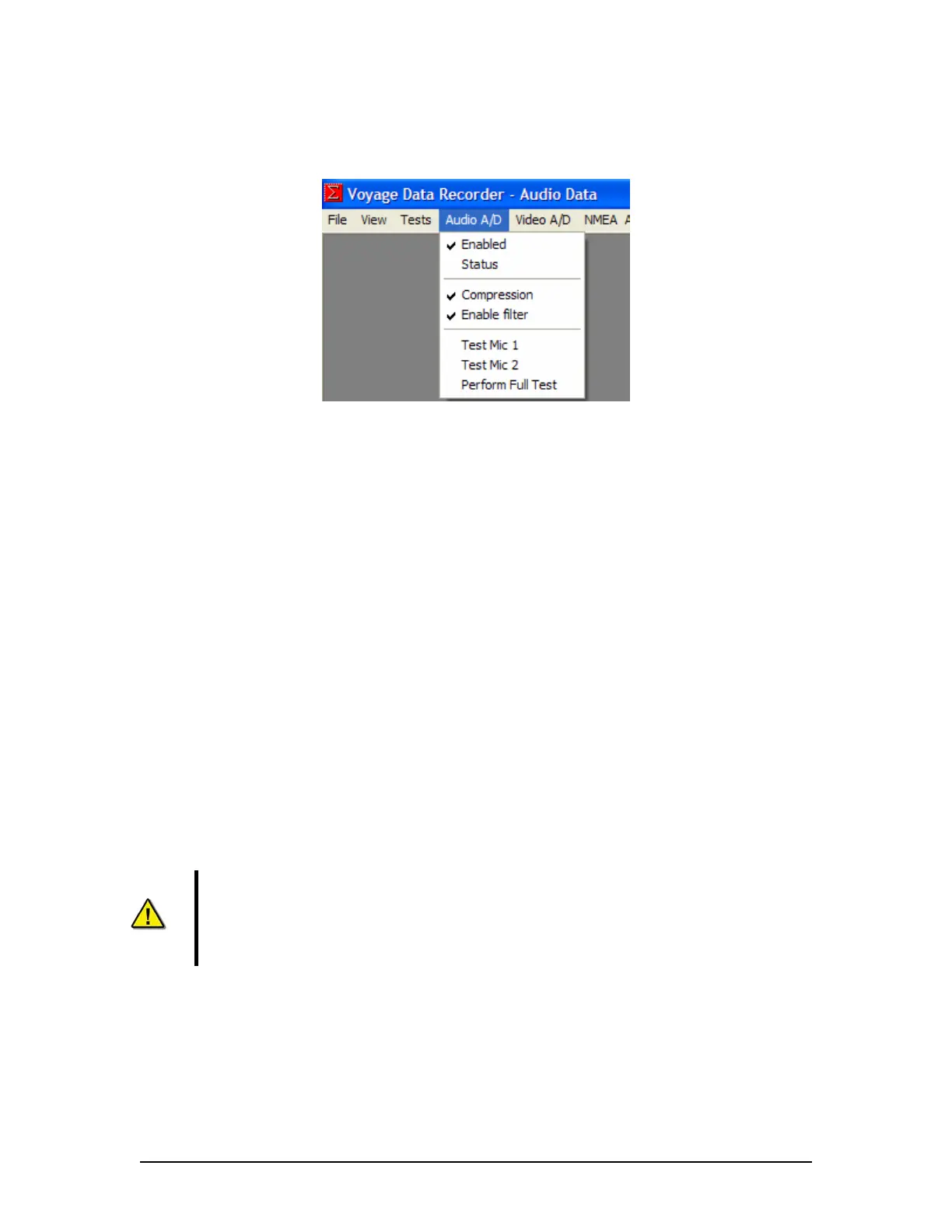
Figure 7-8 - Audio A/D Menu
Enabled – Default is set to Enabled. Enables the audio capture by the VDR audio subsystem
and stores the audio data to the DMM during recording.
Status – Displays the current status of the Audio A/D module in the Log Window.
Compression – Default is set to enabled. Enables the ADPCM compression of the Audio during
recording.
Enable filter – Default is set to enabled. Enables the low pass filtering for the audio ports during
recording.
Test Mic 1 – Activates audio test source # 1 in each of the audio channels. The VDR_Record
application must be in either Audio test or Record mode for this test to be conducted. The results
of the test will be displayed in the Log Window. If the test is performed in Audio Test mode the
chirp from the test source may be observed as a spike in the Audio Data window.
Test Mic 2 – Activates test source # 2 in each of the audio channels. See Test Mic 1 for
additional details.
Perform Full Test – Activates the microphone self test procedure immediately. The test will use
the settings in the VDRPARAMS.INI file and the results will be displayed in the Log Window. The
VDR_Record application must be in either Audio Test or Record mode to conduct this test.
NOTE: If the test is not successful on the first attempt, the test will stay active until
the next retry interval as set in the <vdrparams.ini> file. Once the test is activated it
CANNOT be activated again until a successful mic test or until all retrys (as set in the
<vdrparams.ini>) have been completed. Shut down record application and restart to
reset.
VDR-100G3/G3S Installation Manual 06/10/2008
7-5



 To Next Page