Chapter 7: VDR Record Operating Instructions, Rev. 1.1
7.5 Video A/D Menu
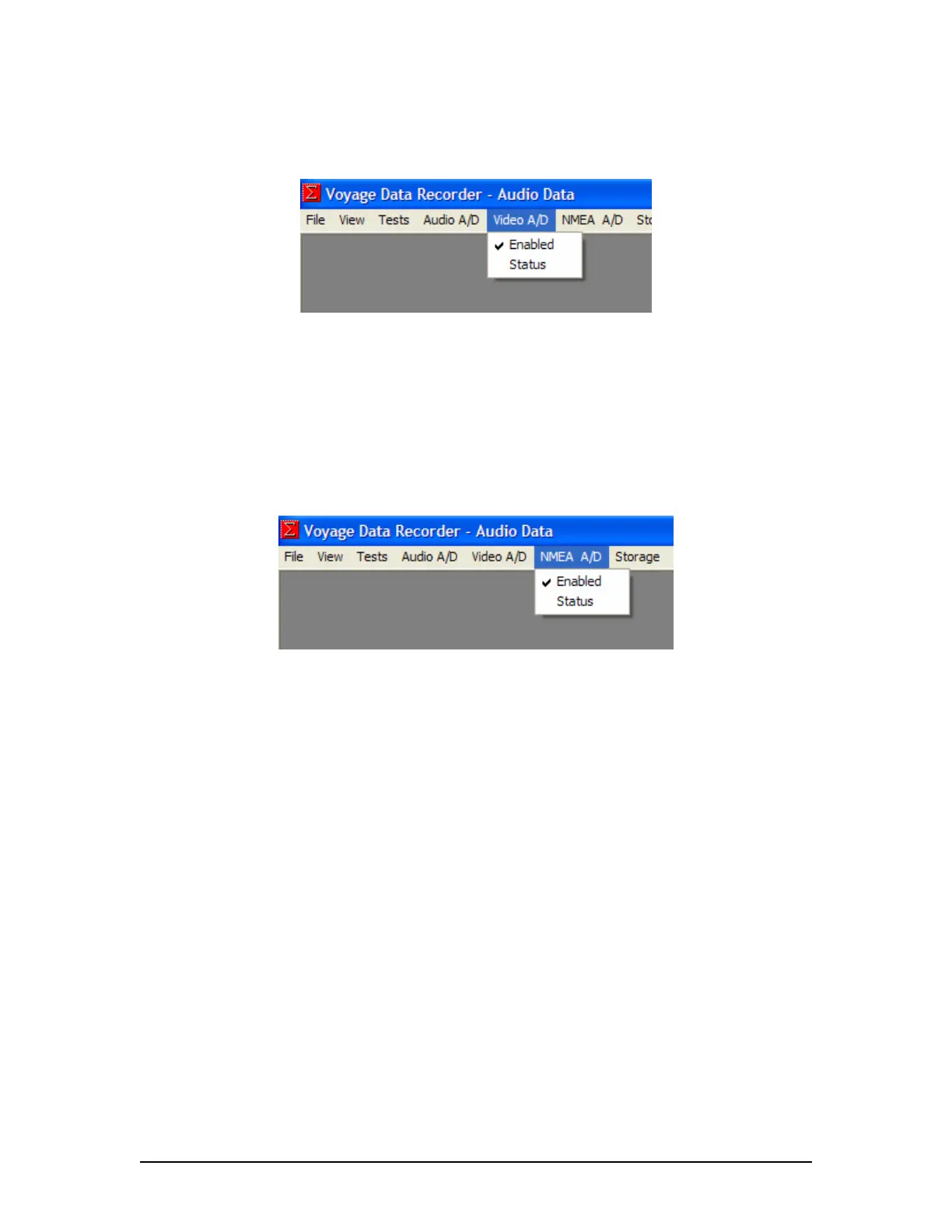
Figure 7-9 - Video A/D menu
Enabled – Default is set to enabled. Enables the video capture by the VDR video subsystem and
stores the video data to the DMM during recording.
Status – Displays the status of the Video A/D module in the Log Window.
7.6 NMEA A/D Menu
Figure 7-10 - NMEA A/D menu
Enabled – Default is set to enabled. Enables the NMEA capture by the VDR NMEA subsystem
and stores the NMEA data to the DMM during recording.
Status – Displays the current status of the NMEA A/D module in the Log Window.
VDR-100G3/G3S Installation Manual 06/10/2008
7-6



 To Next Page