Appendix 5: Playback Software, Rev. 1.1
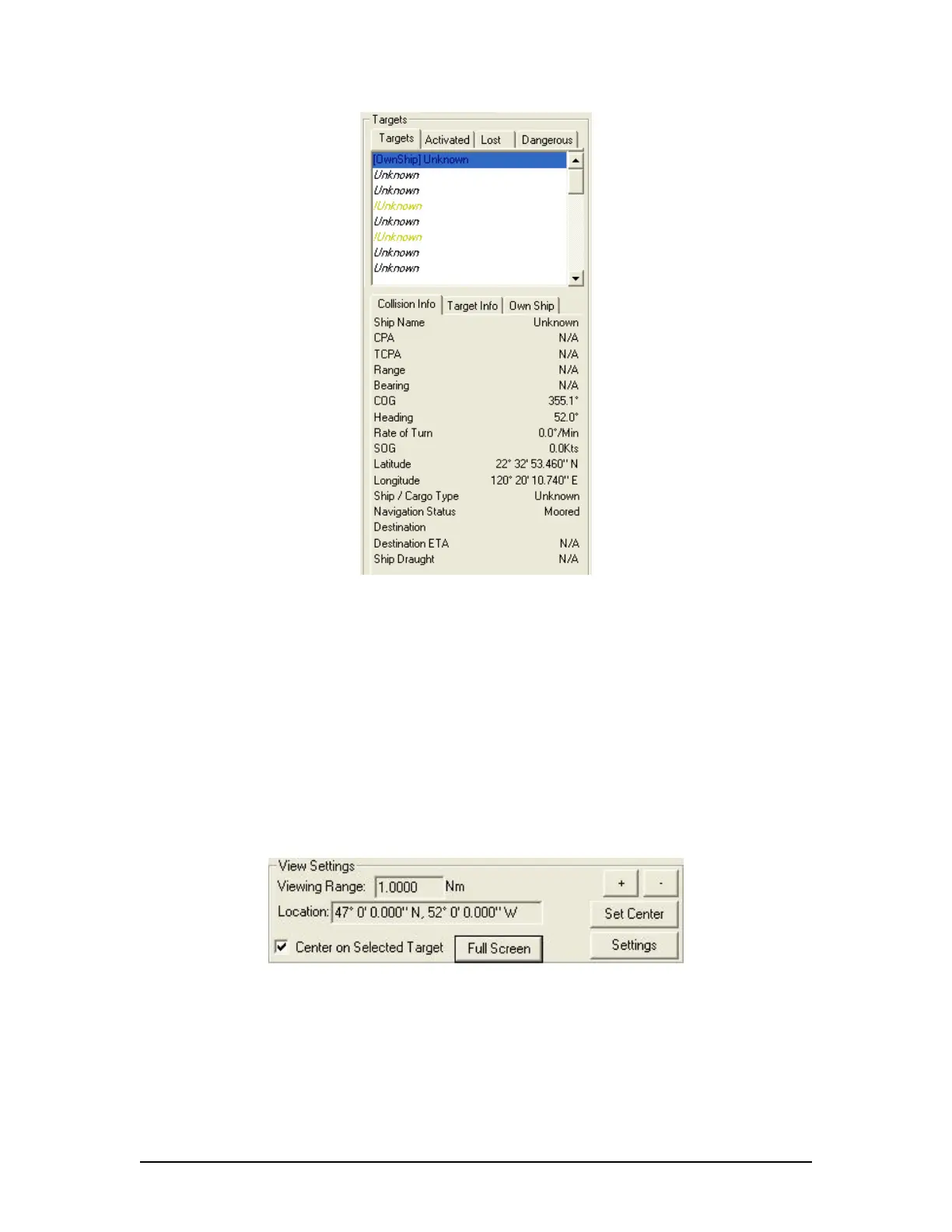
Figure 29 - Targets Information Section
Specific target information is also available in the following tabs (located below the above
mentioned tabs):
Collision Info – provides information specific to a selected target’s navigational course.
Target Info – provides registered information (e.g., MMSI, IMO, etc.) specific to a
selected target.
Own Ship – provides registered and navigational information for ownship regardless of
what target is selected.
A5.17.2 View Settings
The View Settings section allows a user a high level of control over the AIS playback view screen.
Figure 30 - View Settings Section
Viewing Range – It is possible to increase or decrease the viewing range of the AIS
playback view screen by pressing the “
+” and “-“ buttons located in the upper right of the
View Settings section. Note that if using a wheel mouse the viewing range can also be
increased OR decreased by moving the wheel while the pointer is located in the view
screen. The viewing range is listed in nautical miles.
Location – The latitude and longitude of the selected target is listed.
VDR-100G3/G3S Installation Manual 06/10/2008
17



 To Next Page