Appendix 5: Playback Software, Rev. 1.1
Center on Selected Target – If this checkbox is selected the view screen will center on
the selected target in the Target List.
Set Center Button – To set the center point of the view screen, press the “Set Center”
button, position the mouse pointer on a location on the view screen and left-click. This
point will now be the center point of the view screen. Turning on the “Center on Selected
Target” checkbox overrides this control.
Full Screen – Opens a dedicated AIS Playback window.
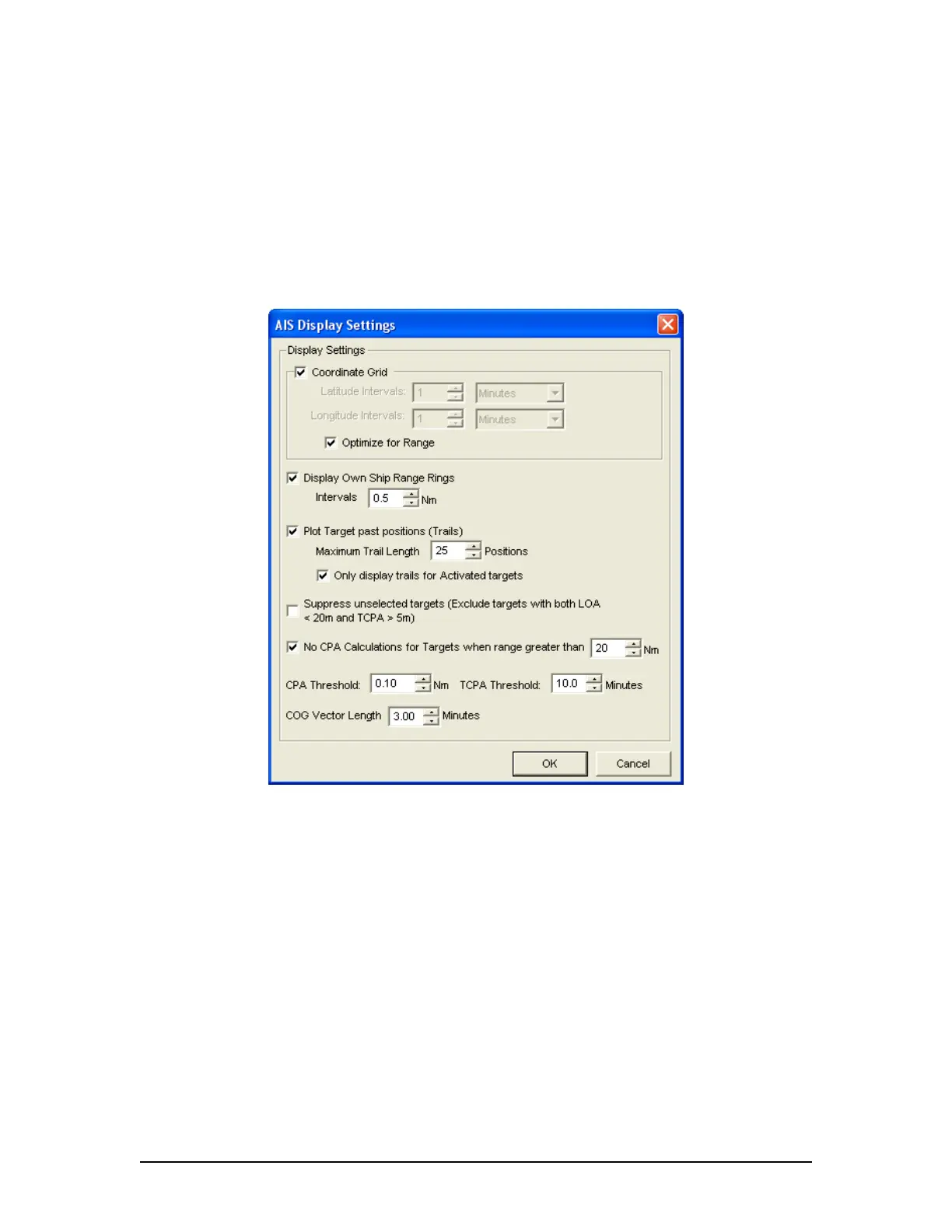
AIS Display Settings – The “Settings” button located in the View Settings section opens
an “AIS Display Settings” window. The settings in this window allow the user to adjust
the AIS Playback display.
Figure 31 - AIS Display Settings Window
CPA (Closest Point of Approach)
TCPA (Time to Closest Point of Approach)
COG (Course Over Ground)
LOA (Length Over All)
VDR-100G3/G3S Installation Manual 06/10/2008
18



 To Next Page