Appendix 2: System Configuration File, Rev. 1.1
A2.10.1 Add Discrete or Add MTPT
To add a Discrete or MultiPoint (MTPT) device:
1. Click the appropriate toggle button provided (‘Add Discrete’ or ‘Add MTPT’);
2. Once the appropriate device has been added a Configure device button becomes
visible;
3. Each time the Add Discrete or Add MTPT toggle button is pressed another Configure
device button will appear;
4. To configure each device, press the related Configure button.
Note! If a Discrete or MultiPoint button is mistakenly added, it can be removed.
Select the number of the device to be removed from the drop down box next to
the “Remove Device Number” button and then click the “Remove Device
Number” button to remove the device.
Example: In Figure A2- 26 - Water Doors above, device number 3 (MTPT 3) has been selected
in the drop down menu for removal. Clicking the “Remove Device Number” button will remove
the “Configure MTPT 3” button.
A2.10.2 Configure Water Doors Device
Enter information specific to the DataDiscrete or NavMultiPoint device, dependant upon which
device you have chosen to add (see Figure A2- 25 - Configure DataDiscrete Device above). For a
description of the information to be entered in the device configuration window, refer to Section
A2.9.2: Configure Fire Doors Device above.
A2.11 Hull Openings
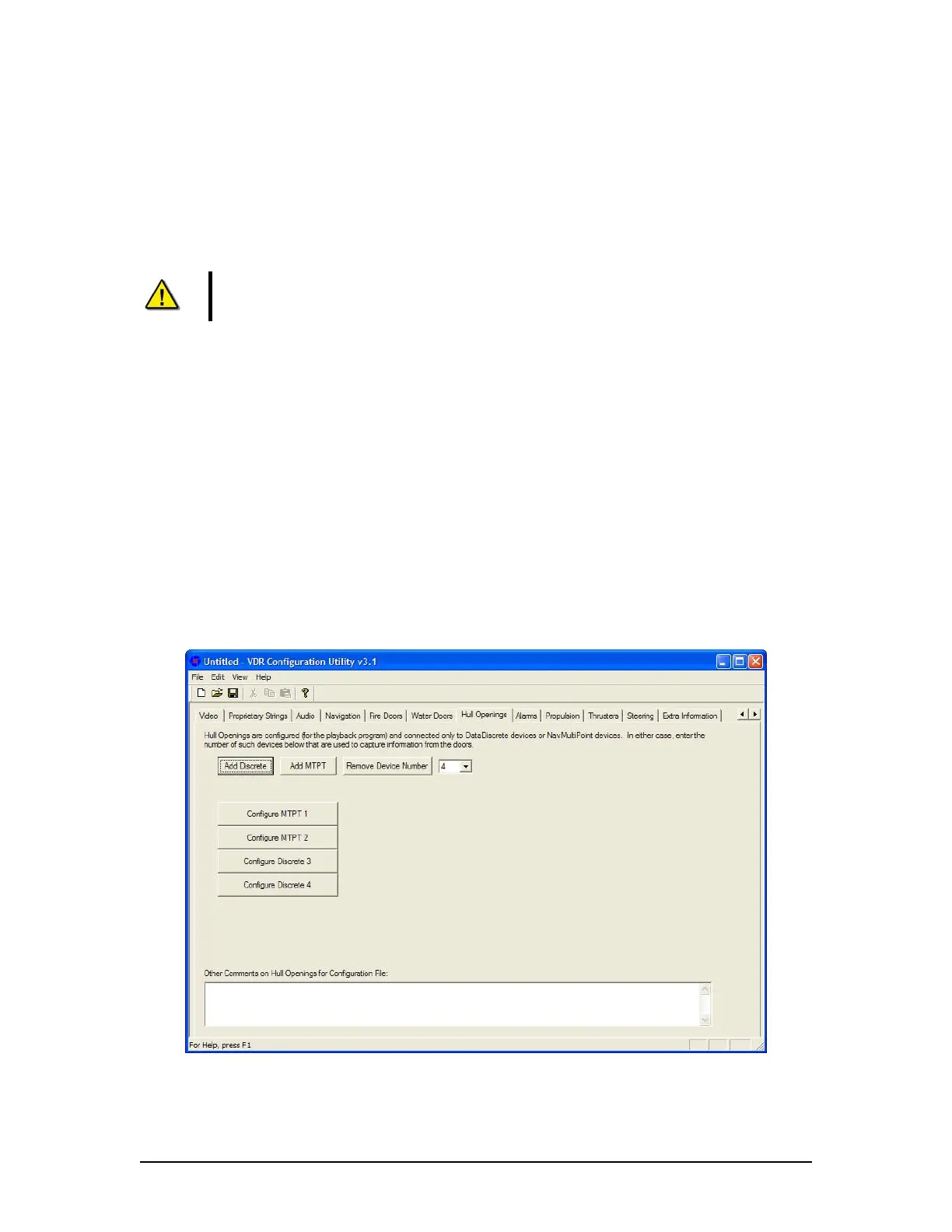
The ‘Hull Openings’ tab requires configuration information for the ship’s Hull Openings (see
Figure A2- 27 - Hull Openings below).
Figure A2- 27 - Hull Openings
VDR-100G3/G3S Installation Manual 06/10/2008
29



 To Next Page