7 VDR RECORD OPERATING INSTRUCTIONS
NOTE: The VDR_Record application must be operated only by a Rutter
Technologies Inc representative or other authorized service personnel.
During normal operation, the VDR_Record application is neither visible nor accessible to the
user. Several features within the VDR_Record application are used for testing and configuration
purposes. These features, along with several of the standard Windows applications features, are
found in the menu bar as outlined below.
7.1 File Menu
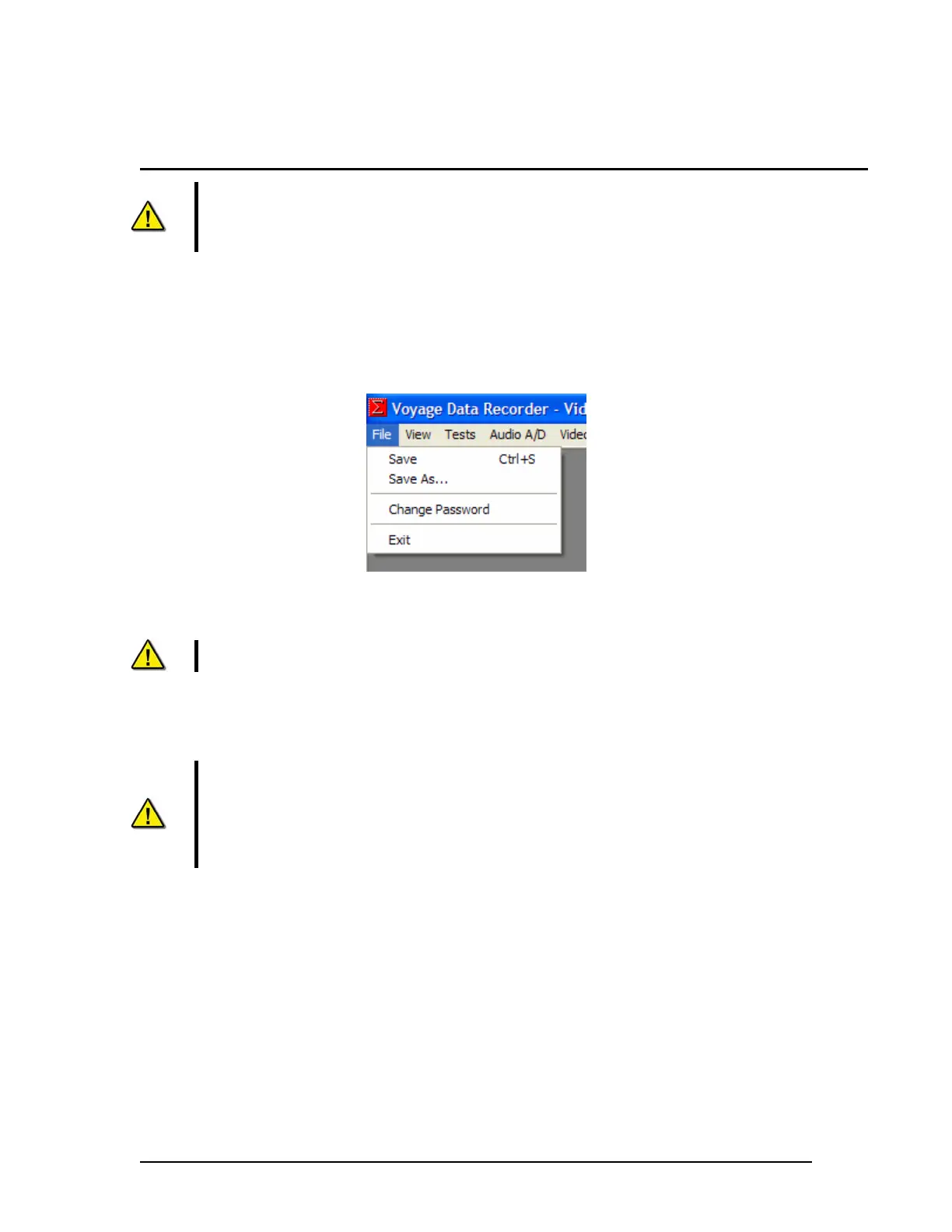
Figure 7-1 - File Menu
Save – Saves the selected window to the VDRapps folder on the internal drive.
NOTE: The window capture will be saved as a bitmap.
Save As – Allows the option to choose the folder to which the selected file will be saved.
Change Password – Allows a user to change the Record application password.
WARNING: The Record Application password should only be changed at the
demand of the customer.
Changing the password may make future service impossible or very difficult if the
password is not properly communicated. Rutter assumes no responsibility for additional
service time related to difficulties created by loss/change of a password.
It is a violation of VDR regulations to give the password to the customer.
Exit – Closes the VDR_Record application. The application cannot close if any of the test modes
are selected.
VDR-100G3/G3S Installation Manual 06/10/2008
7-1



 To Next Page