Chapter 8: Audio Module, Rev 1.1
8.4.4.2 Configuring the [AUDIO] Portion of the <
vdrparams.ini
> File
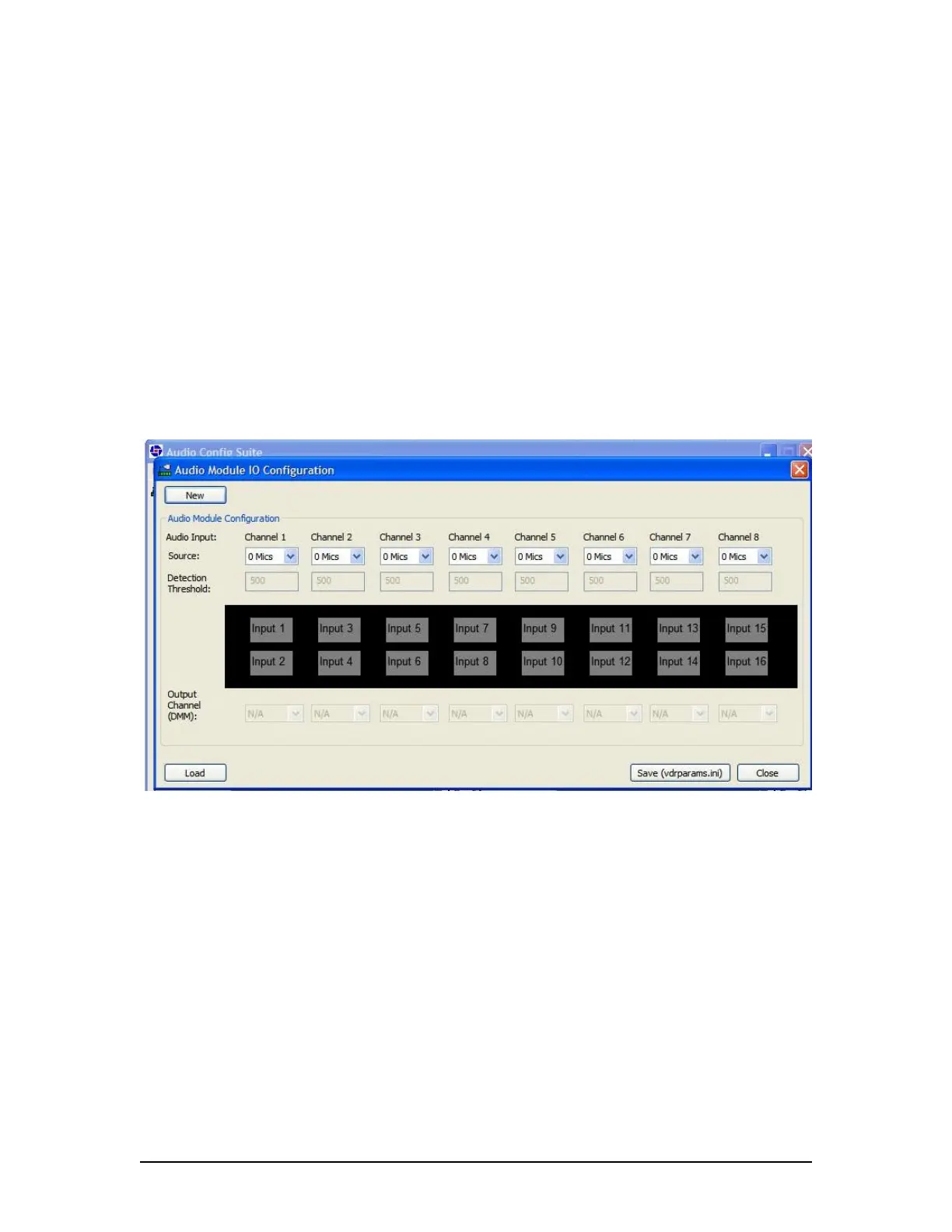
The Audio Module IO Configuration window, as shown in Figure 8-18- Blank Configuration
Panel, offers the ability to:
Create a new audio configuration in the <vdrparams.ini> file; or
Load an existing audio configuration from a <vdrparams.ini> file for review or editing.
To load an existing audio configuration setting from a <vdrparams.ini> file:
1. Press the Load button in the lower left corner of the window. A browser window will open;
2. Select the <vdrparams.ini> file to be reviewed.
To create a new audio configuration setting in a <vdrparams.ini> file:
1. Press the New button in the upper left corner. A decision box will open and reads:
This Will Reset Audio Module Configuration. Continue?
2. Choose Yes or No to reset the audio configuration.
Pressing Yes will reset all existing settings to default.
Pressing No cancels the New operation.
Figure 8-18- Blank Configuration Panel
VDR-100G3/G3S Installation Manual 06/10/2008
8-21



 To Next Page