Appendix 5: Playback Software, Rev. 1.1
A5.17.3 GuardZone
The GuardZone section allows a user to create a guard zone in the view screen. To create a
guard zone press the “Create” button, place the mouse cursor in the view screen area and left-
click in the locations required to create a guard zone shape. Double-click to complete the guard
zone formation. The guard zone can be enabled or disabled by checking or unchecking the
“Enabled” checkbox.
Figure 32 – GuardZone enable/disable
A5.18 Log Tab
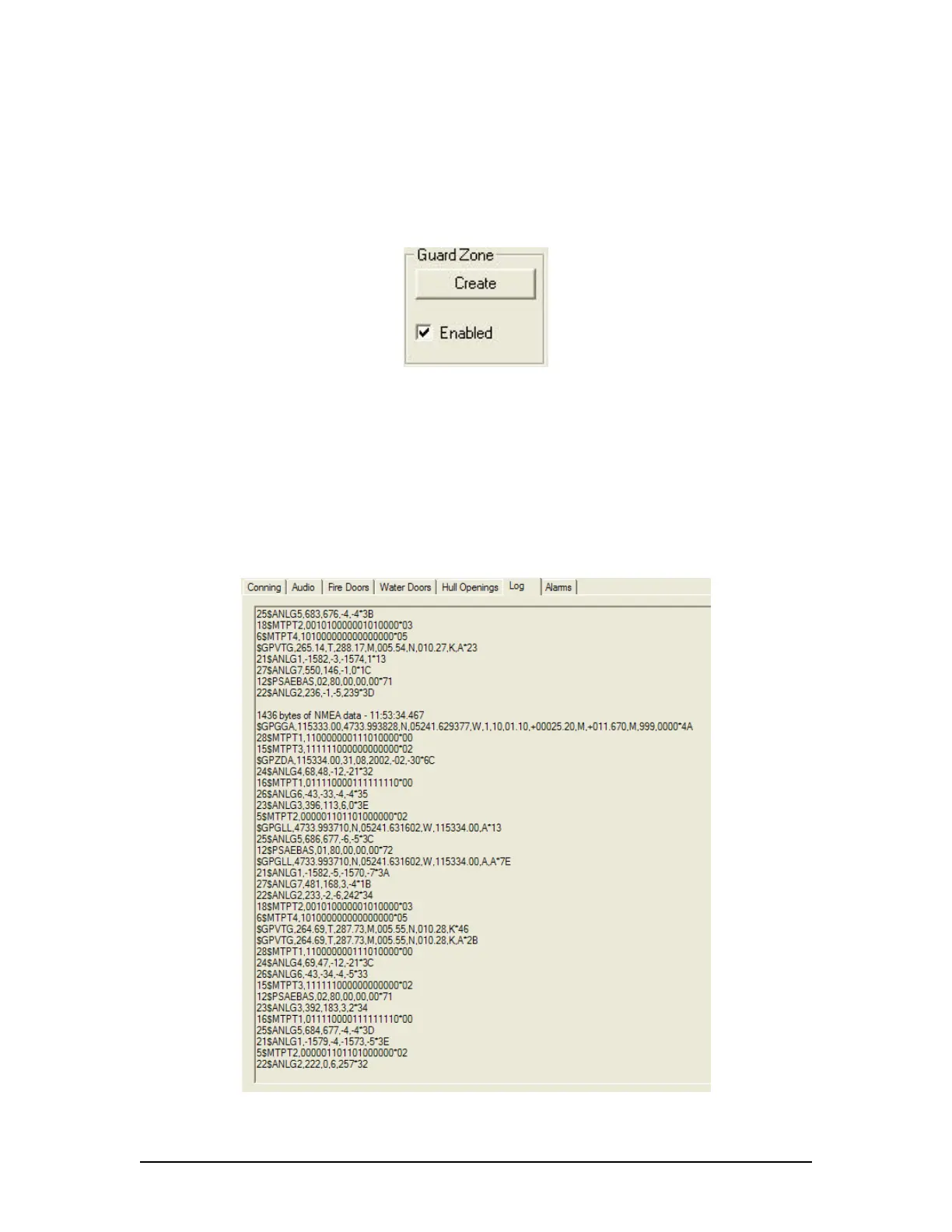
The ‘Log’ Tab Screen displays the size of each type of data block and the time it was recorded.
When viewed in compressed time (fast forward), the size of data blocks written at each time-
period is displayed, but the actual NMEA strings are not. When played back in normal time, the
‘Log’ Tab Screen will also display the NMEA strings.
‘Log’ information can be controlled via the Controls toolbar. To scroll illustrated information, press
the ‘Pause’ button on the Controls toolbar and use the ‘Log’ scrollbar to navigate.
Figure 33 - Log Window
VDR-100G3/G3S Installation Manual 06/10/2008
19



 To Next Page