VDR Installation & Commissioning Checklist, Rev 1.2
3 Component Installation Location
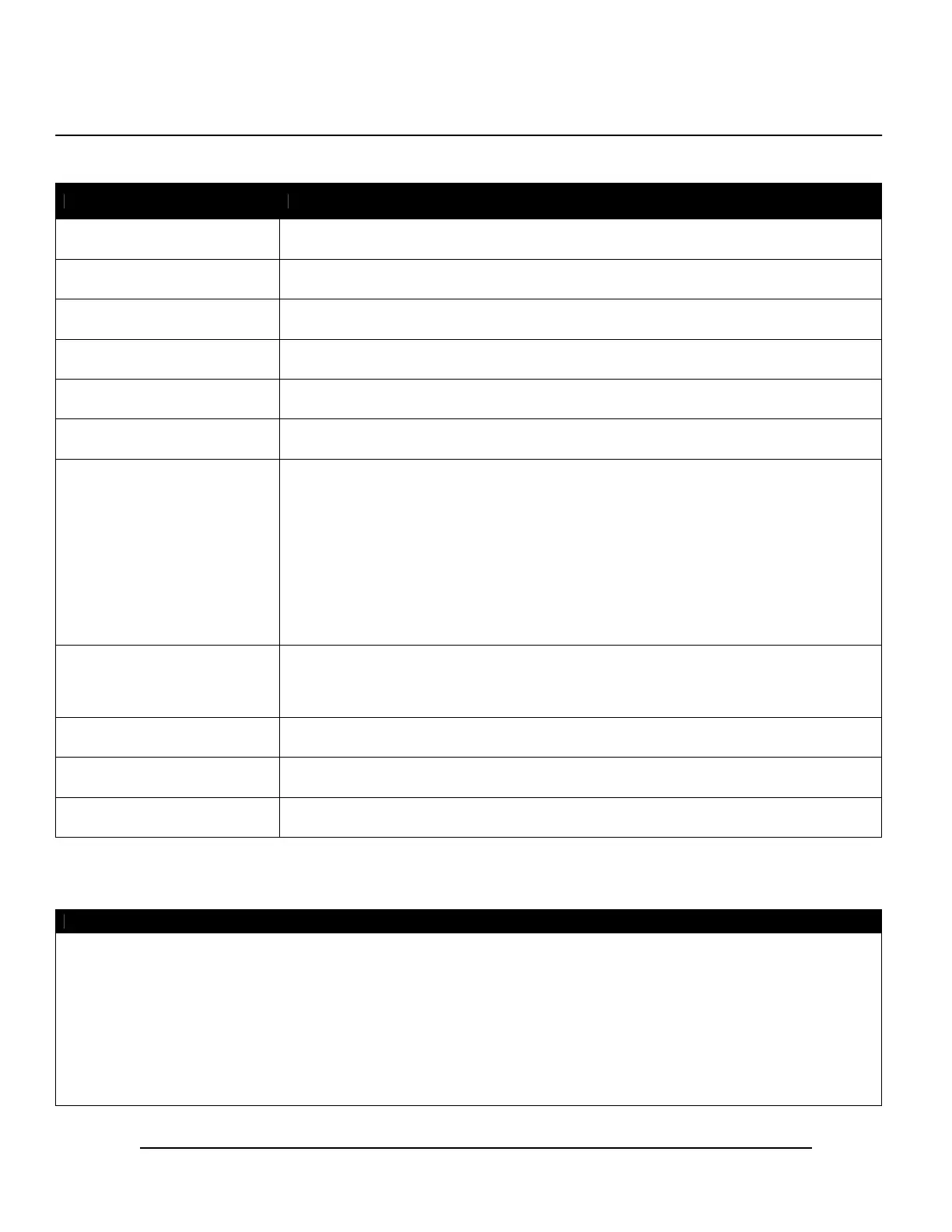
The installing technician must indicate the installation locations for VDR-100G3/G3S components in the applicable areas below.
VDR-100G3/G3S Component Installation Location
Data Processing Unit (DPU)
Data Acquisition Unit (DAU) *
Operation and Alarm Unit (OAU)
Audio Module *
NMEA Module *
Video Module *
Inside Microphones **
1.
2.
3.
4.
5.
6.
Outside Microphones *, **
1.
2.
Final Recording Medium (FRM)
Remote Storage Module (RSM) *
(Optional)
Client PC *
* If not installed, simply indicate “N/A” in the “Installation Location” column.
** Indicate the installation location for each microphone on the corresponding number line. If there are less than six microphones, indicate “N/A” on
the corresponding line (i.e., if there are only four indoor microphones installed, write “N/A” next to numbers “5.” and “6.”.
Comments
Please strike out any space left empty in the “Comments” section above.
VDR Installation Manual 06/10/2008
11



 To Next Page