Chapter 12: Final Recording Medium Setup, Rev. 1.5
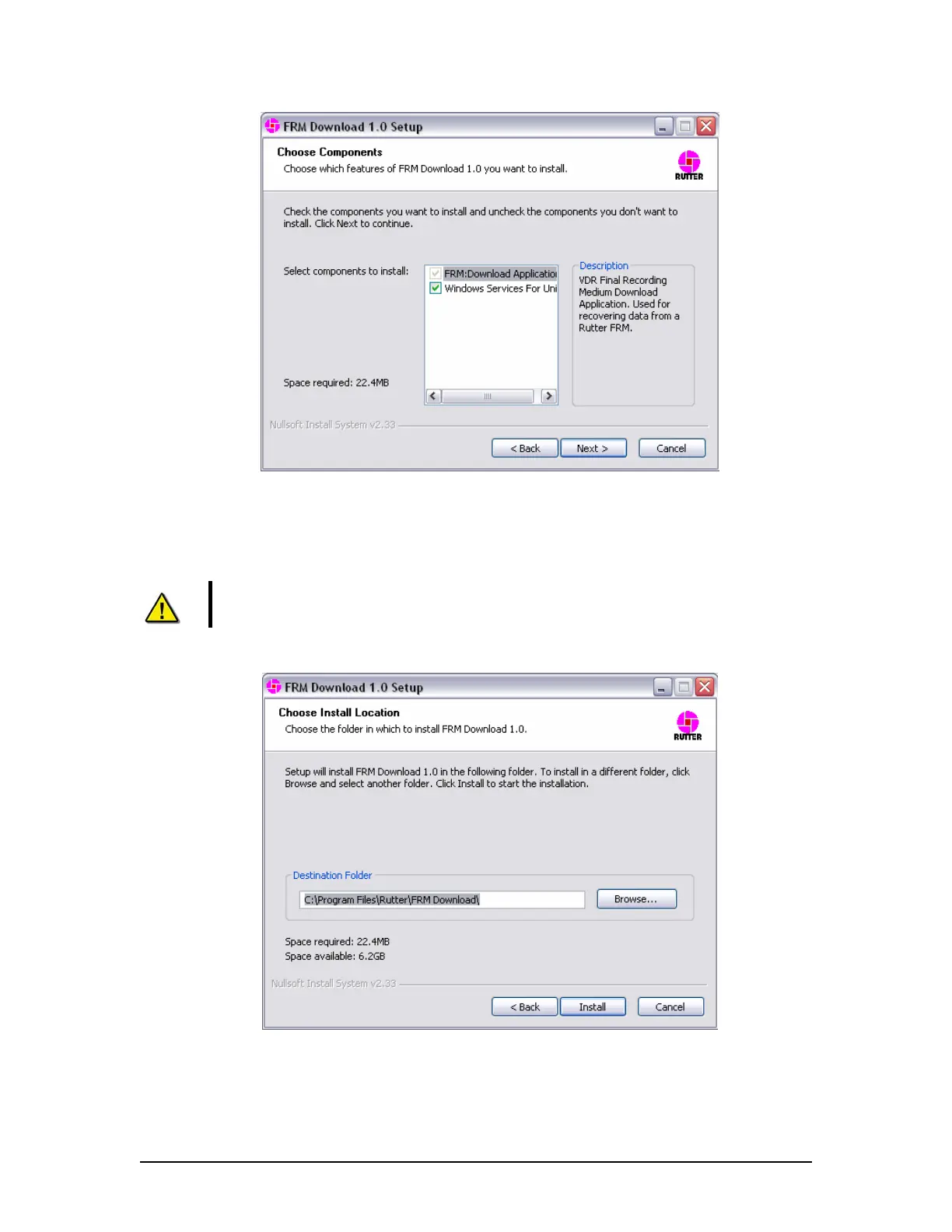
Figure 12–34 - Setup Wizard Component Selection Page
5. Choose the directory to which the FRM Download Application will be installed. Click
‘Install’ to proceed with the installation.
Note! Due to limitations with the installation process of ‘Windows Services for
Unix’, this component will be installed to “C:\SFU” by default.
Figure 12–35 – Setup Wizard Install Location Page
VDR-100G3/G3S Installation Manual 10/12/2008
12 - 45



 To Next Page