Chapter 12: Final Recording Medium Setup, Rev. 1.5
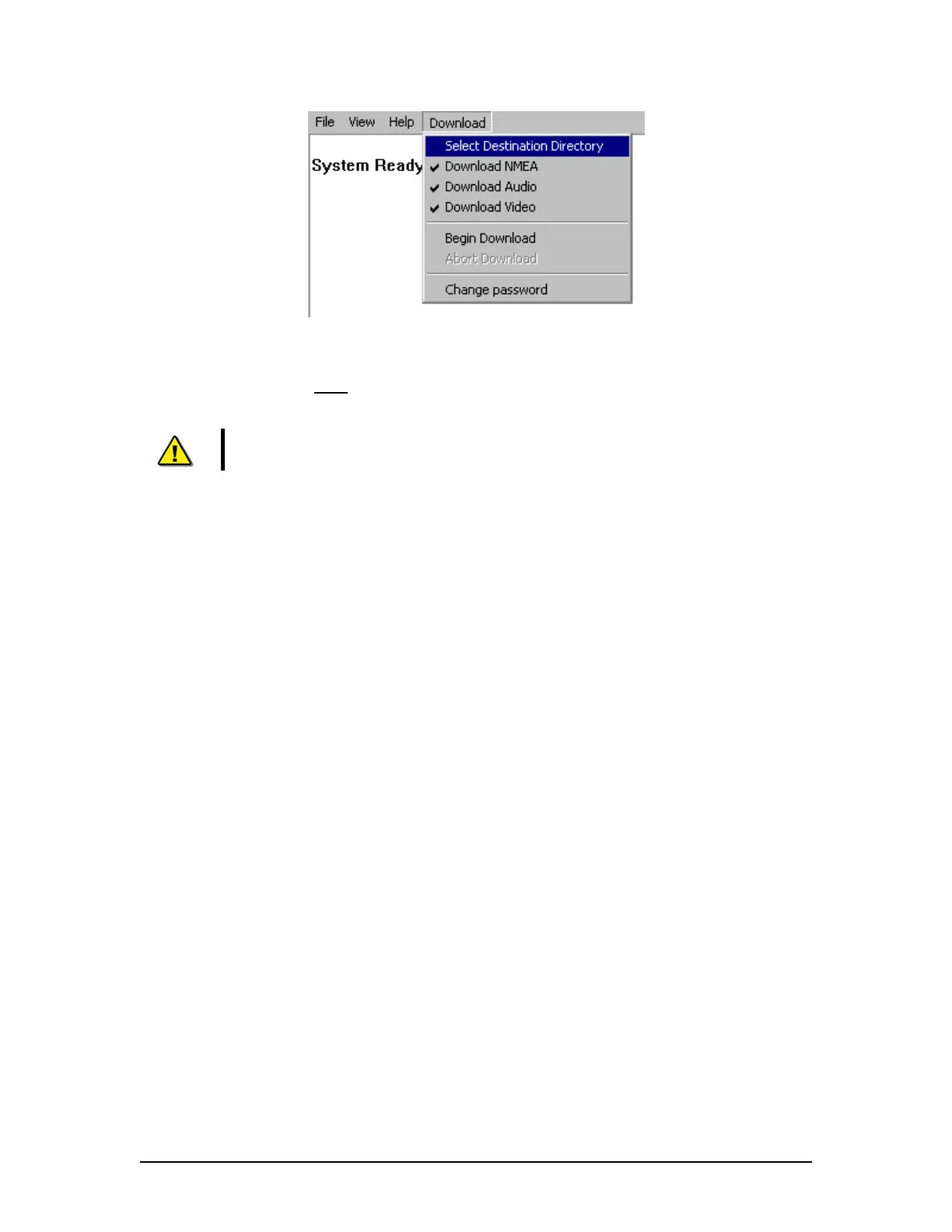
Figure 12–10 - Download Stream Options
6. Select “Begin download” under the Download menu.
7. Enter uppercase VDR
for the password;.
8. Select a location to save the downloaded files.
Note! The download from the L3 FRM/SFRM may take up to 4 hours to complete
and the data will be downloaded to the DMM’s internal hard drive.
9. From the Technician PC, open the playback application.
10. Select the FRM_Download data set to playback.
11. Observe the beginning and end time (system contents) of the data set to
ensure that 12 hours of data have been recorded to the FRM/SFRM.
12. Select the beginning of the data set to start playback.
13. Observe that video, audio and NMEA have been recorded
14. Observe that the start time of each stream is in fact 12 hours previous to the
end time.
15. Stop playback.
16. Select the middle of the data set to playback.
17. Observe that video, audio, and NMEA have all been recorded.
18. Select the end of the data set to start playback.
19. Observe that video, audio and NMEA have all been recorded for 12 hours.
20. Stop playback.
21. Exit the application.
VDR-100G3/G3S Installation Manual 10/12/2008
12 - 19



 To Next Page