Appendix 4: Data Retrieval, Rev. 1.1
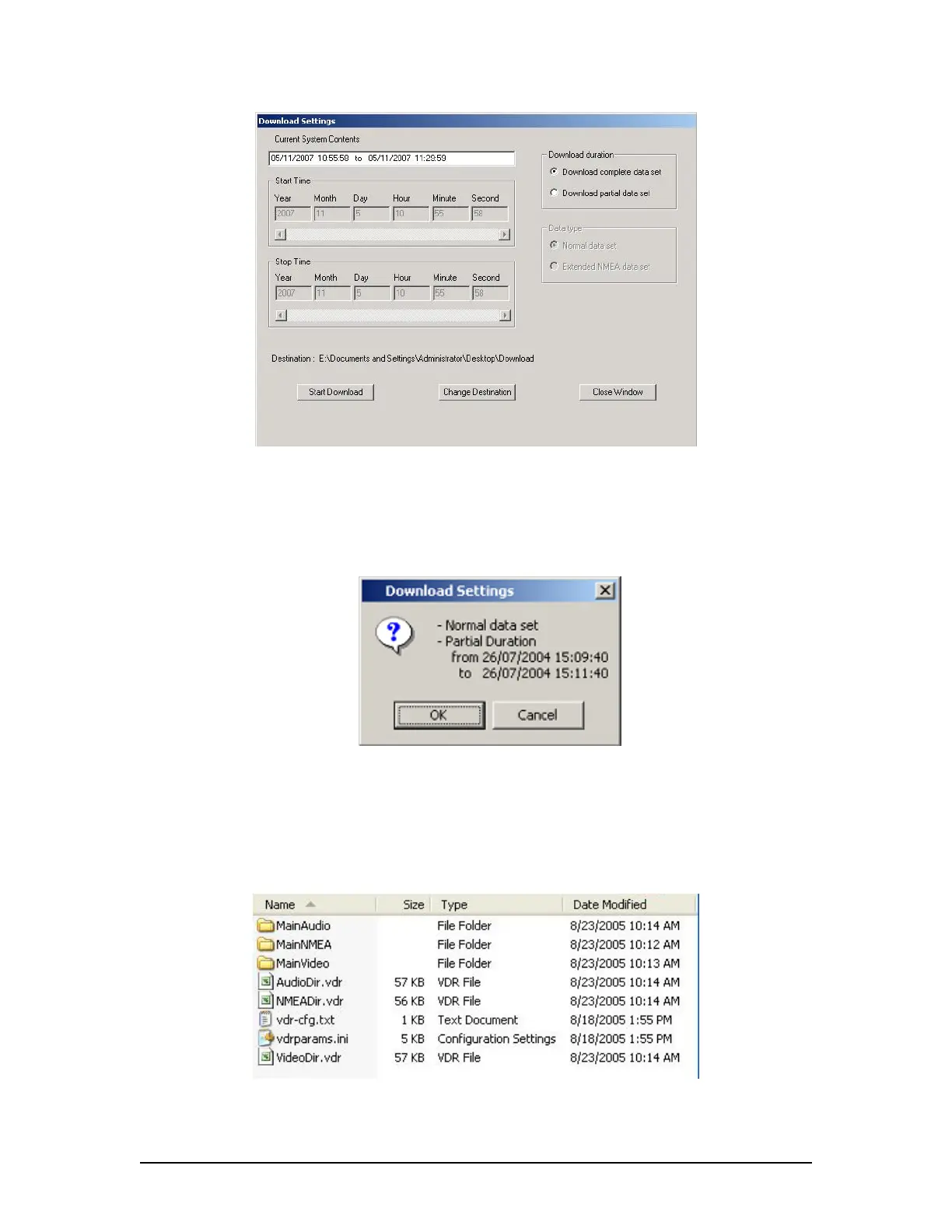
Figure A4 - 4 - Download Settings Window
4. Confirm that the stated download destination is correct. If it is not, press the ‘Change
Destination’ button, select the correct destination from the file window, and press ‘OK’.
5. Press the ‘Start Download’ button.
Figure A4 - 5 – Confirm Download Settings
6. Confirm all settings are correct in the confirmation window and press ‘OK’ (if they are
not, press ’Cancel’ and make the appropriate changes in the ‘Download Settings’
window).
Figure A4 - 6 - Sample Download Directory
VDR-100G3/G3S Installation Manual 06/10/2008
3



 To Next Page