Appendix 5: Playback Software, Rev. 1.1
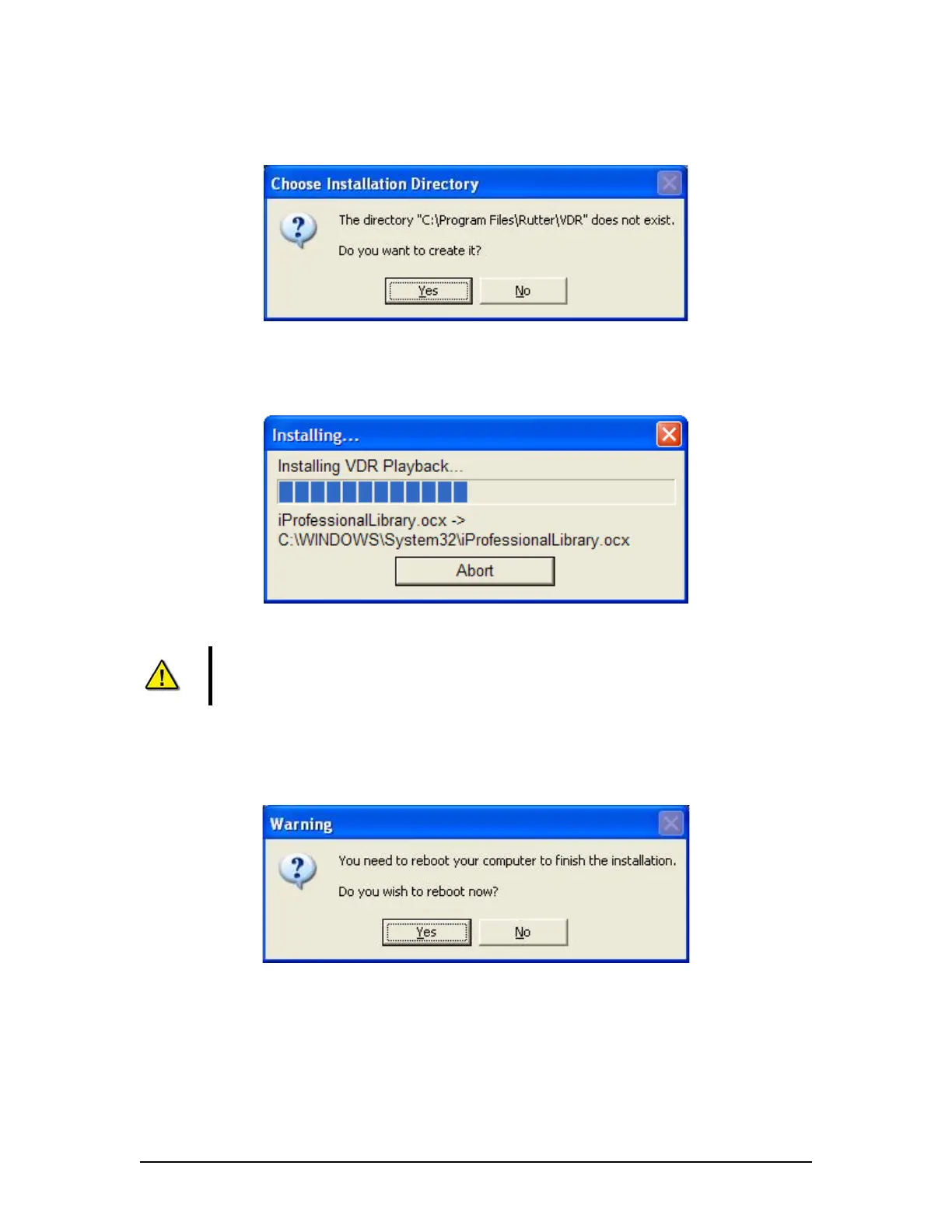
3. A prompt will appear asking the user to clarify creating the install directory. Click Yes to
create it. If No is chosen the user will be prompted to choose an alternative directory.
Figure 3 - Choose Installation Directory
After clicking “yes” to create the installation directory the following prompt will appear
indicating the status of the installation.
Figure 4- Installing Message Window
Note!
To stop the installation, click the ‘Abort’ button on the ‘Installing…’
message window.
4. Click Yes to reboot computer to finish the VDR Playback installation. Clicking No will
allow a reboot at a later time.
Figure 5 - Reboot warning
When the installation is complete, a shortcut to VDR Playback will be placed on the Windows
desktop.
VDR-100G3/G3S Installation Manual 06/10/2008
2



 To Next Page