Chapter 6: Initial Power-up, Rev 1.1
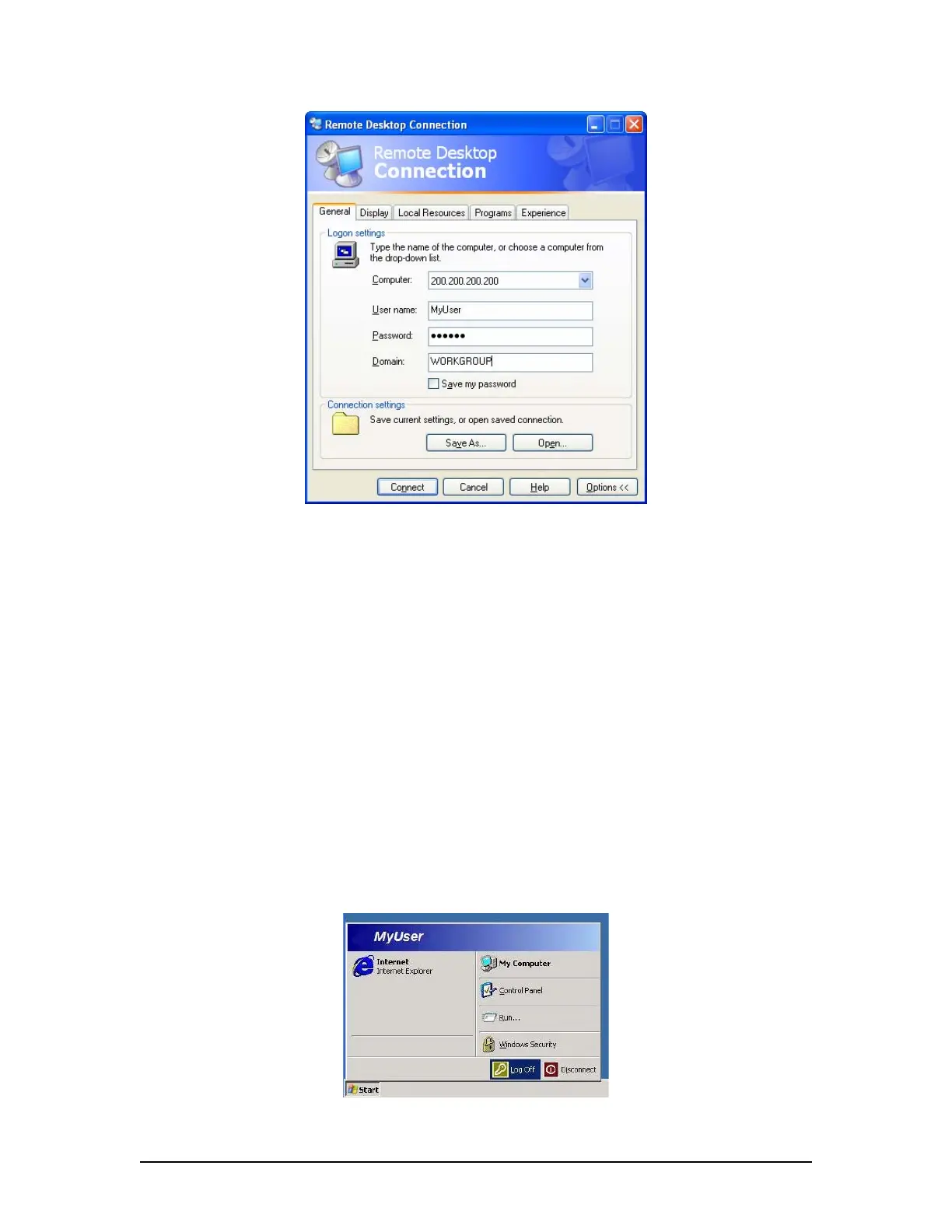
Figure 6.3 - Logon Settings
4. Click the “Connect” button.
NOTE: The DMM operating system desktop will display and the record application
<VDR_Record> should be visible.
5. Observe the log window for problems;
6. Select Watchdog application located in the task bar (next to the “Start” button);
7. In the Watchdog window, select the “Cancel” button;
8. When prompted for a password enter VDR;
9. Terminate the recording process with the following steps:
a. Shut down the Watchdog application.
b. Shut down the VDR Record Application (a password is required).
c. Log off the MyUser account via Start > Log Off.
Figure 6.4 - MyUser Logoff
VDR-100G3/G3S Installation Manual 09/12/2008
6-5



 To Next Page