SINUS PENTA
PROGRAMMING GUIDE
22/486
1.7. ESC Key
Press the ESC key and to do the following:
1. move up one level in the menu tree;
2. go to the next field when changing a parameter having multiple value fields;
3. quit the editing mode without storing the value to EEPROM, or go back to the previous value based on P269b.
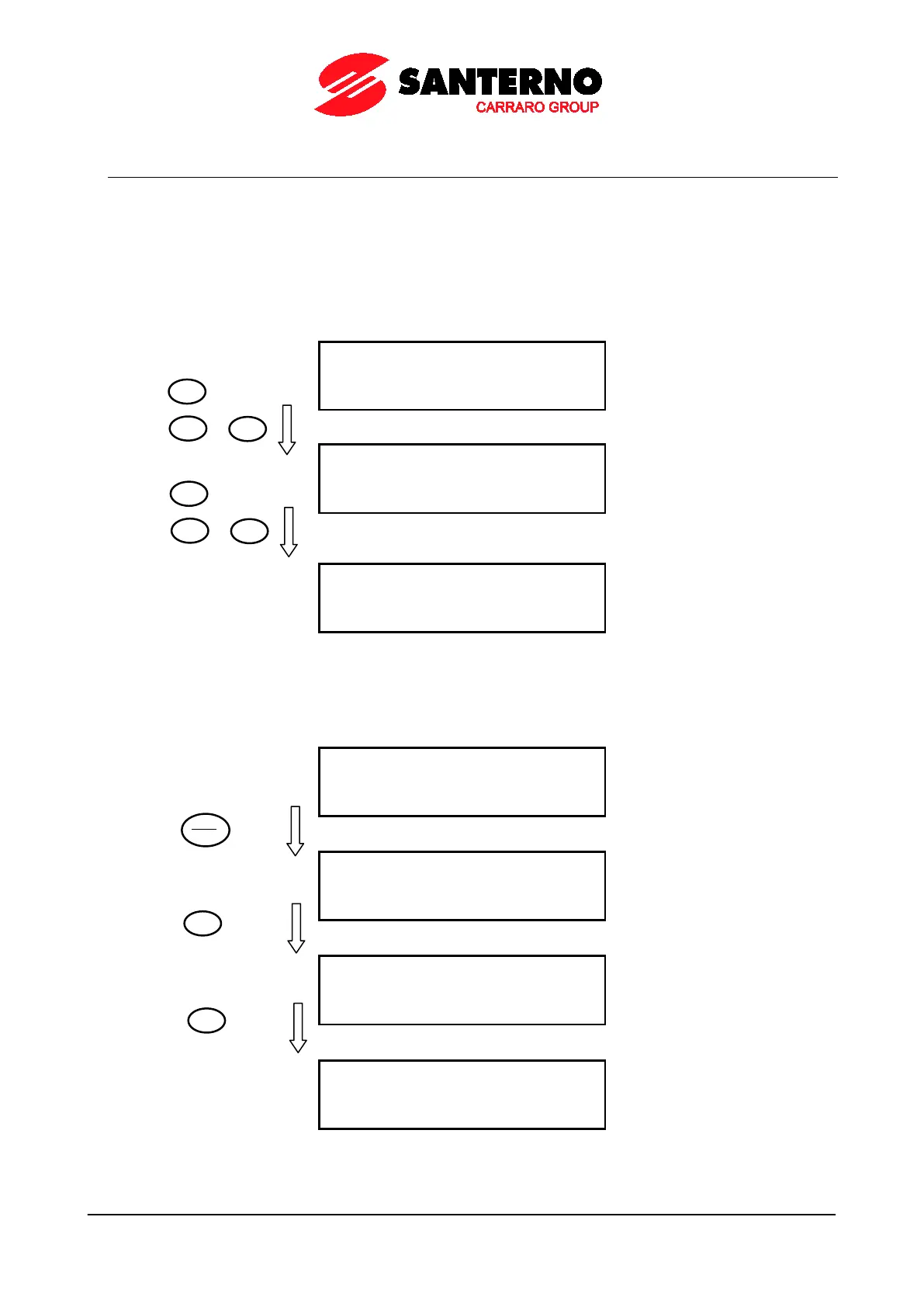
1. In the example below, starting from parameter C015 in the MOTOR CONFIGURATION MENU inside the
Configuration Menu, you can move up to the Root page by pressing the ESC key.
Page C015 Parameter of Configuration Menu, Motor 1
Startup Page of Configuration Menu, Motor 1
Root page
2. When using the SAVE/ENTER key to change a parameter including multiple fields (ESC> is displayed for the ESC
key) press ESC to move to the next field. In the example below, 2 programmable fields are displayed for P269:
Press “SAVE/ENTER” to enter the editing mode
Press “▼” to change the parameter value
Press “ESC” to move to the next field
ENTER



 To Next Page