SINUS PENTA
PROGRAMMING GUIDE
74/486
8.12. Fault List Menu
Scroll the Fault List Menu to display the codes of the last eight alarms tripped.
Press the SAVE/ENTER key to access the alarm submenu and navigate to each value measured by the drive when the alarm
tripped.
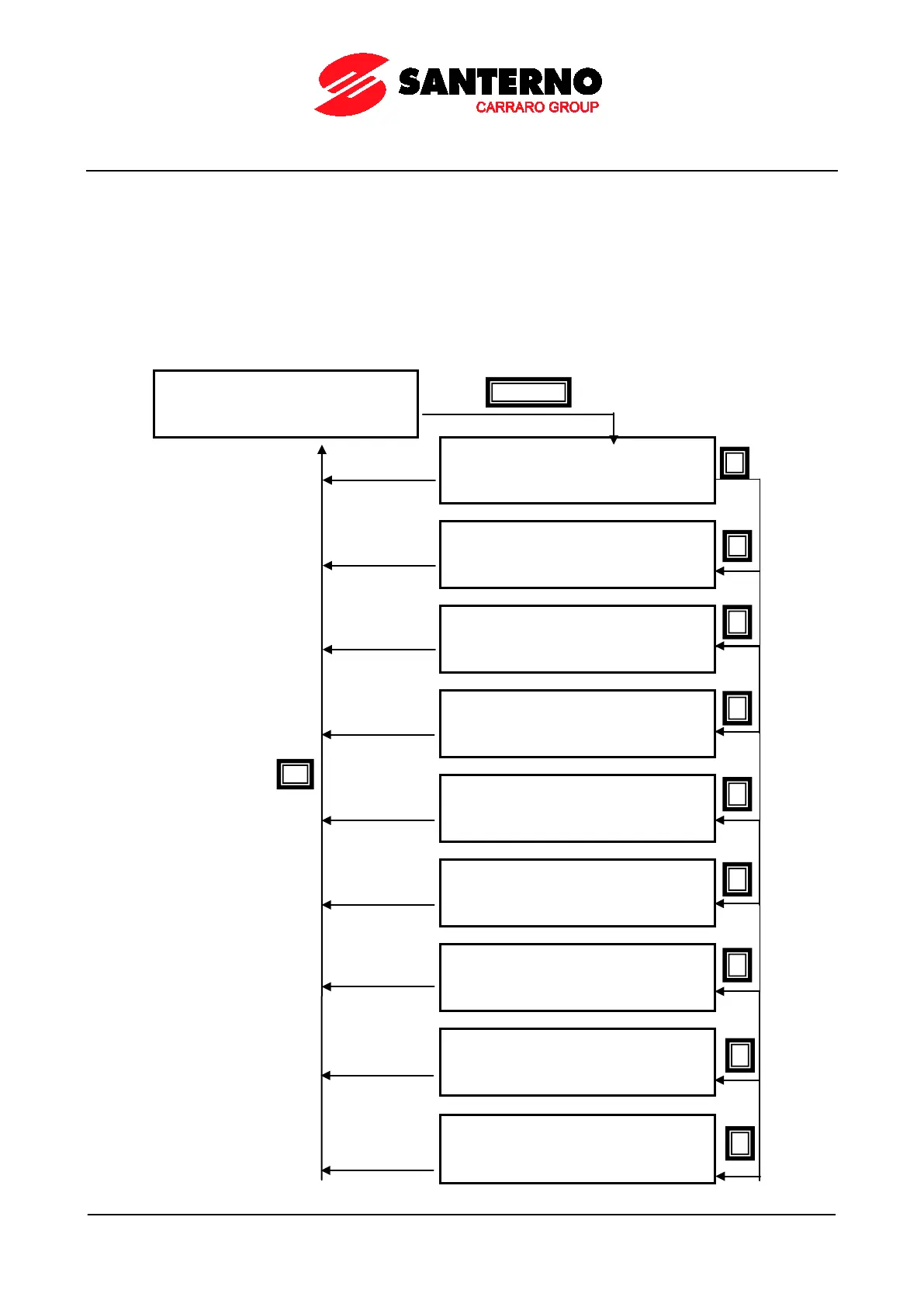
The diagram below shows a navigation example for the Fault List Menu (relating to alarm n.1 in particular). Note that
n.1 is the last alarm tripped and n.8 is the first alarm tripped.
The measures marked with Mxxx are the same measures covered in this section.
If the Data Logger ES851 is installed (even the ES851 RTC version only) and parameter R021 Data Logger is set to 2:
ENABLE, the date and time when the alarm has tripped are displayed instead of the Supply Time (ST) and the
Operation Time (OT) respectively.
Navigation Example - Fault List Menu.



 To Next Page