SINUS PENTA
PROGRAMMING GUIDE
36/486
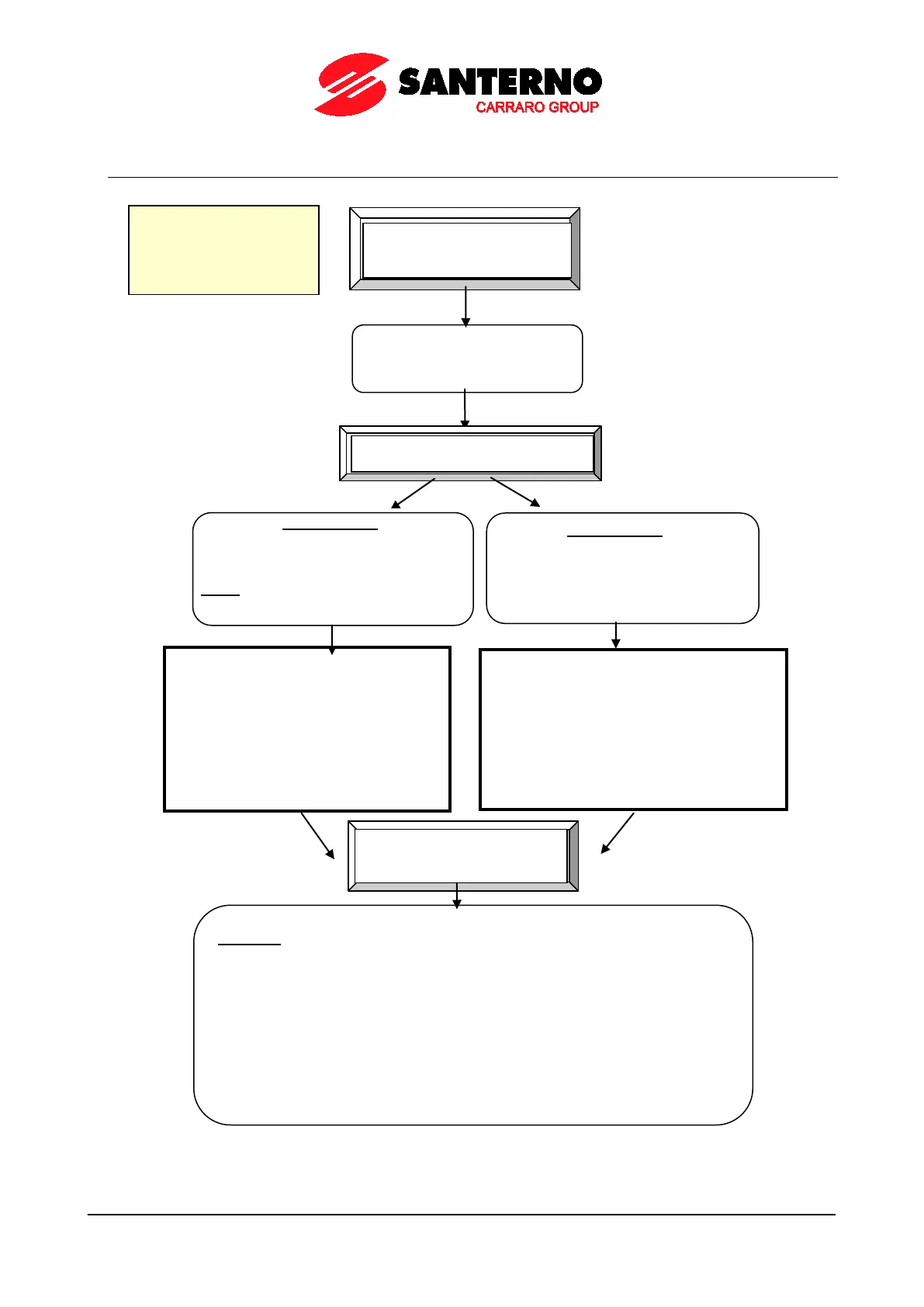
5.4. Configuring the Feedback from Incremental Encoder
In the Encoder/Frequency Input menu, set
the source for Encoder B speed feedback:
set C189 [A=NO B=FBK] (if also encoder A
or frequency input FIN A are used, see
programming options for C189
Encoder/Frequency Input section).
Set the number of pls/rev for the encoder
being used (parameter C191).
Setting the Speed
Feedback
In the Motor Control menu, set
C012 as a speed feedback from
Encoder.
Push-Pull, single-
connected to digital inputs MDI6 and
MDI7.
NOTE: In the Digital Inputs menu, do
not set any function for MDI6 and MDI7.
ENCODER B
Encoder acquired via option board
ES836 (see the Installation Guide for
the Configuration of the jumper and the
dip-switches for the encoder type and
supply).
In the Encoder/Frequency Input menu,
set the source for Encoder A speed
feedback: set C189 [A=FBK B=NO] (if
also encoder B or frequency input FIN B
are used, see the programming options
for C189 in the Encoder/Frequency Input
section).
Set the number of pls/rev for the encoder
being used (parameter C190).
Check to see if the encoder is properly connected.
CAUTION: the motor must start running.
In the Autotune menu, set I073=Encoder Tune and close the enabling contact of
the drive (MDI2). When autotune is over, one of the following messages is
displayed:
•W31 Encoder Ok (encoder direction matches with the motor direction of rotation)
•A059 Encoder Fault
(wrong encoder reading: check parameters in the
Encoder/Frequency Input menu and check wiring. If encoder B is used, check the
configuration of the dip-switches in the encoder board and the configuration of the
jumper selecting the encoder supply mode
.)
When performing the Autotune function, the encoder signal used as feedback is
automatically corrected (see C199).
Setting
P000 Write Enable
P001 = Eng. (Access Level)



 To Next Page