PROGRAMMING GUIDE
SINUS PENTA
337/486
C167, C168 MULTIRAMP Inputs
C167 C168 Range
0 ÷ 16
0 ÷ 24 if ES847 or ES870 is fitted
1 ÷ 8 → MDI1 ÷ MDI8
9 ÷ 12 → MPL1 ÷ MPL4
13 ÷ 16 → TFL1 ÷ TFL4
Function
This function allows selecting up to 4 acceleration/deceleration ramps. Each ramp has
its own programming parameters; see P009 ÷ P025 (RAMPS MENU).
These 2 functions determine which of the 4 ramps is to be selected: the active value (1
inactive value (0) of each preset input signal determines a binary number with a bit-
where Multiramp 0 is the least significant bit (bit 0 ) and Multiramp 1
significant bit (bit 1).
The ramps range from 1 to 4; for the selected ramp, add 1 to the bina
obtained.
If one of these functions is not programmed, the relevant bit is “zero”.
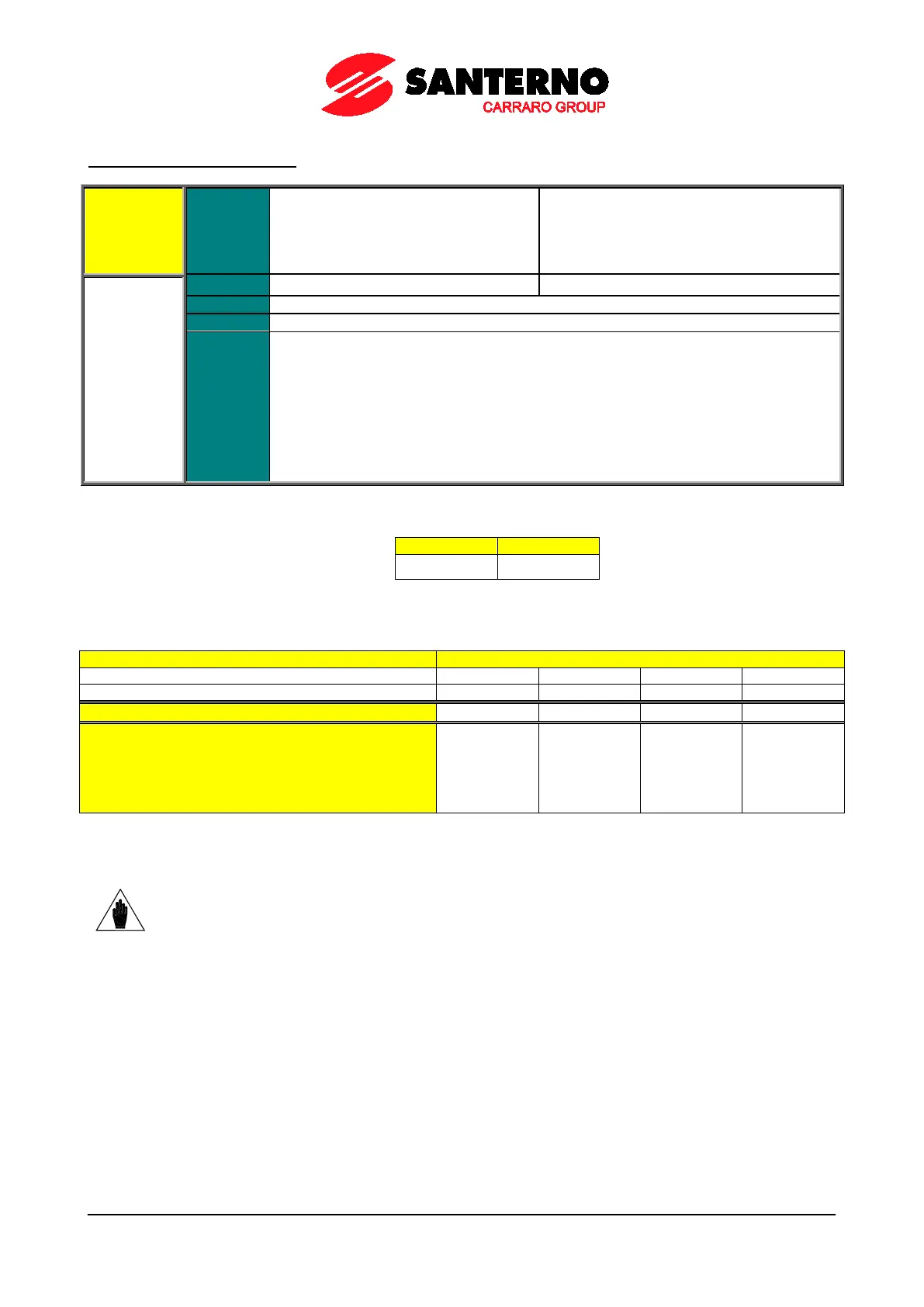
Table 102: Multiramp selection
Table 103: Selected ramp
Active ramp times (parameters determining the ramp
model)
P009
P010
P014
(*)
P012
P013
P014
(*)
P015
P016
P020
(*)
P018
P019
P020
(*)
If one of these functions is not programmed, its bit is “zero”.
For example, if C167 is Inactive (0) and C168 is programmed for one terminal, only ramp 1 or ramp 3 can be selected.
NOTE (*)
If the ramp rounding off function is enabled (P021≠0), the real ramp times also depend
on the values set in parameters P022, P023, P024, P025, P031.



 To Next Page