PROGRAMMING GUIDE
SINUS PENTA
85/486
11.3. Keypad Page and Local Mode
Keypad
Keypad Help
To access the Keypad pages, press the MENU key from the Root Page or press the LOC/REM key after selecting the
Local mode.
The measures displayed on the Keypad page can be set up through parameters P268b to P268e. From the Keypad
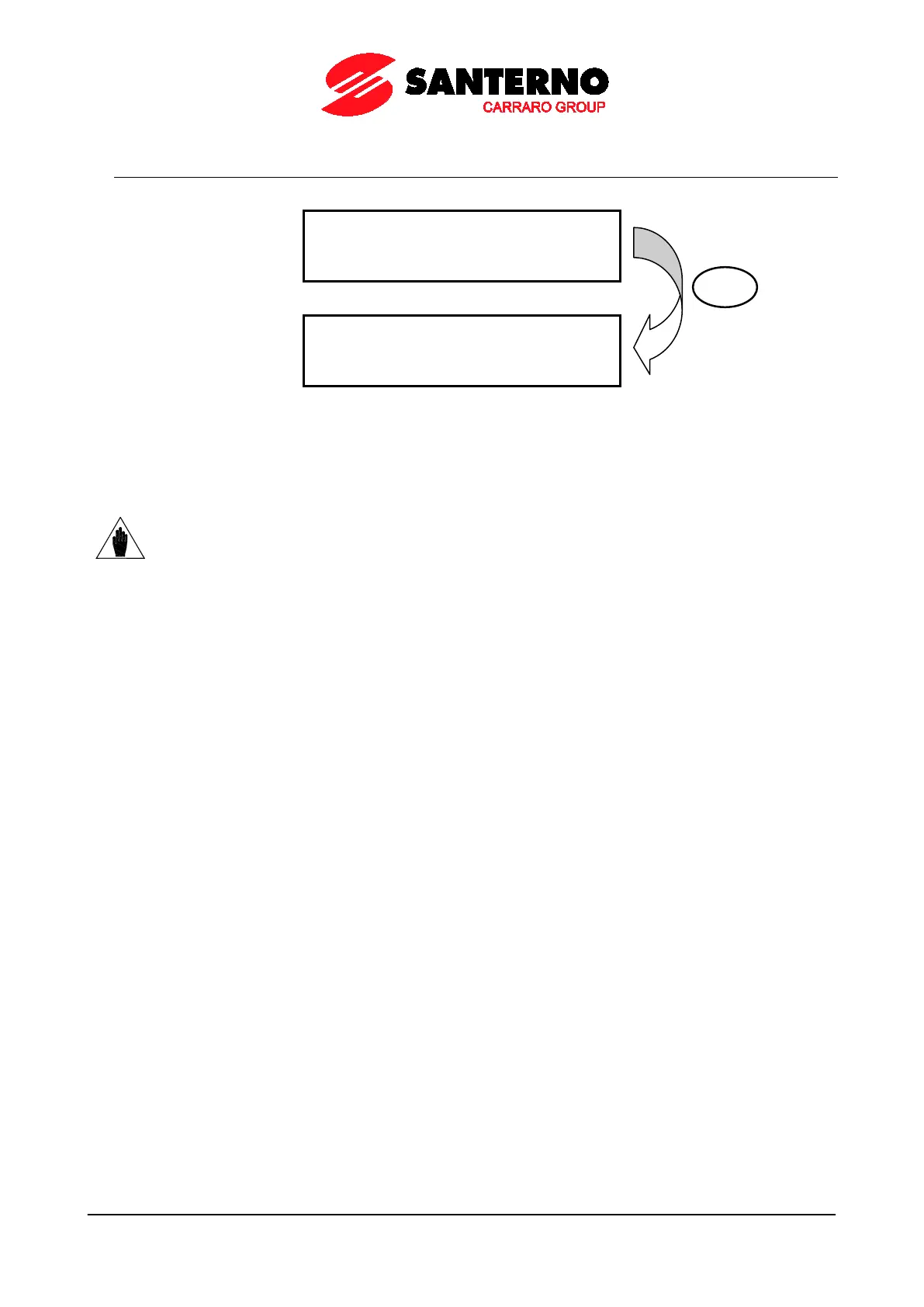
page, press the SAVE/ENTER key to display the Keypad Help page, describing the measures displayed on the Keypad
page. The Keypad Help page is displayed for a few seconds.
NOTE
If parameter P264b (Navigation mode via MENU key)
is set to Operator, navigation is locked
once the Keypad Page is displayed. Hold down the ESC key for
navigation.
The following Keypad Pages are available:
Measures only → four lines displaying measures only
Speed → line 4 shows the speed reference, that can be changed with the ▲ and ▼ keys.
Torque → line 4 shows the torque reference, that can be changed with the ▲ and ▼ keys.
Limit Torque → line 4 shows the limit torque reference, that can be changed with the ▲ and ▼ keys.
PID → line 4 shows the PID reference, that can be changed with the ▲ and ▼ keys.
If the Local Mode is NOT selected, pressing the MENU key allows viewing only the pages containing the references sent
via keypad (see the CONTROL METHOD MENU and the PID CONFIGURATION MENU).
LOCAL MODE
In LOCAL mode (the L-CMD and L-REF LEDs come on when the Local mode is active), only the commands and
references sent via keypad are enabled, while any other control source or reference source is disabled (see the
CONTROL METHOD MENU, the DIGITAL INPUTS MENU and the INPUTS FOR REFERENCES MENU). The keypad
page displayed when the LOC/REM key is pressed depends on the setting of parameter P266 (Type of Keypad Page in
Local Mode):
P266 = Measures Only → Page containing 4 preset measures; no reference can be changed.
P266 = Ref.Activated → Line 4 in the Keypad Page enables changing the drive reference: the speed reference if a
speed control is activated (“Ref” displayed), the torque reference if a torque control is activated (“TRef” displayed). If the
drive reference is the PID output (C294 PID Action = 1:[Reference]), the PID reference is given (“PRef” displayed).
Use the ▲ and ▼ keys to change the reference displayed in line 4 on the Keypad Page.
P266 = Ref.Activated+Spd → To be used only when the drive reference depends on the PID output when a speed
control is used (C294 PID Action = 1:[Reference]). When the LOC/REM key is pressed for the first time, “PRef” is
displayed in line 4 and the PID reference may be adjusted; when the LOC/REM key is pressed twice, the PID is
disabled and the speed reference can be changed (“Ref” displayed).
Use the▲ and ▼ keys to change the reference shown in line 4 on the Keypad Page.
ENTER



 To Next Page