5 OPERATION
5.58 MHL360 E
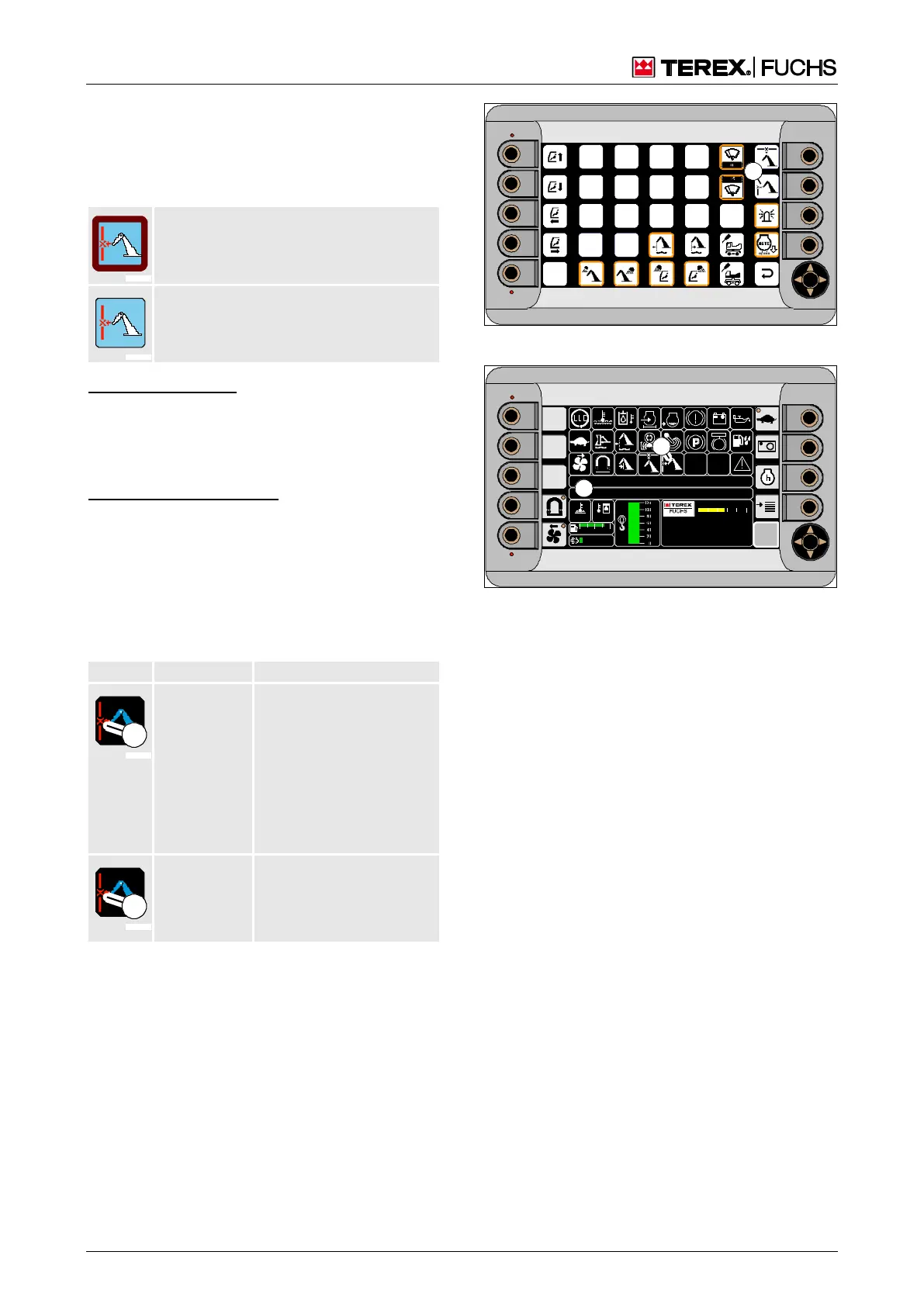
Overriding the range limit
The range limit can be overridden in the func-
tion menu. The border around the square
(181/53) indicates the status.
Border color: red
No border
Multifunction button
►
Using the mini-joystick, navigate the focus
to the square (181/53).
►
Briefly press button.
or four-way rocker switch
►
Using the arrow keys, navigate the focus to
the square (181/53).
►
Press the central button
Corresponding indicators (182/30) and text
messages (182/34) appear on the main con-
trol display.
vice inside
Extending dipperstick
or lowering boom pos-
sible
Indicator not flashing,
color (1): red
Text message "RANGE
LIMITATION IS
OVERRIDDEN"
vice outside
Indicator flashing, color
(1): red
Text message and func-
tion as above
►
Switch to the main control display.
►
Carefully move loading equipment further.
►
Switch range limitation back to active as
soon as possible in the function menu.
Fig. 181 Function menu
F
09 :43 11 .03. 2 011
MH LX X X / XXX X
18 00 U PM
0 5 1 0 15 20 2 5
95°C 7 5°C
0 ½ 1
9 %
120 0
BSB50664
34
30
Fig. 182 Range limit



 To Next Page