Chapter 7: PC SOFTWARE OFFLINE SETTINGS
7. CONFIGURATION SETTING MODE
7-16
Step 5. After all settings are complete, click on either the [Apply] or [OK] button.
Setting contents will be updated, and the [SF Properties] window closed.
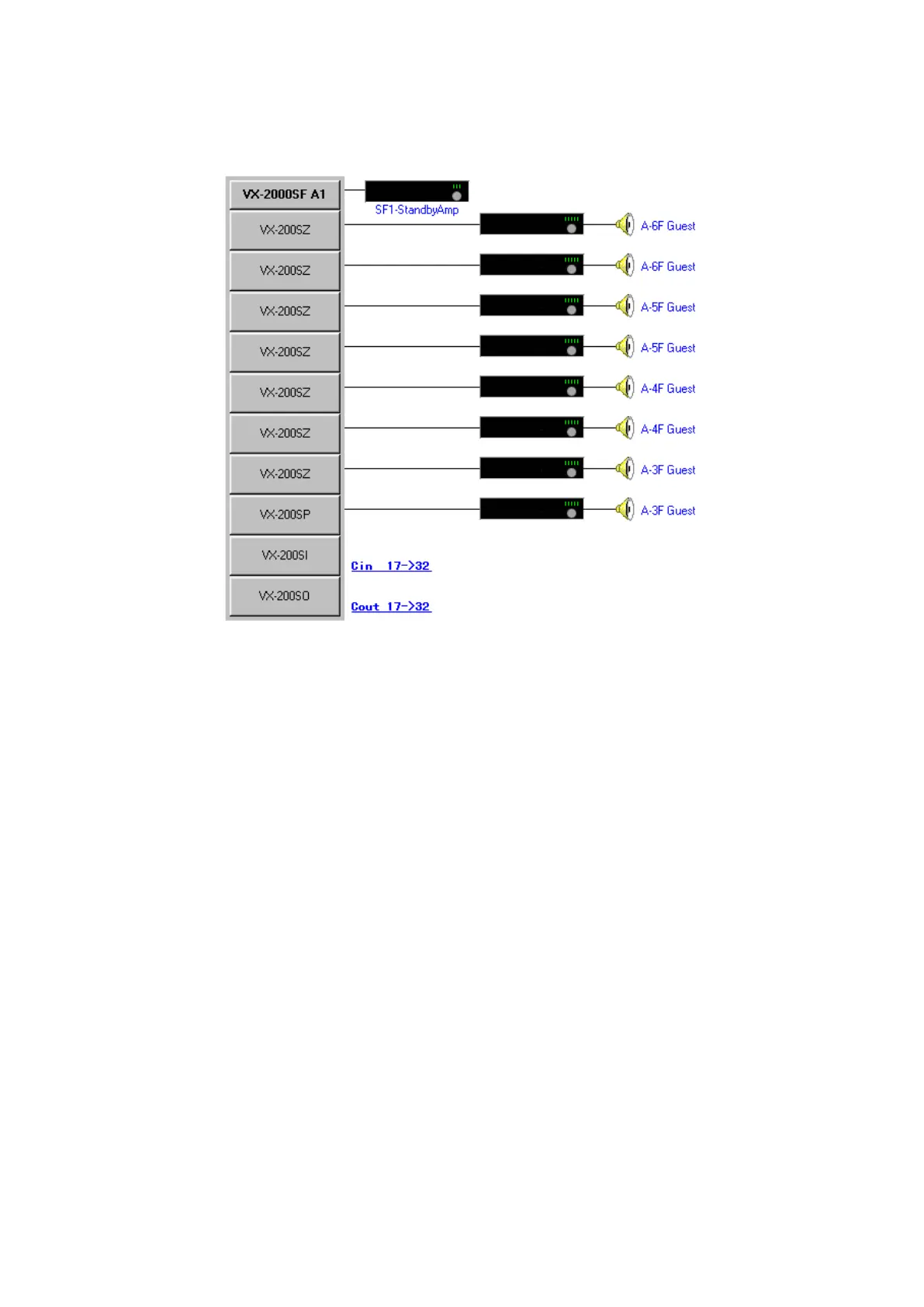
Set module model numbers will be displayed on the Configuration screen, with the power amplifier,
speaker and control I/O terminal numbers being displayed on the right-hand side of VX-2000SF.



 To Next Page