Chapter 7: PC SOFTWARE OFFLINE SETTINGS
7. CONFIGURATION SETTING MODE
7-21
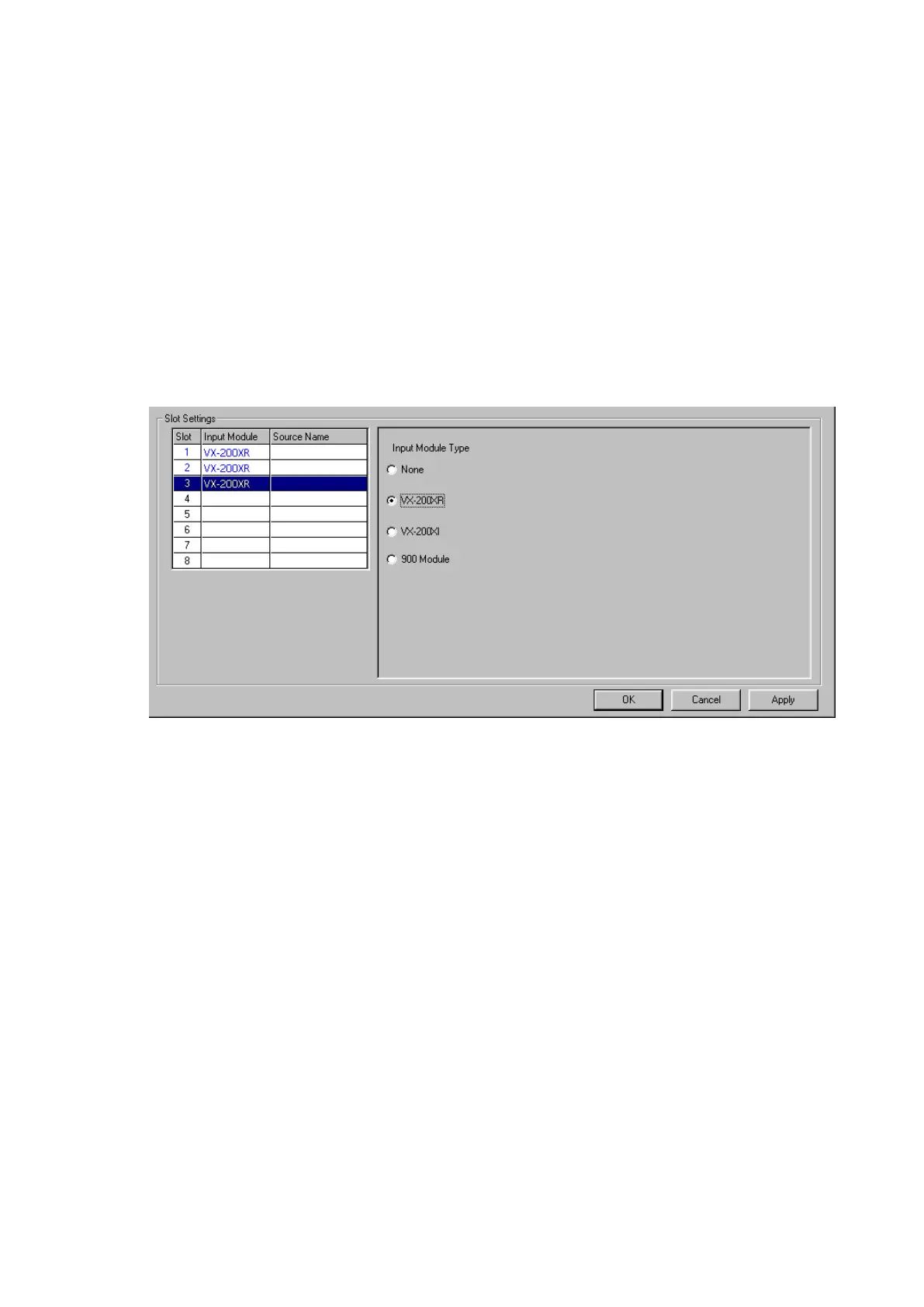
Step 6. Select the type of input modules to be used with the VX-2000.
6-1. Select and click the corresponding slots to be used.
The entire selected line is highlighted, indicating setting is possible.
6-2. Select the type of input module.
Different screens will be displayed depending on the type of module selected.
1) [None] (default): Select when no module is used.
2) [VX-200XR] (Remote Microphone Input module): Select when connecting the RM-200XF or RM-
200X Remote Microphone.
Note
More than one Remote Microphones can be connected to a single VX-200XR module. Their number,
however, cannot be set in this step.
For expanding the Remote Microphones, refer to
p. 7-25.
Continued on next page



 To Next Page