Chapter 7: PC SOFTWARE OFFLINE SETTINGS
9. OPERATION SETTING MODE
7-44
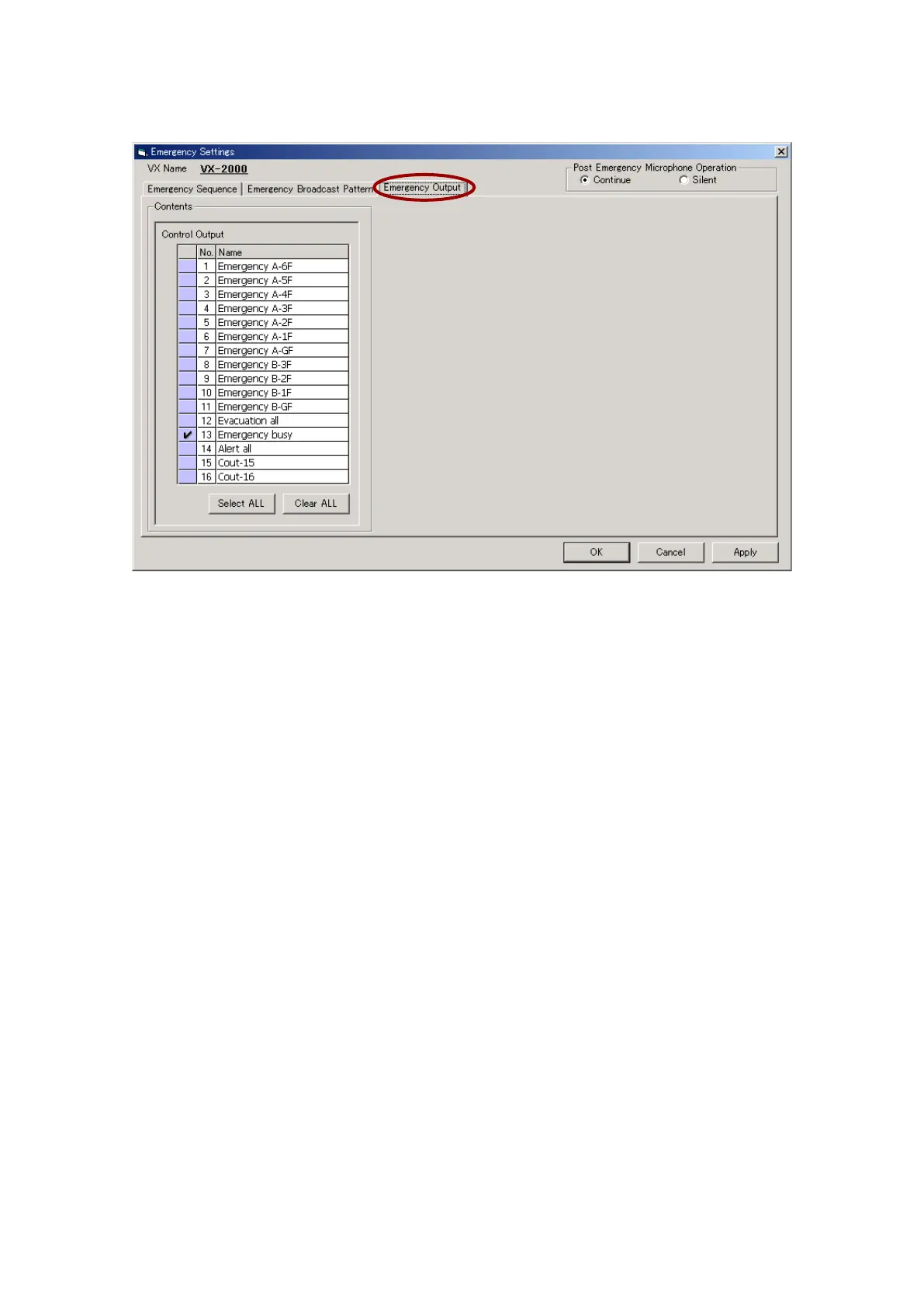
Step 4. Click on the [Emergency Output] setting tab.
Select the control output(s) to be activated in emergency mode.
Step 5. After setting completion, click on the [Apply] button to save the settings and click on the [OK] button to
close the [Emergency Settings] window.
Note: Emergency Sequence settings cannot be performed when using 2 EV units.



 To Next Page