Chapter 11: OTHER PC SOFTWARE FUNCTIONS
1. MONITOR OPERATION CHECK
11- 3
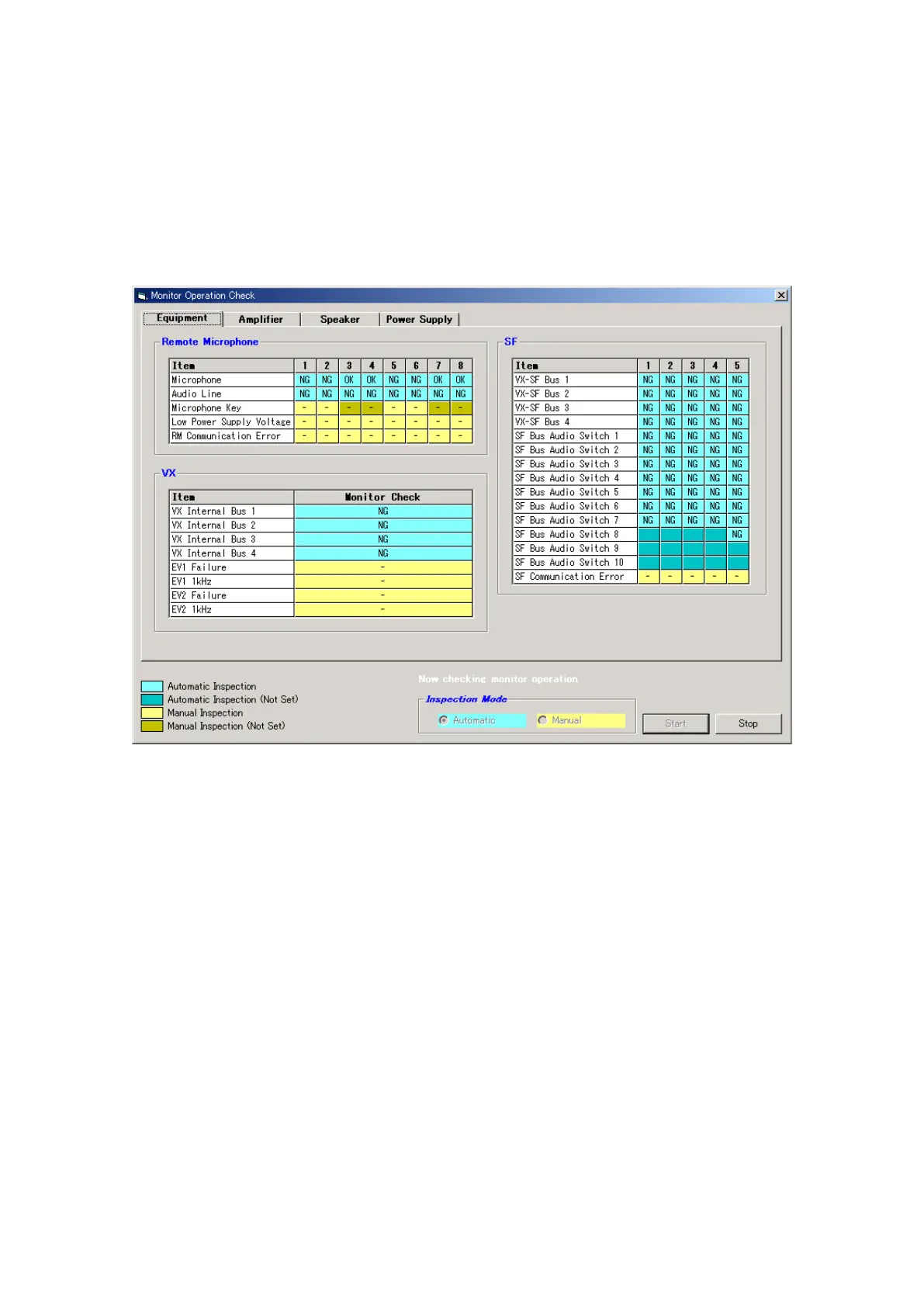
Step 3. After check completion, press the [Stop] button to terminate automatic monitor check.
The dialog box "Monitor operation check was completed." will be displayed. Press the [OK] button to
close the dialog box.
Step 2. Click on the [Start] button to start the Automatic monitor check.
In automatic inspections, by detecting a failure made to occur by stopping the generation of pilot tone,
the failure detection circuit built in each equipment component can be checked that it operates properly.
Detection results are displayed on the screen. An "NG" indication is displayed if inspected correctly.
Note
Because the monitoring method for the RM-200X's microphone does not use the pilot tone, the
microphone failure cannot be detected in automatic inspections.
Continued on next page



 To Next Page