Chapter 11: OTHER PC SOFTWARE FUNCTIONS
1. MONITOR OPERATION CHECK
11- 4
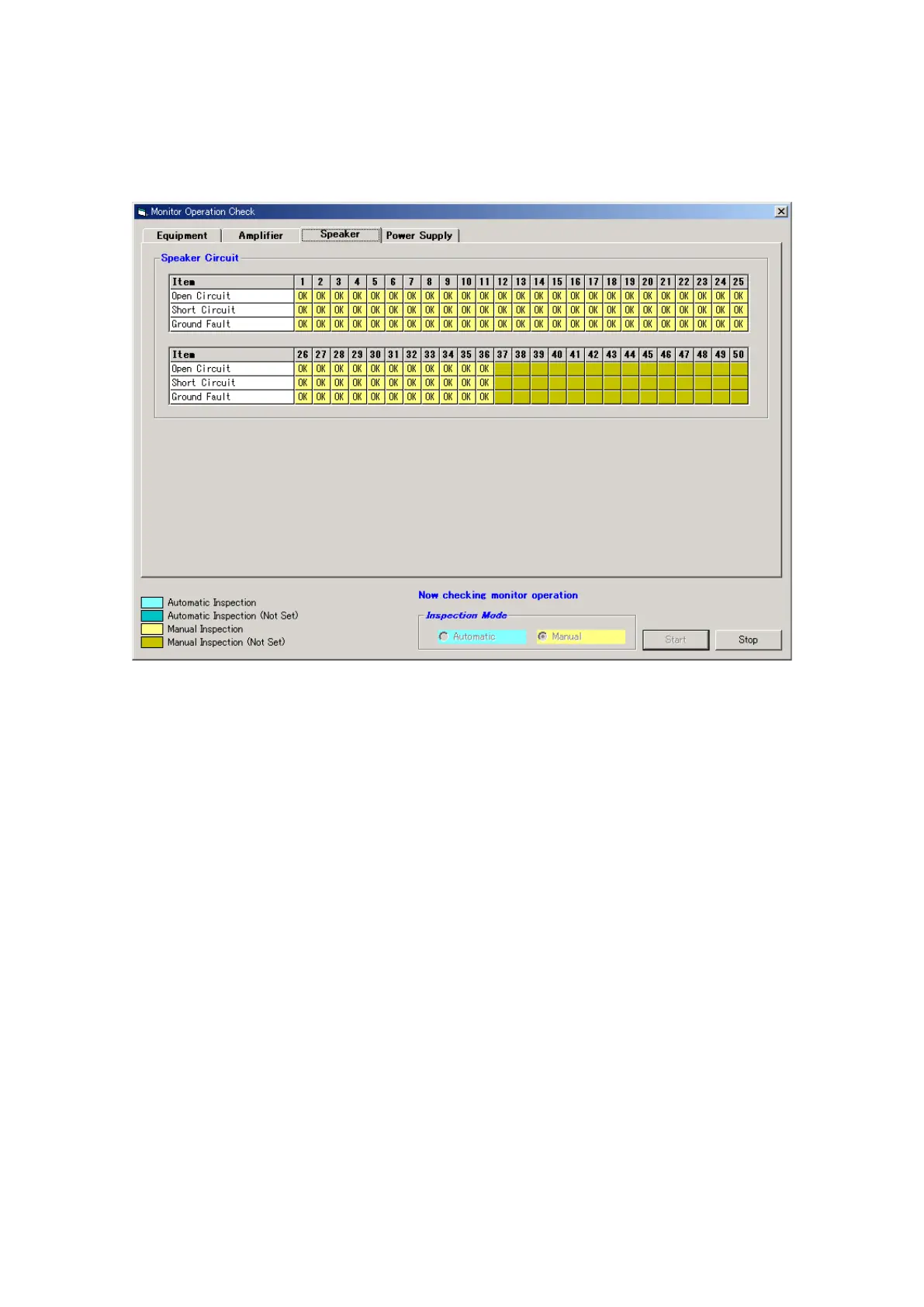
Step 4. Switch the Inspection Mode to manual operation, then press the [Start] button to begin manual
inspection.
During manual inspection, cables are removed or other failures are intentionally caused by hand in
order to have such failures detected. When a failure is detected, the "NG indication" is displayed.
In this manual inspection mode, failures are not automatically caused in the equipment.
Step 5. After check completion, press the [Stop] button to terminate manual inspection.
The dialog box "Monitor operation check was completed." will be displayed. Press the [OK] button to
close the dialog box.
Step 6. Click on the [OK] button in the [Monitor operation check] window to exit.



 To Next Page