Repairing/Replacing Internal Components
9-20 DSX™ System Service Manual
To Replace the Plate Carrier Assembly:
1 Remove the two support blocks (Part No. 23001250) by unscrewing the two M2.5
x 12mm Flathead screws from the bottom of the module chassis.
2 Lift and remove the Plate Carrier from the module chassis.
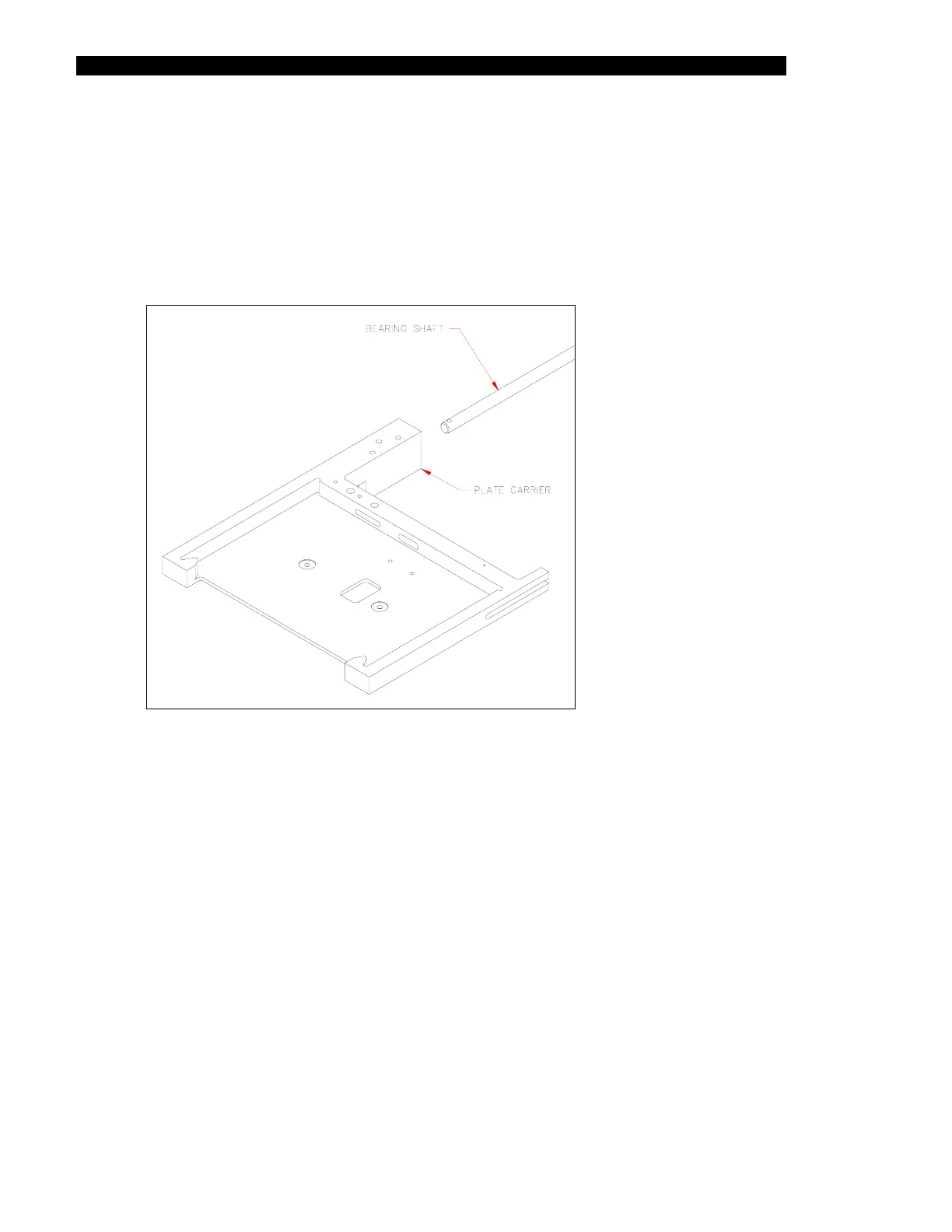
3 Remove the bearing shaft as shown in Figure 9-20.
Figure 9-20 Plate Carrier Assembly



 To Next Page