iPECS eMG80/100& eMG800 & UCP & vUCP
Administration and Programming Manual Issue 2.5
95
4.4.2.19 Station Name Overview & Display
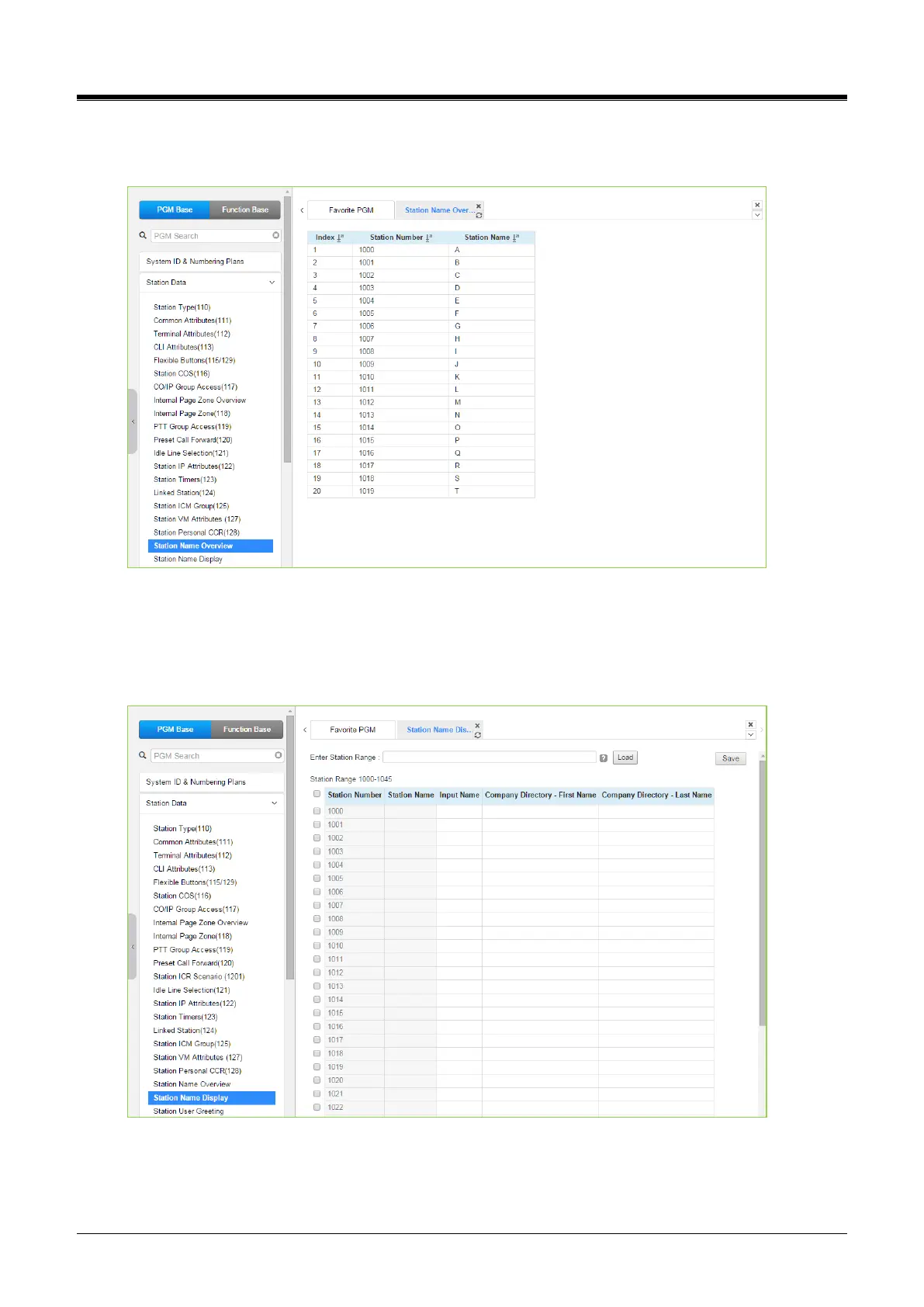
Selecting Station Name Overview shows the current station name.
Figure 4.4.2.19-1 Station Name Overview
Each station name will be displayed if each station has the name. Selecting Station Name Display will display
the Station Name input page. Enter a valid Station range and click [Load] to enter the Station Name data. For
convenience, the copy, paste, and drag are available to enter or modify data. Click the [Save] button after
changing the type or value.
Figure 4.4.2.19-2 Station Name Display
You can fill out the Station name, Input name (up to 20 digits), company directory, first name, & Last name for
the customer’s convenience.



 To Next Page